
Output that fits
As much as you want to read, where you read it.
A run prints what you need and keeps the rest. Pick how much you see, get a table, a report for your pull request or plain JSON, and find a failure again later.
13 features
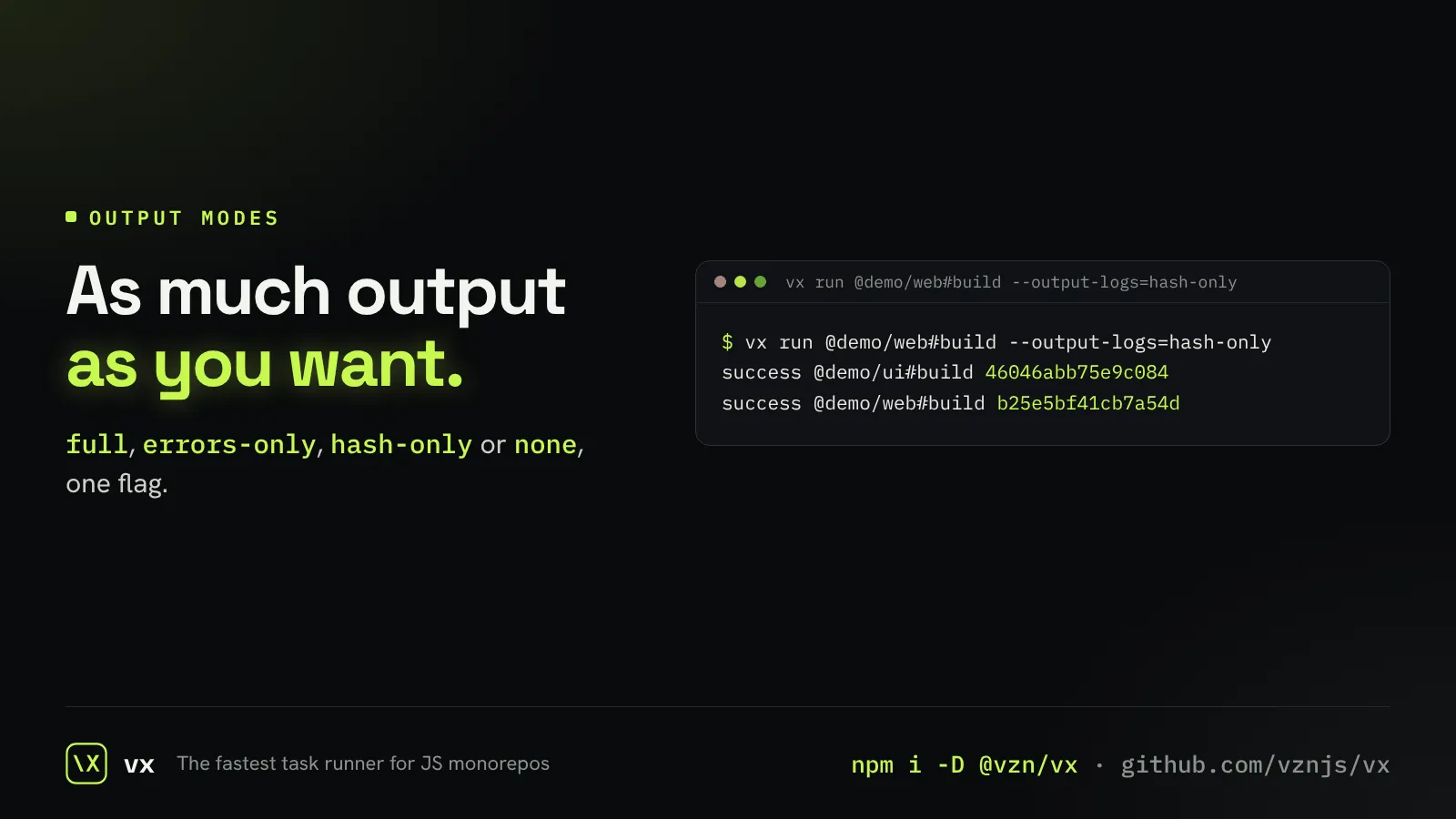 Choose how much you seeFull logs, errors only, just the hashes, or nothing.The right amount of output depends on who reads it. You at a terminal want failures; a script wants hashes; a quiet CI step wants nothing at all.
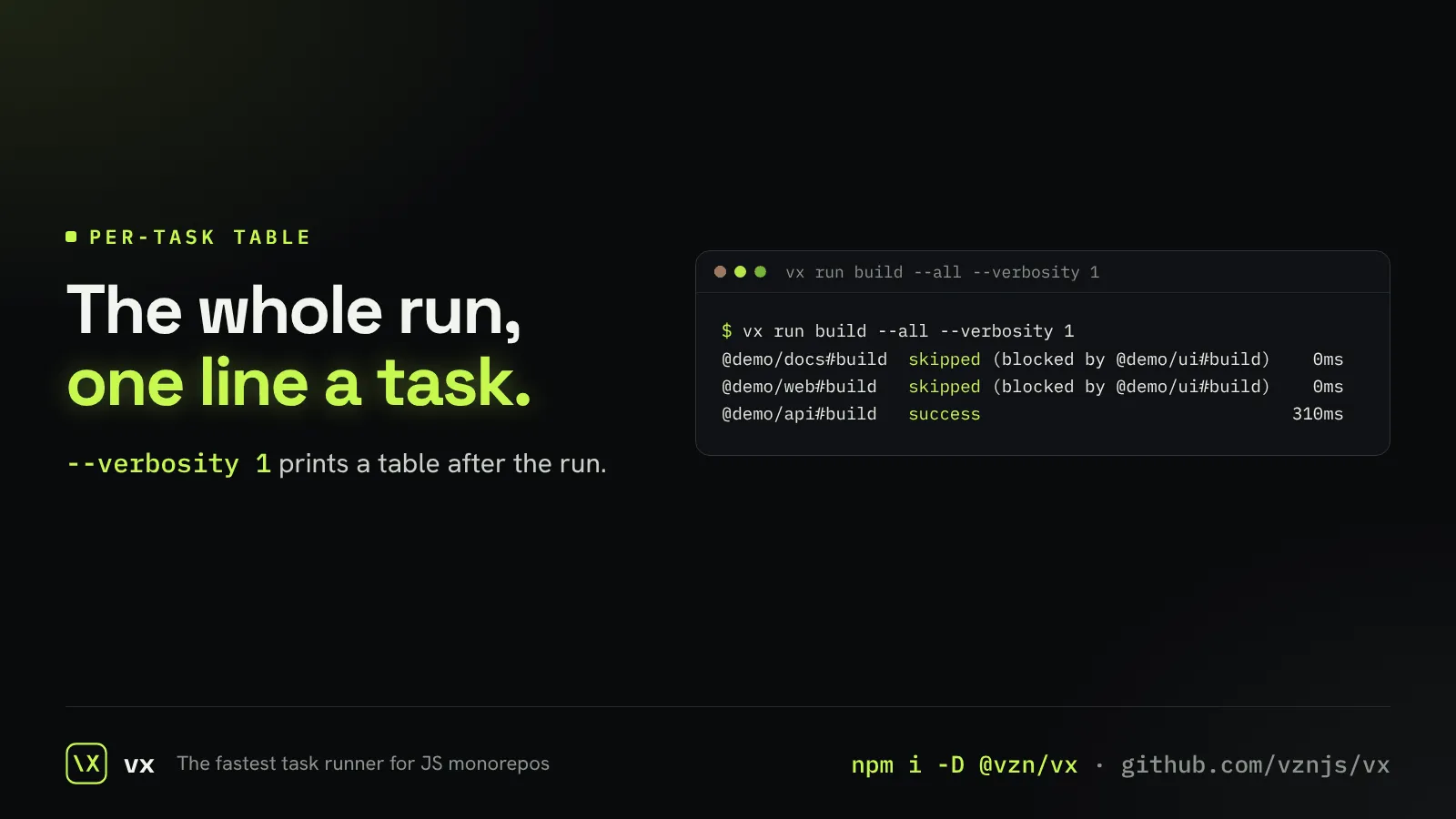 A table of every taskOne line per task at the end: what happened and how long it took.When a run is over, you want the shape of it at a glance: what ran, what was skipped and why, what took the time.
Each one has a page that shows it working.
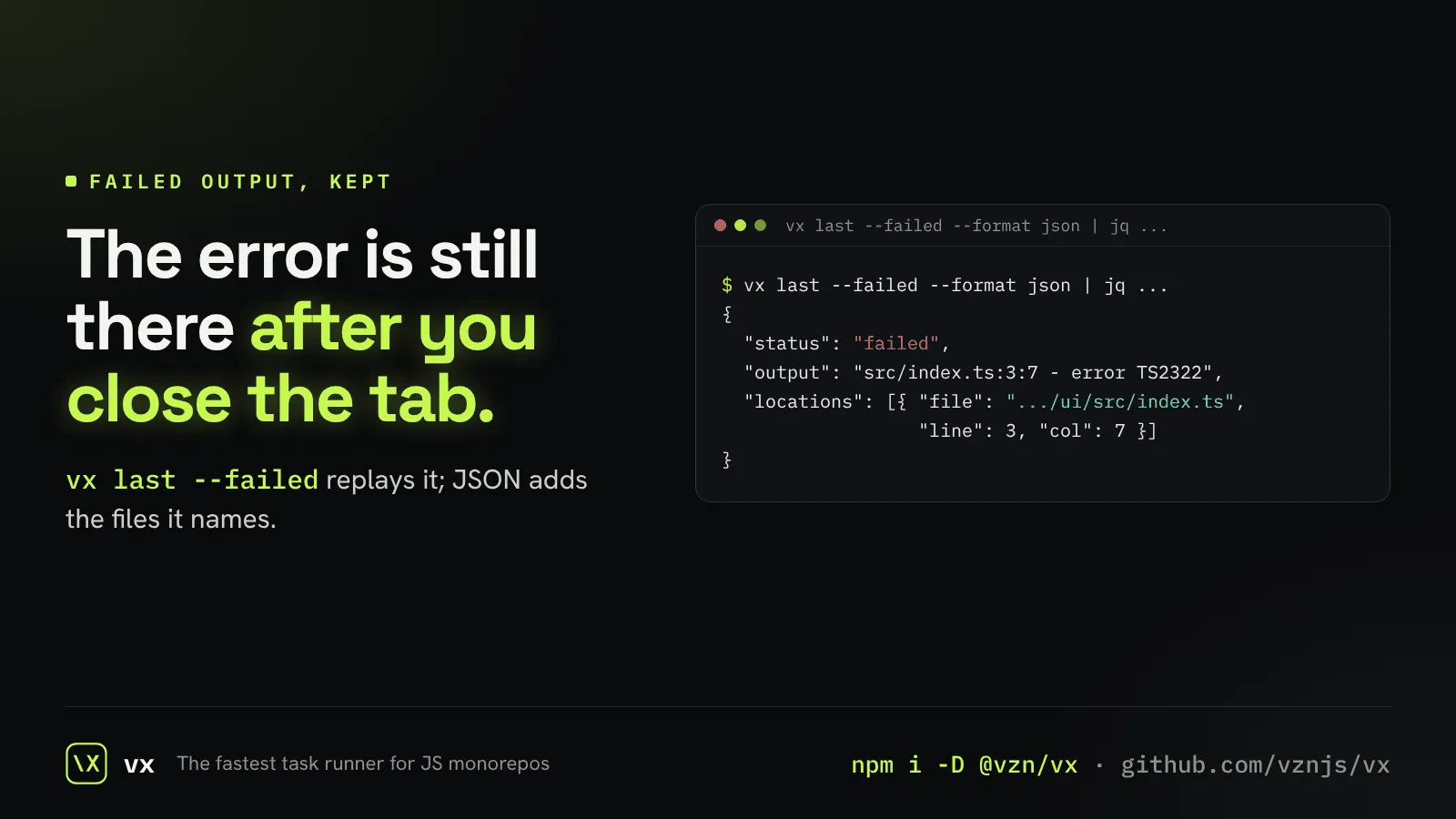 Failures kept for laterA failure’s output is saved, so you or an agent can read it after the terminal is gone.
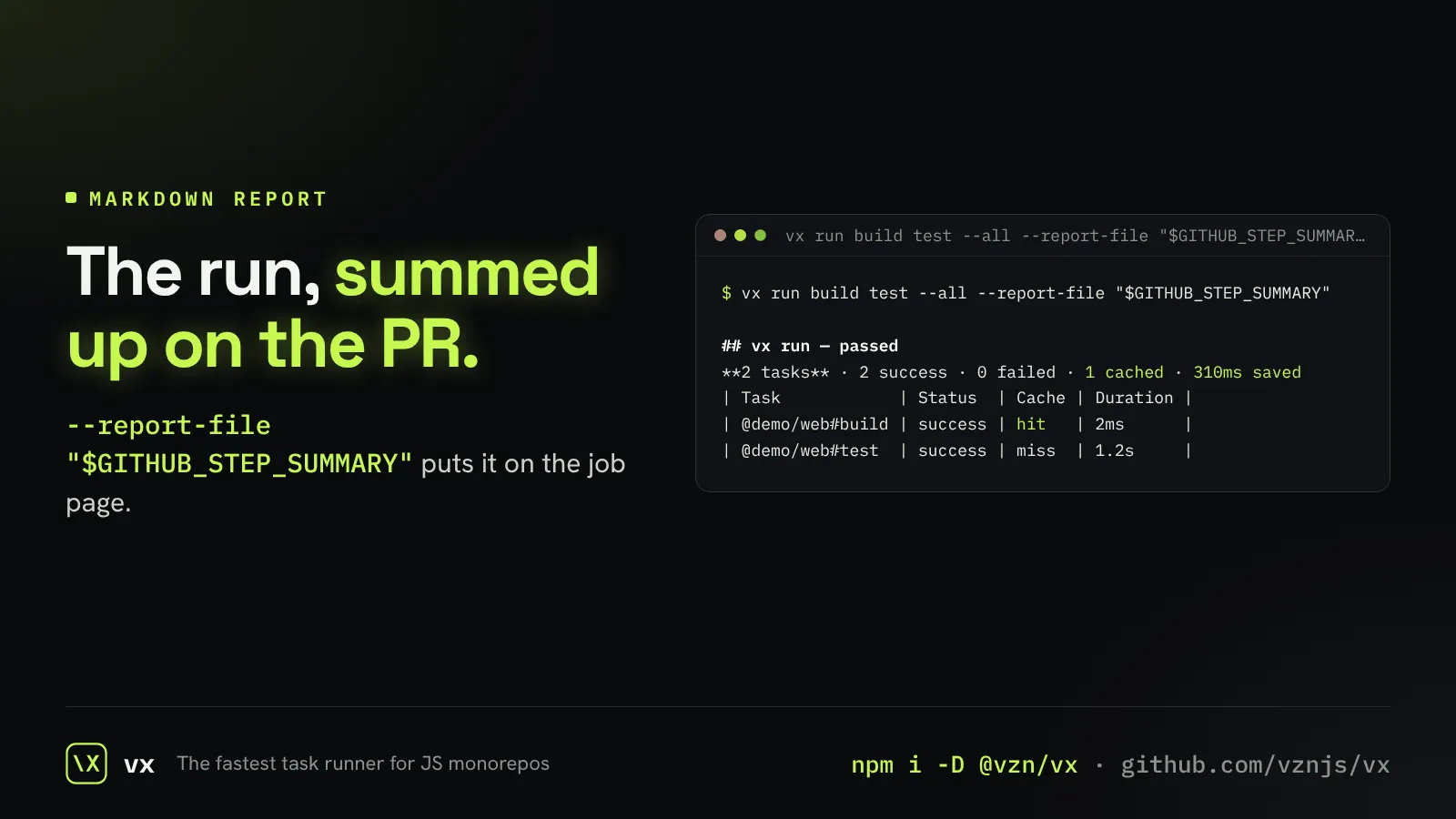 A run report for your PRA short markdown report of the run, ready for a pull request or a job summary.
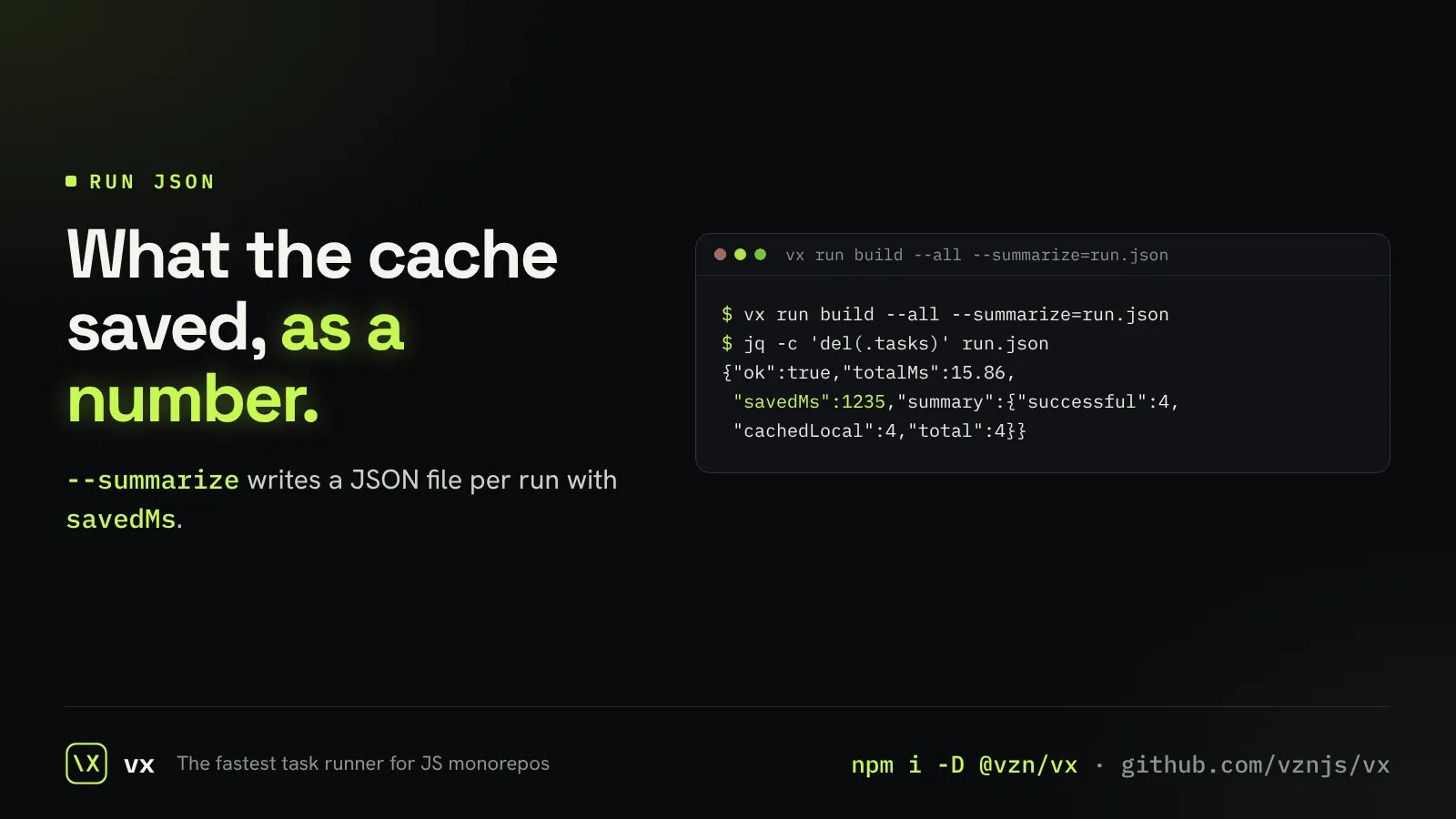 Every run as JSONA JSON file per run, with each task’s result and the time the cache saved.
And 8 smaller things that add up.
Label your runsTag a run, like
env=nightly, and find it again in history and dashboards.See where vx spends its timeA table of vx’s own stages, so a slow run points at its cause.Output that follows the runOne task streams live; a broad run shows one line per task; CI shows everything.Glyphs that show the cacheEach task’s line shows at a glance whether it ran, was fresh, or came from a cache.Folded logs on GitHub ActionsOn Actions, each task is a collapsible group with its result in the title.Colors, on your termsTruecolor output, turned off with NO_COLOR or forced on with FORCE_COLOR.Exit codes in plain wordsA task killed by a signal says which signal, not just a number.Plain output in a pipeOff a terminal, vx prints plain lines and never waits on a prompt.