
Label your runs
Tag a run, like env=nightly, and find it again in history and dashboards.
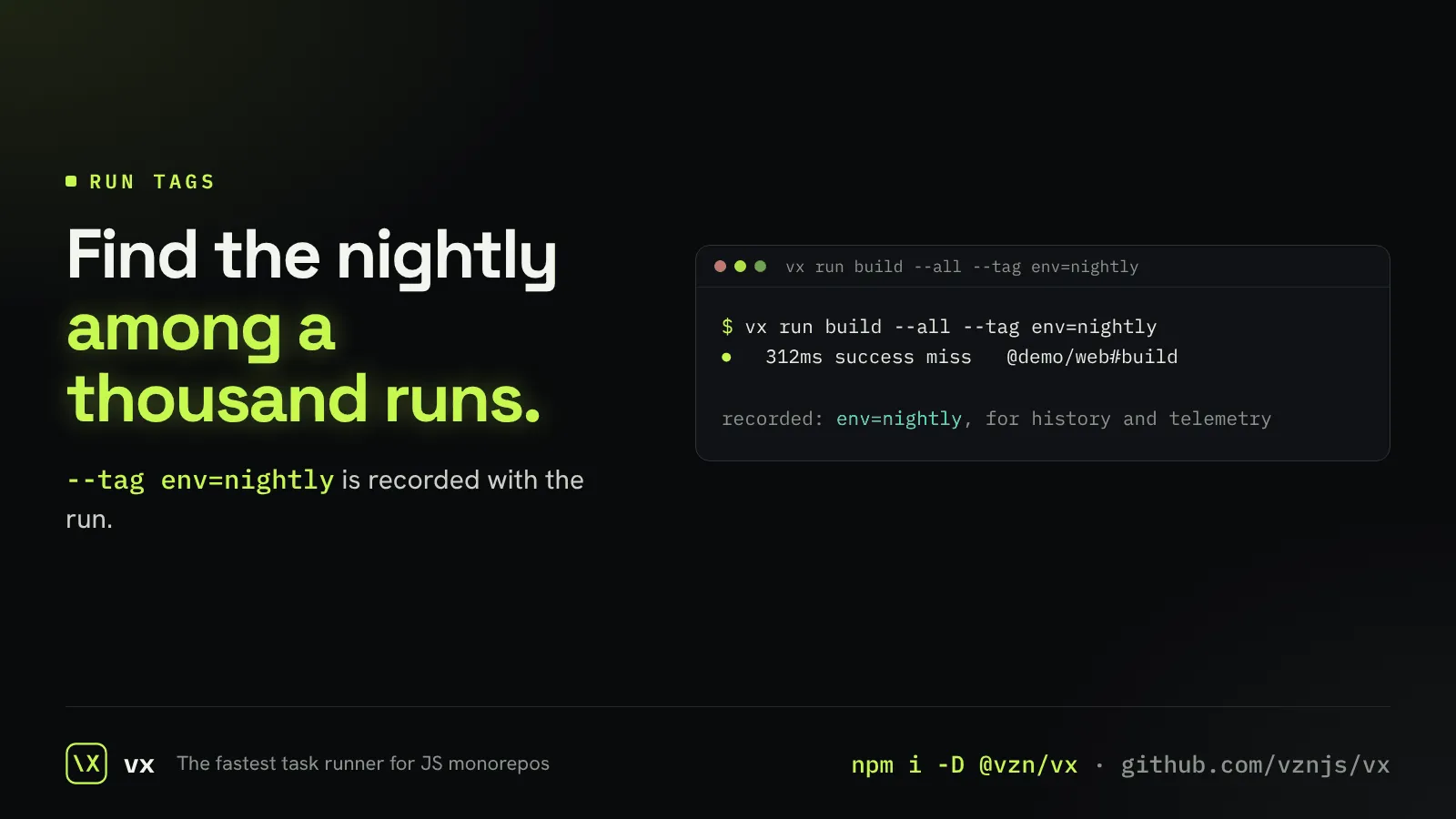
A nightly build, a release run and a developer’s run look the same in a list. A tag tells them apart.
--tag key=value is recorded with the run, so history queries and telemetry plugins can filter on it.
More in Output that fits
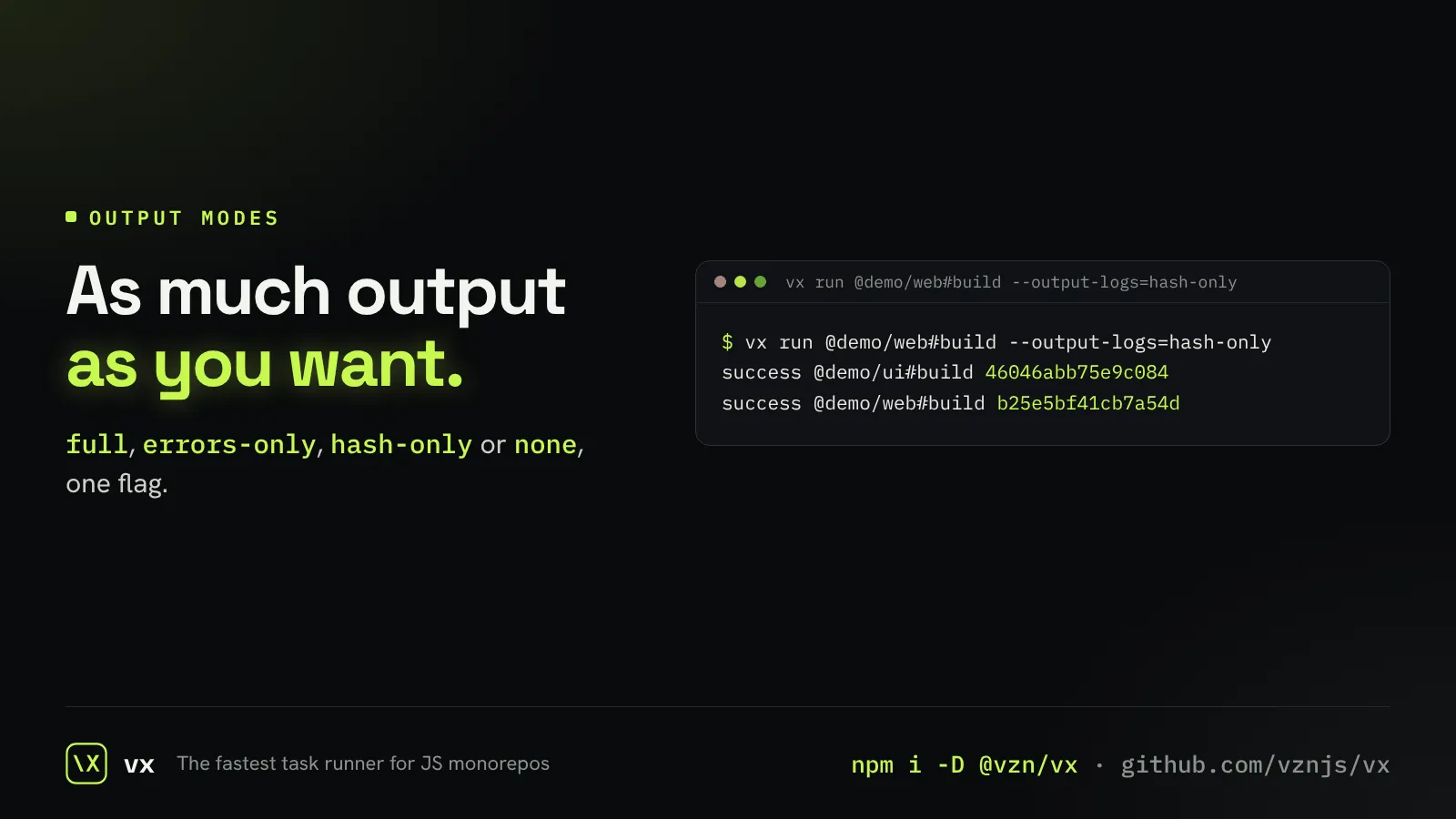
Choose how much you see
Full logs, errors only, just the hashes, or nothing.
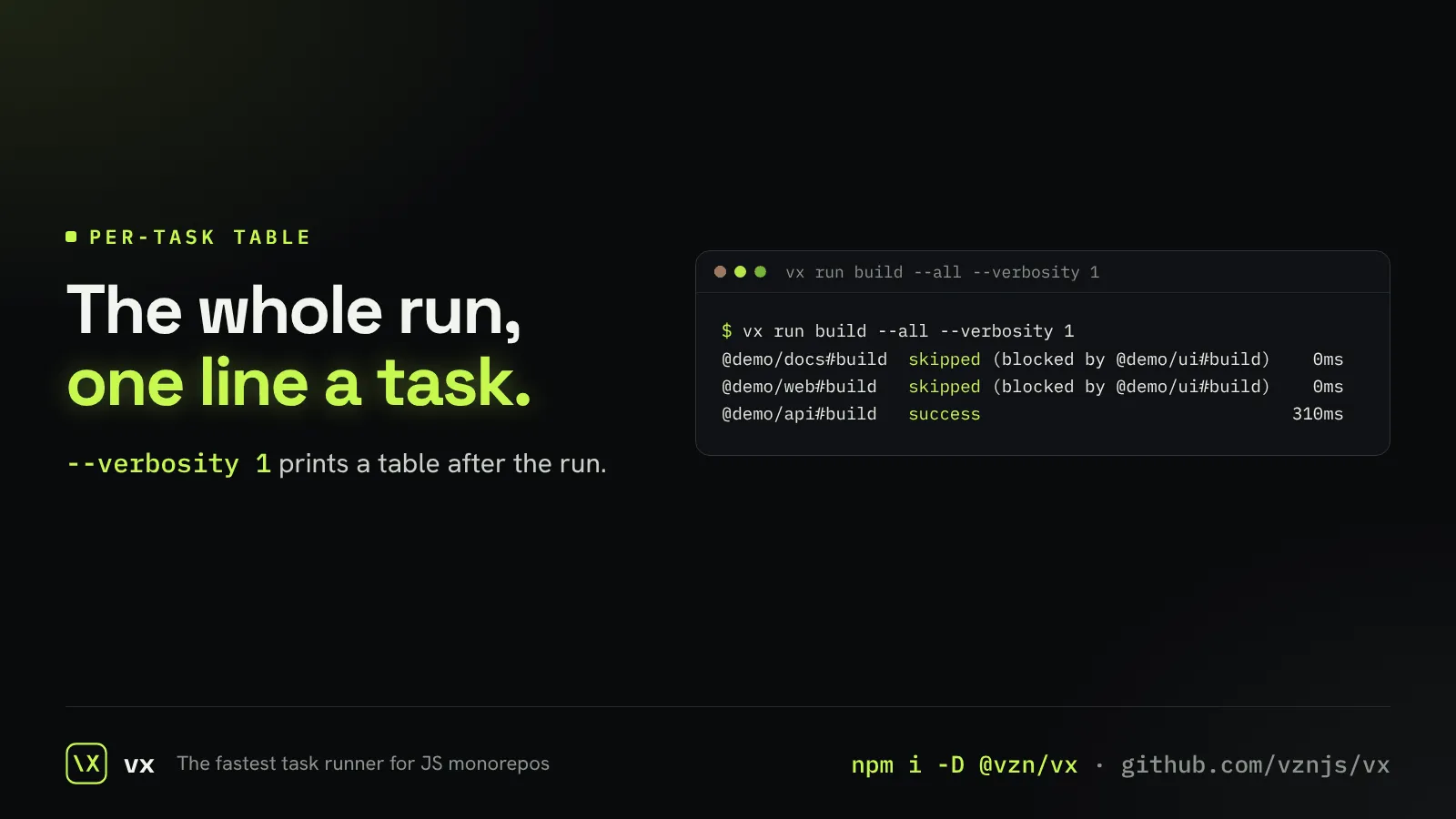
A table of every task
One line per task at the end: what happened and how long it took.
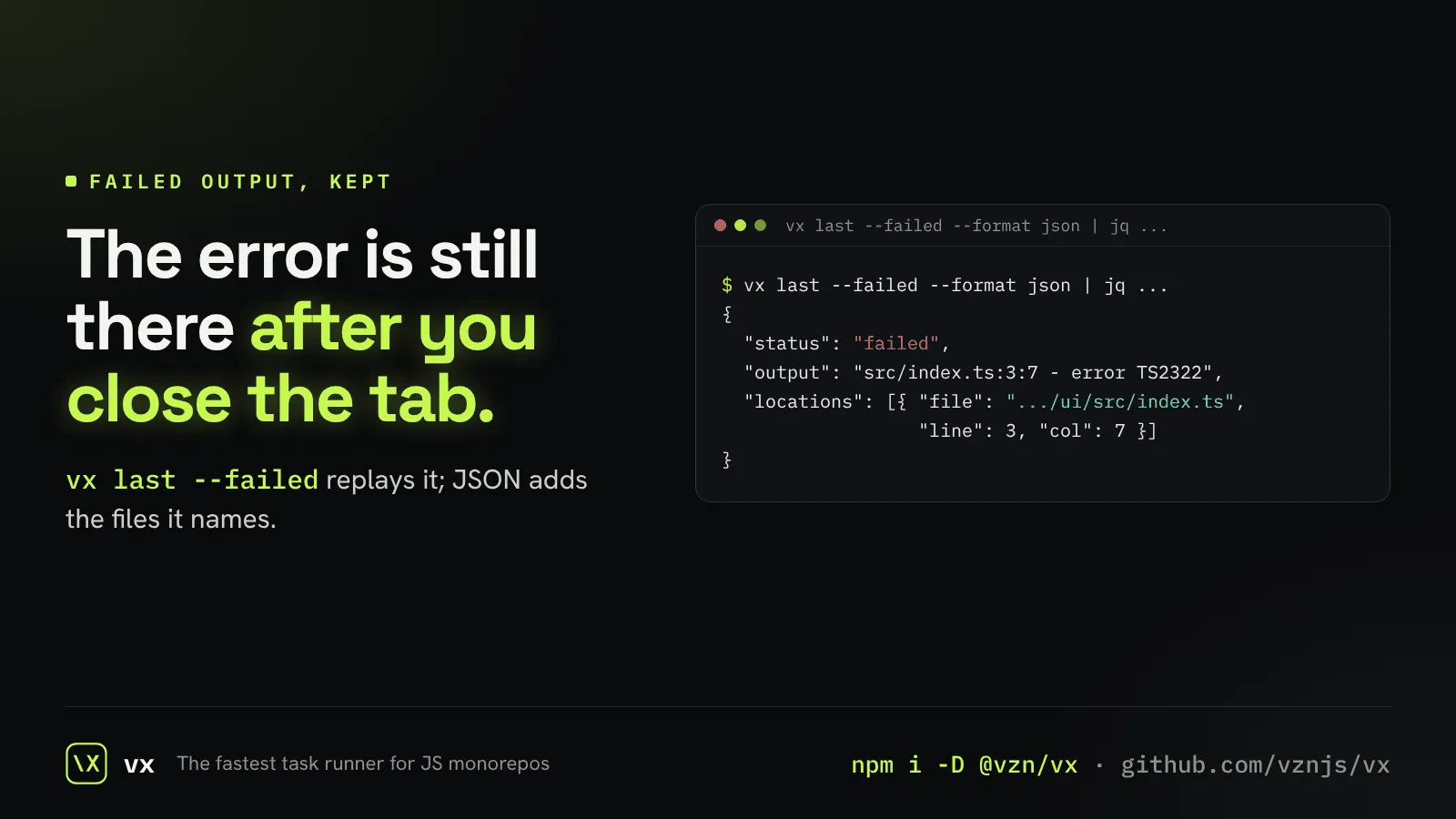
Failures kept for later
A failure’s output is saved, so you or an agent can read it after the terminal is gone.
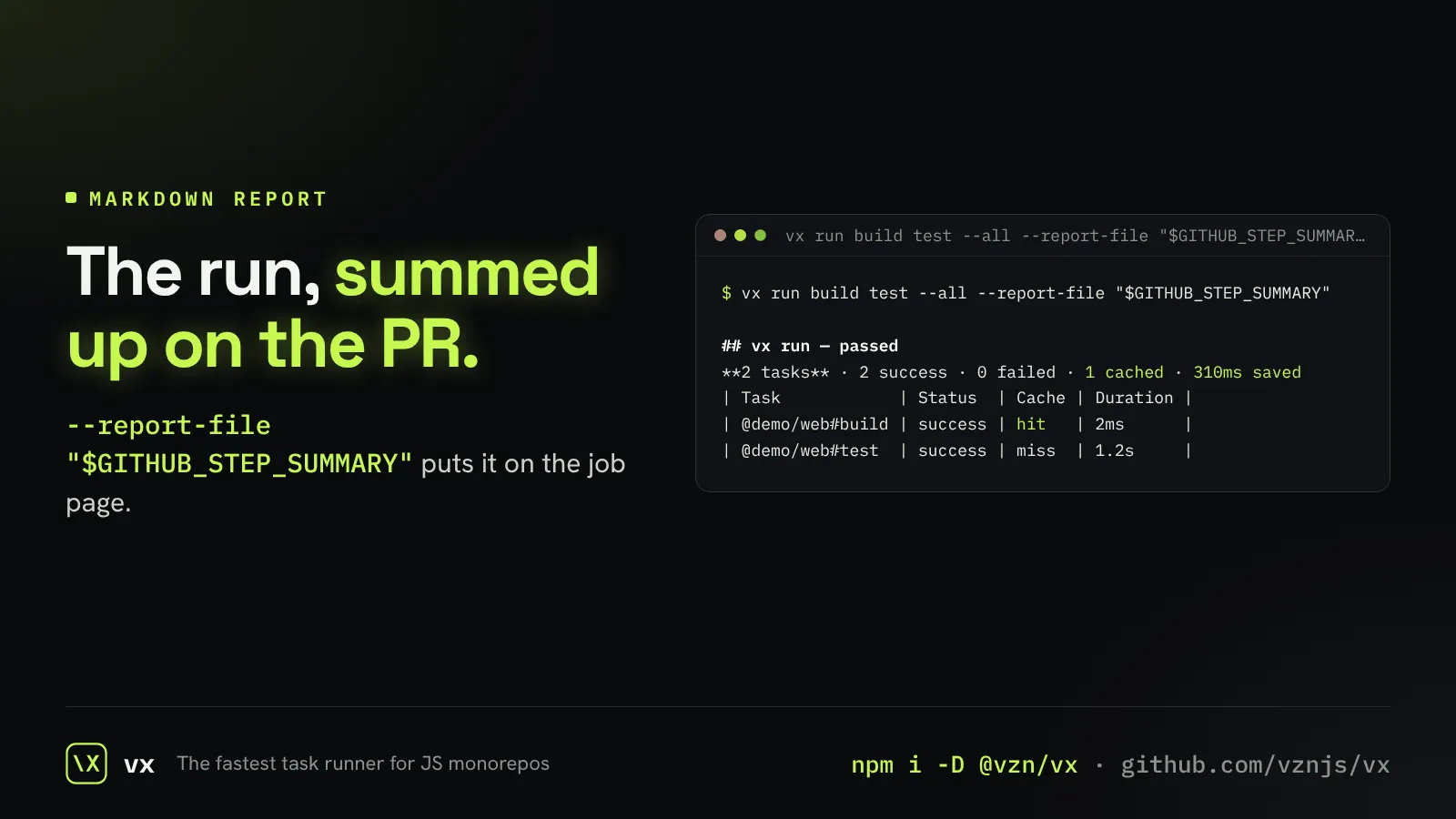
A run report for your PR
A short markdown report of the run, ready for a pull request or a job summary.
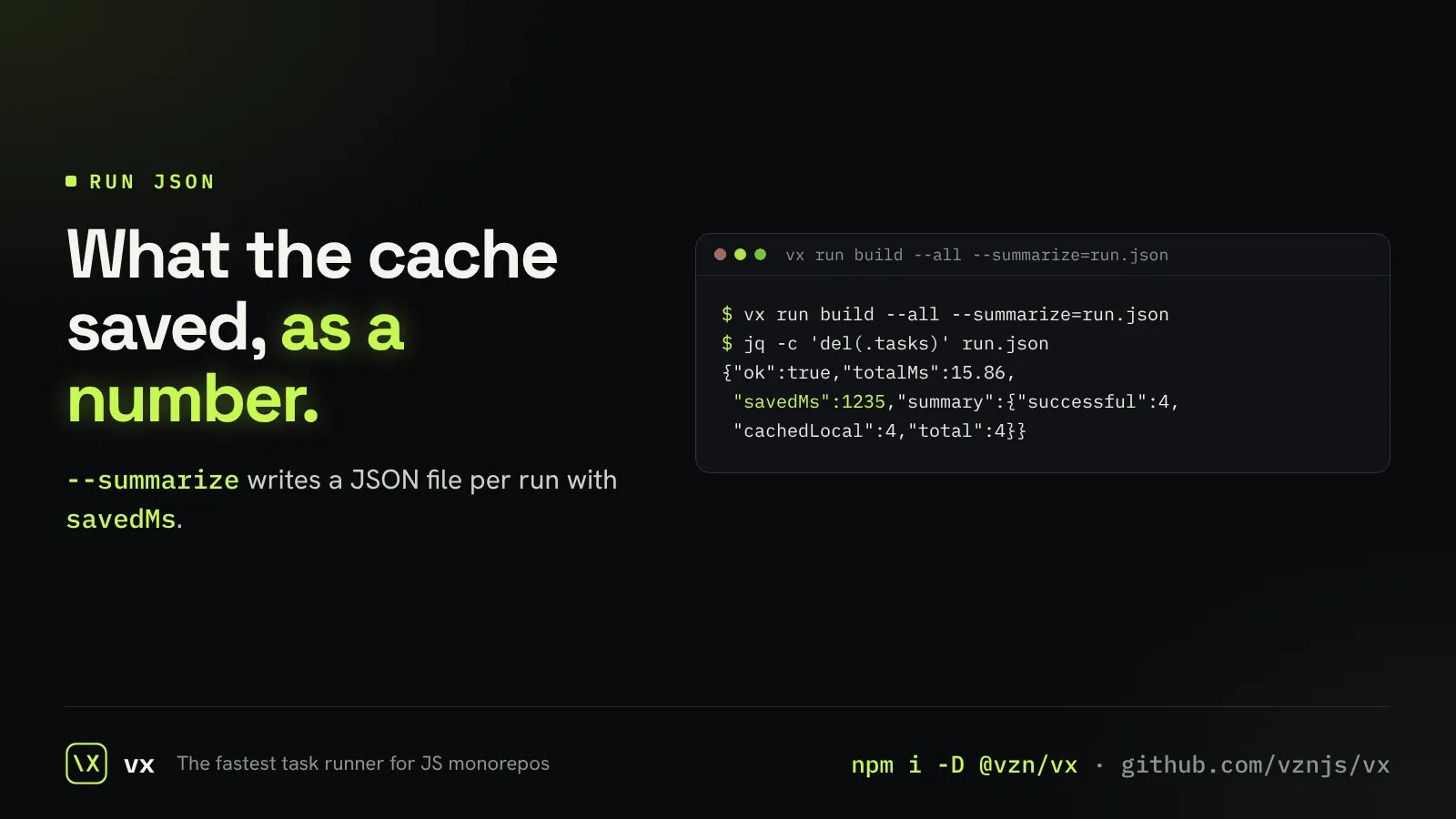
Every run as JSON
A JSON file per run, with each task’s result and the time the cache saved.
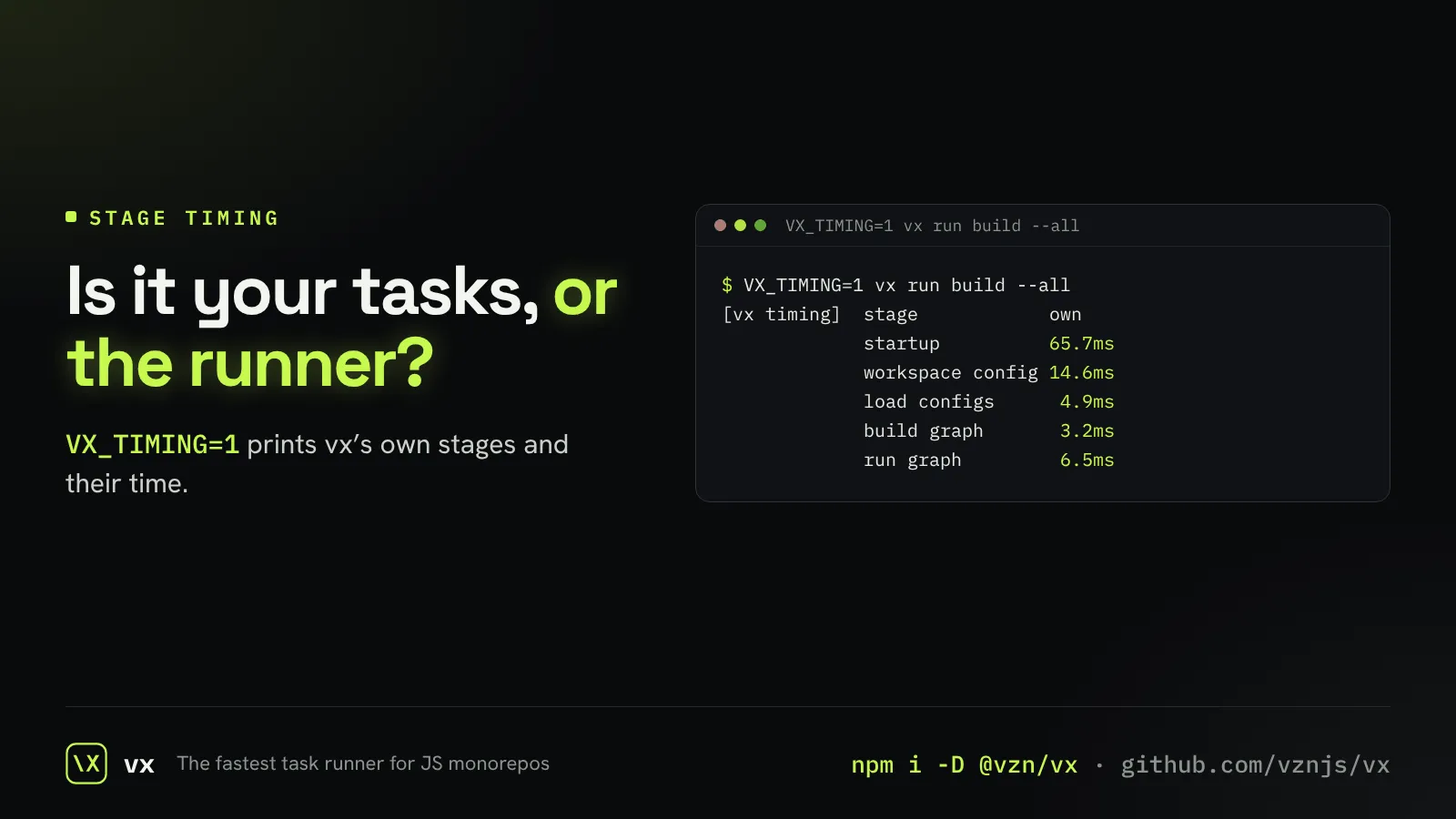
See where vx spends its time
A table of vx’s own stages, so a slow run points at its cause.
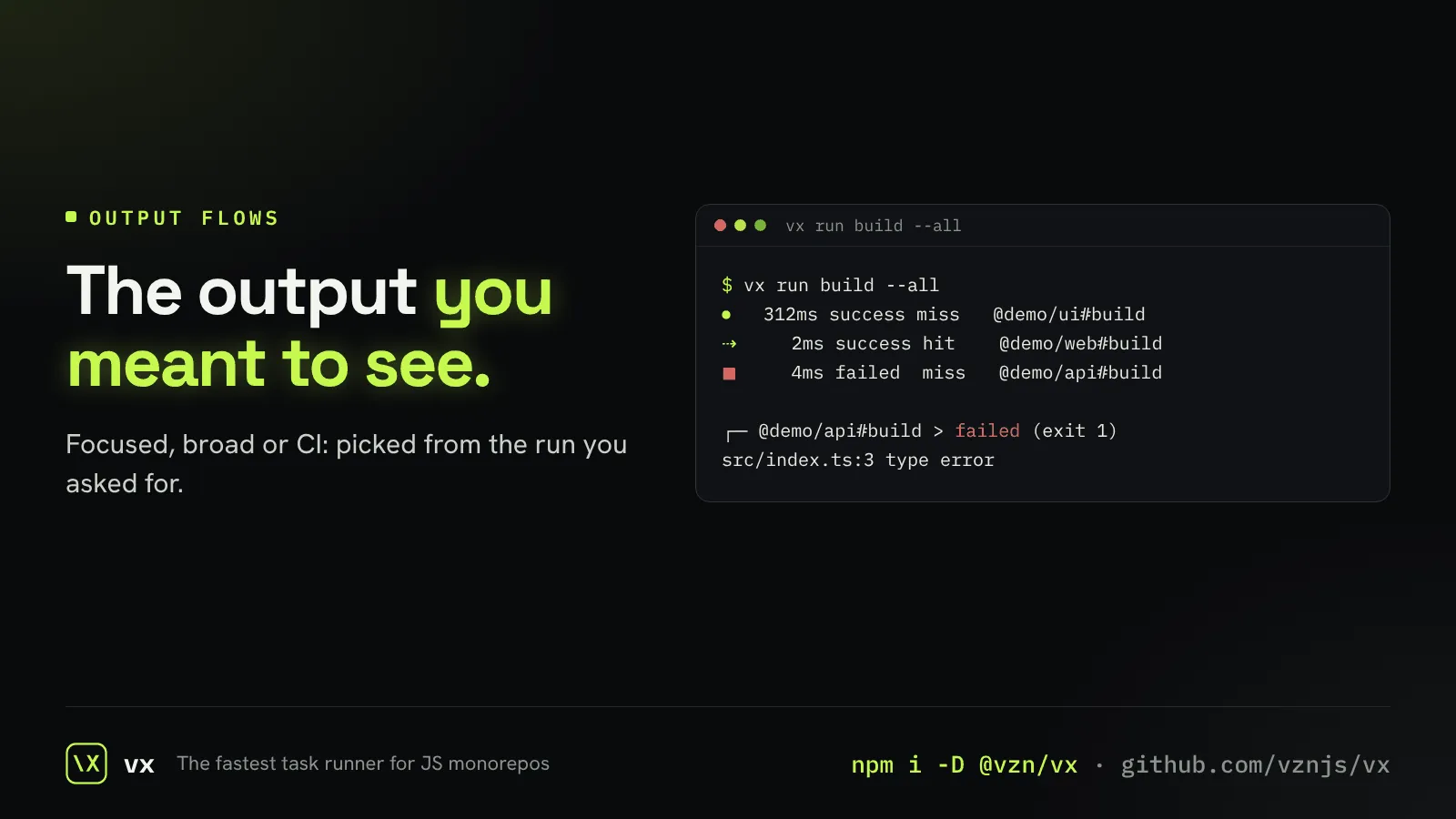
Output that follows the run
One task streams live; a broad run shows one line per task; CI shows everything.
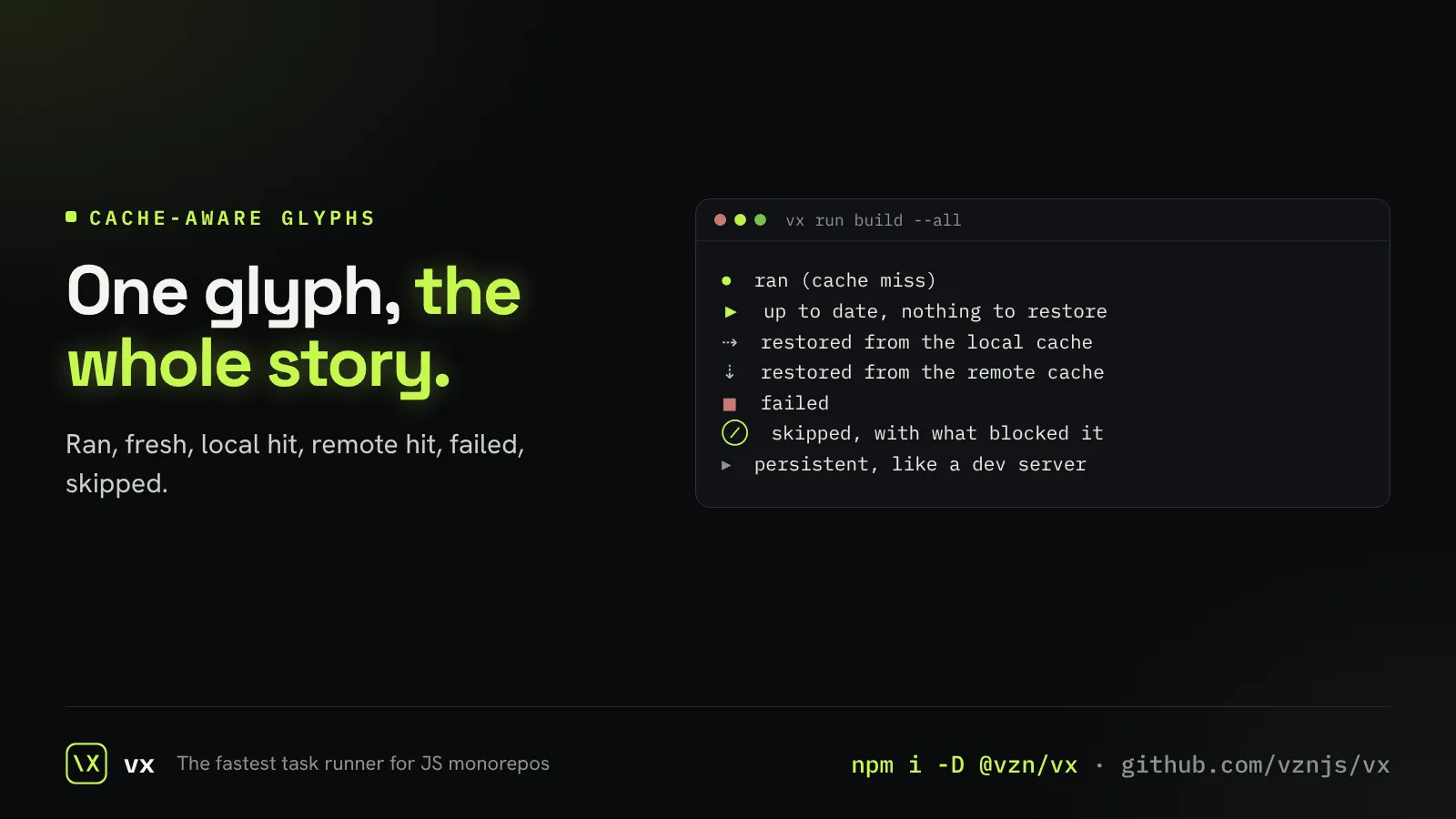
Glyphs that show the cache
Each task’s line shows at a glance whether it ran, was fresh, or came from a cache.
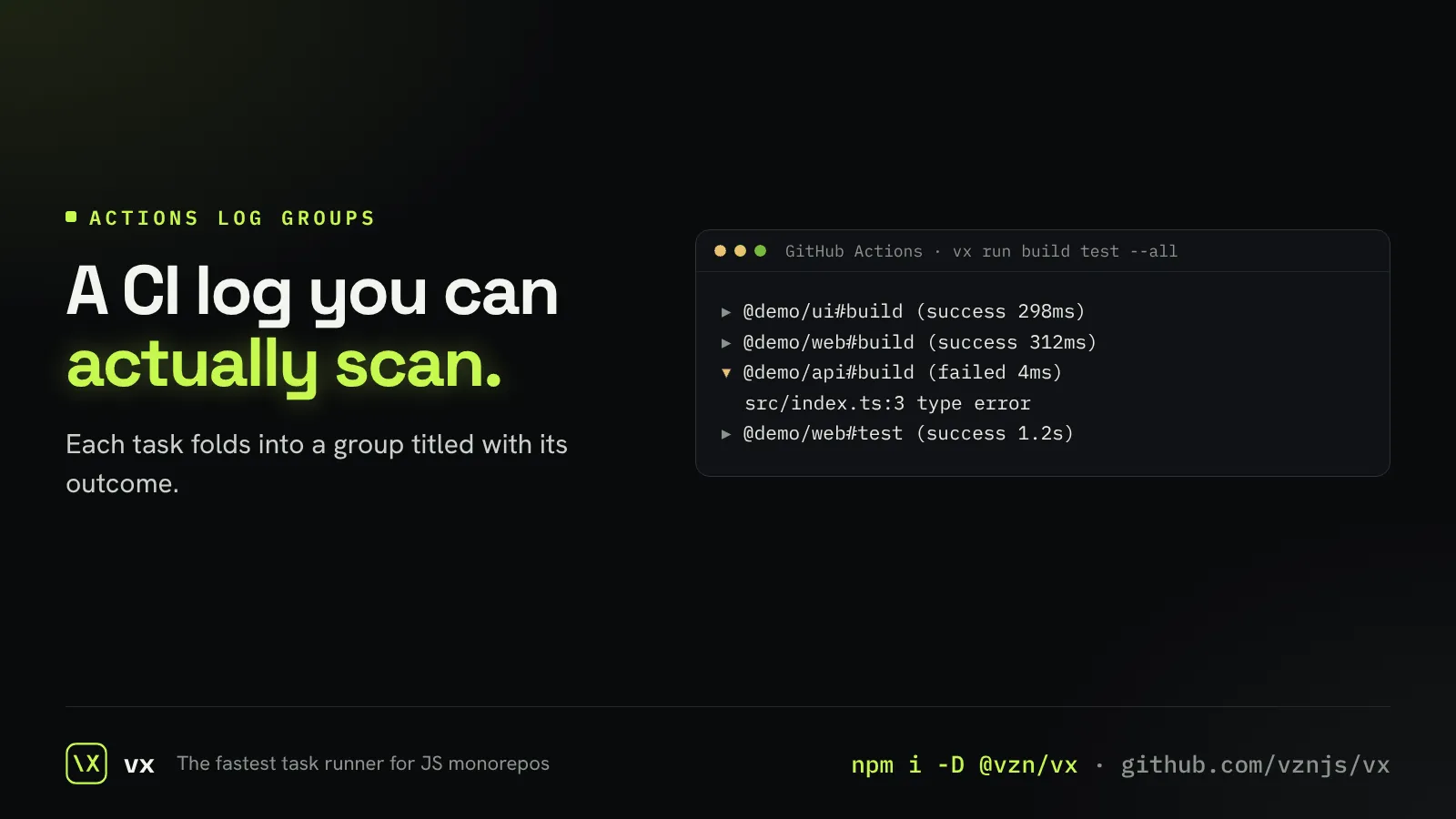
Folded logs on GitHub Actions
On Actions, each task is a collapsible group with its result in the title.
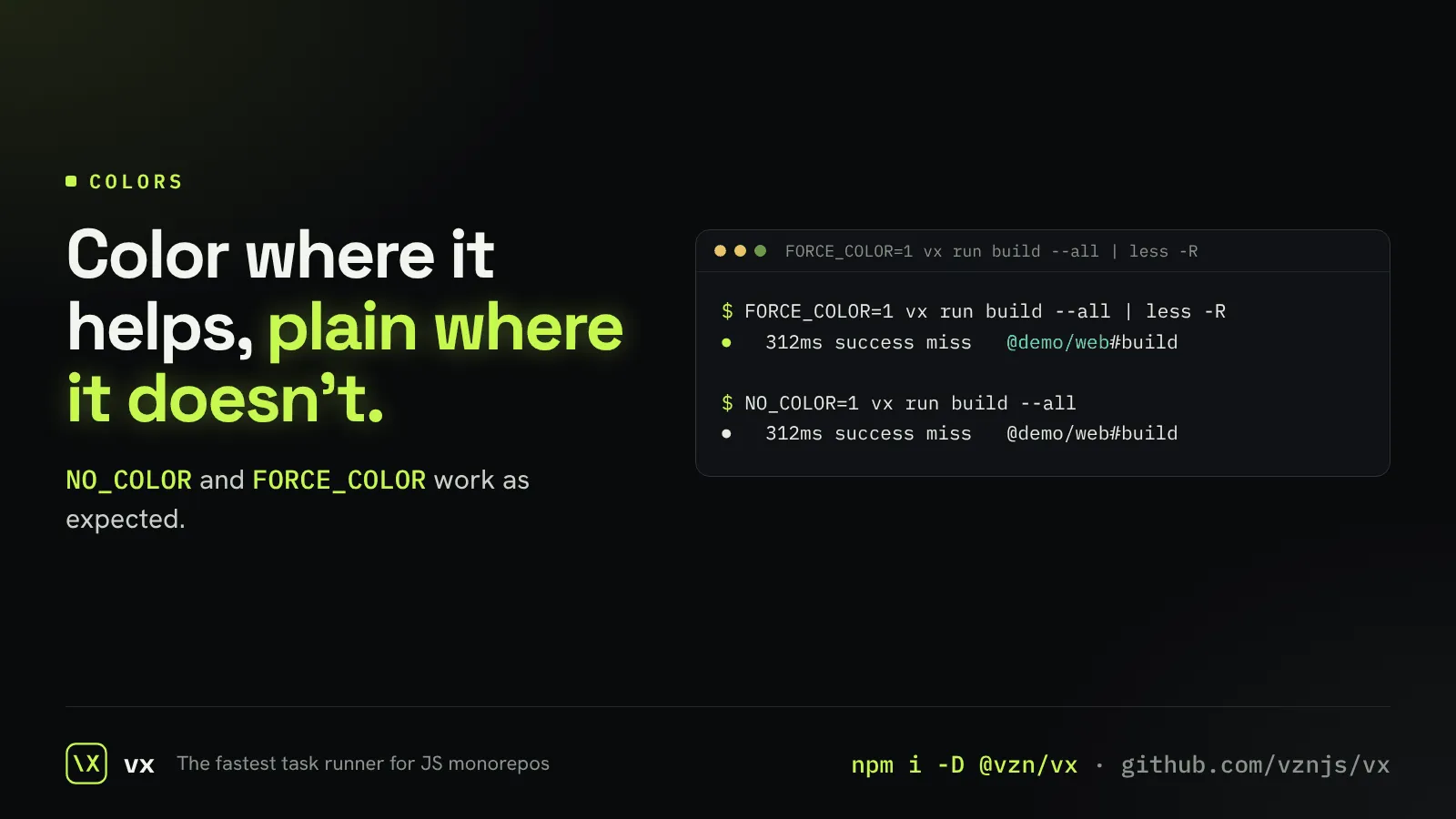
Colors, on your terms
Truecolor output, turned off with NO_COLOR or forced on with FORCE_COLOR.
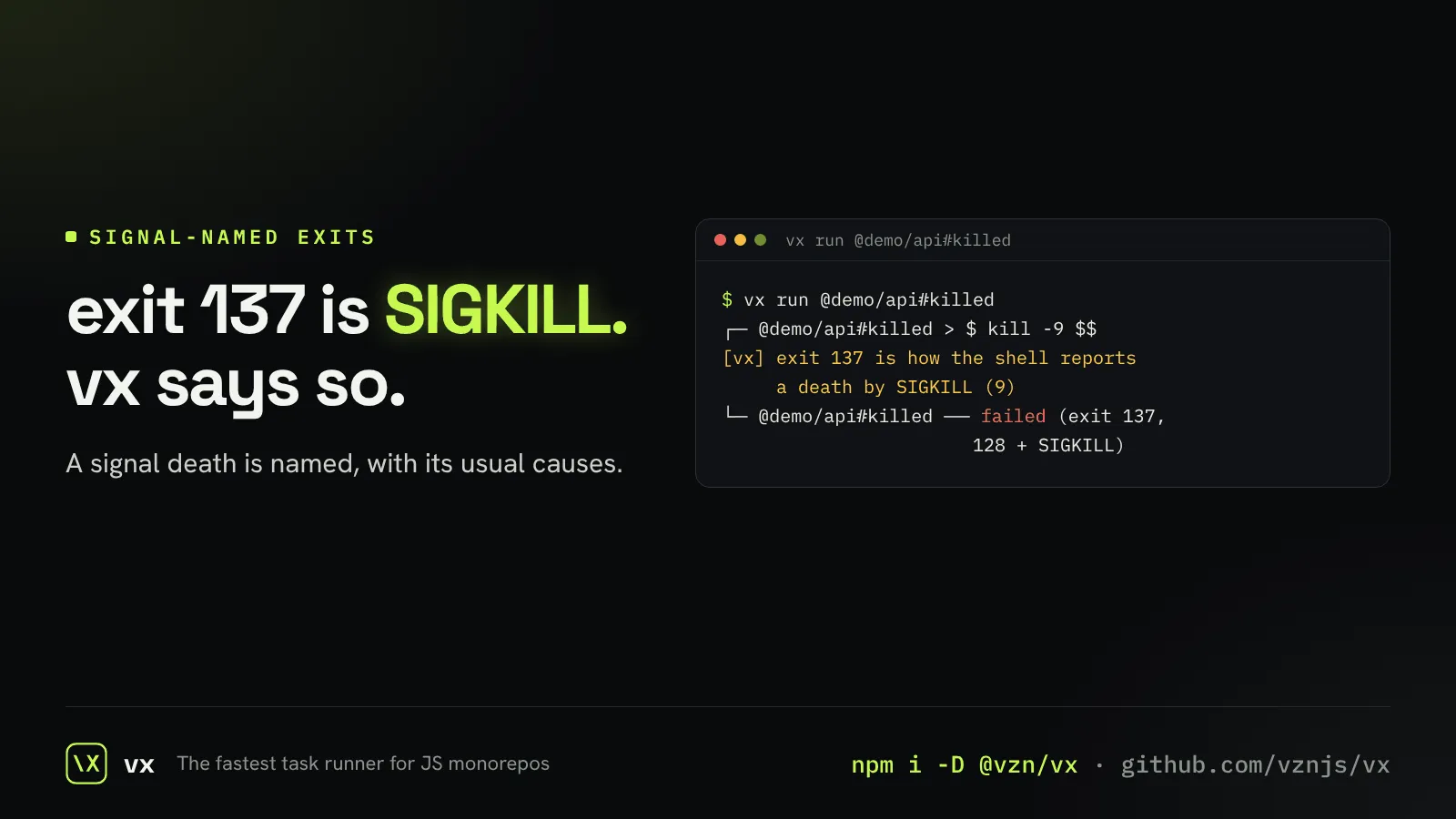
Exit codes in plain words
A task killed by a signal says which signal, not just a number.
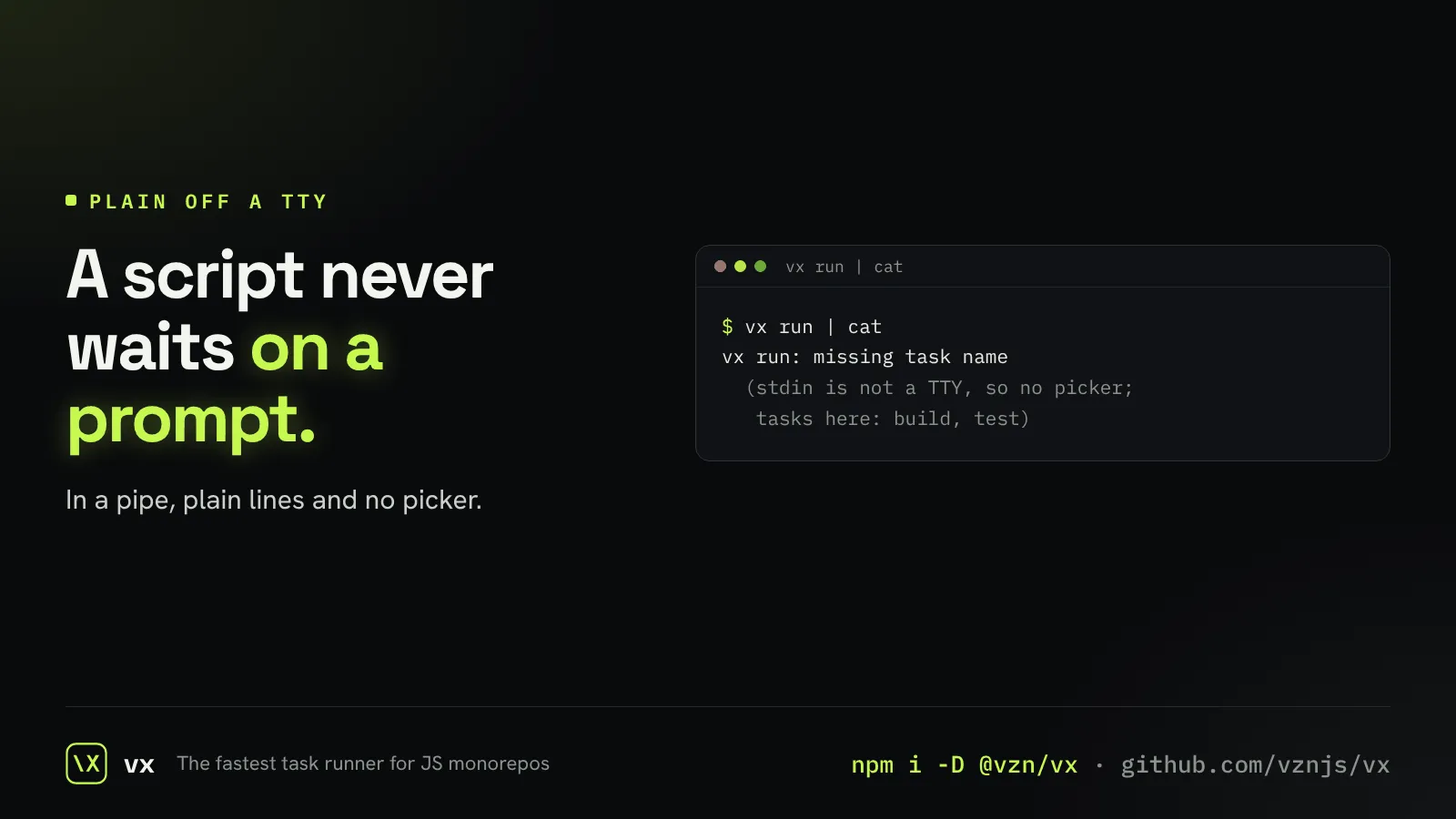
Plain output in a pipe
Off a terminal, vx prints plain lines and never waits on a prompt.