
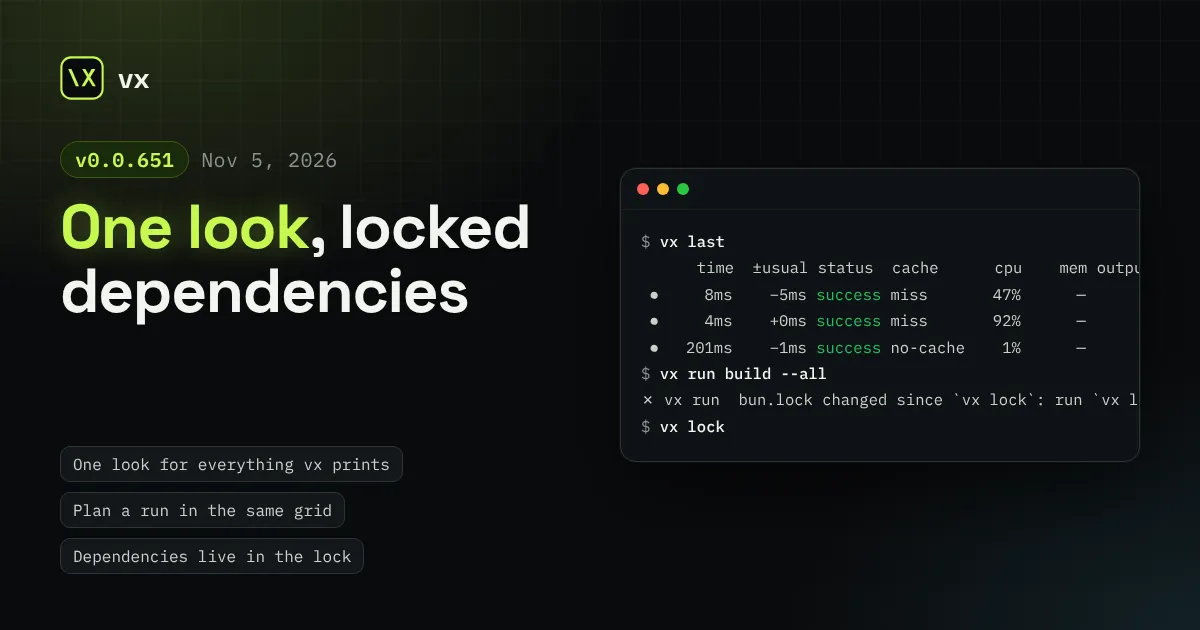
One look, locked dependencies
Every line vx prints comes from one kit, and a run, vx last and --dry share one task grid. vx lock records each project's dependencies, and runs key from that record.
A known-flaky task gets one more try, on any machine. A sandboxed task can be sealed off from the machine and reads the outputs it depends on. cache: true is a switch, and outputs stand on their own.
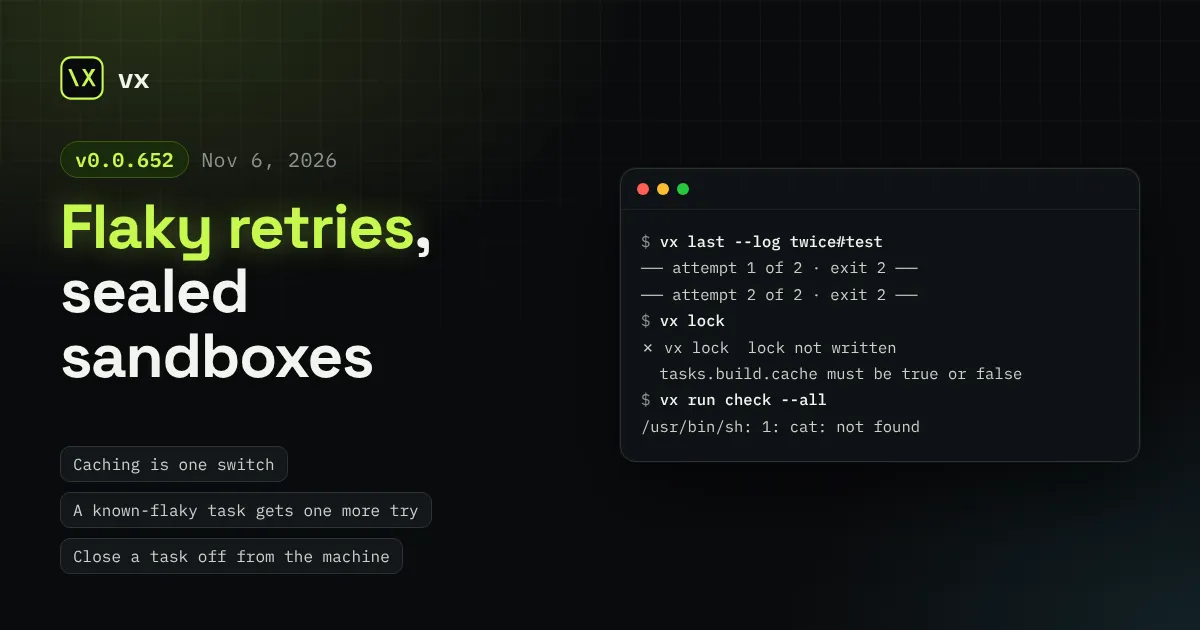
A task vx has seen flake gets one more try instead of failing the run.
A sandbox can now close a task off from everything outside the
workspace. Caching is one switch, cache: true.
This release is breaking. Read the breaking changes first.
In this release
cache held a task’s outputs and the stability rule for its inputs.
Declaring what a task writes meant turning caching on, and the stability
rule lived away from the inputs it judges.
Now outputs sits at the task’s top level and inputs.stability
inside inputs. cache: true is only the switch, and still needs
exec, inputs and outputs. A task may declare outputs without
caching them; vx never saves, restores or cleans those.
import { defineProject } from '@vzn/vx/config'
export default defineProject({  tasks: {    build: {      exec: { command: 'mkdir -p dist && cp src/a.js dist/' },      inputs: { files: ['src/**'] },      outputs: { files: ['dist/**'] },      cache: true,    },  },})
The old shape is refused where it stands:
$ vx lock✗ vx lock  lock not written
  app/vx.config.ts:6:7  tasks.build.cache must be true or false
    4 |       exec: { command: 'mkdir -p dist && cp src/a.js dist/' },    5 |       inputs: { files: ['src/**'] },  > 6 |       cache: {      |       ^
See Caching.
A flaky test failed the run, and someone pressed “re-run”. vx already knew which tasks were flaky; it did nothing with that.
Now a cached task the run history knows as flaky gets one more attempt when it fails: its key passed before, one of its keys failed after a pass, or a pass took a retry. Any other failure is final, and a timeout is never retried.
flowchart LR
  fail[Task fails] --> known{Flaky on record?}
  known -- yes --> again[One more try]
  known -- no --> final[Run fails]
``` `retries` on a task, even `retries: 0`, turns
it off.

On CI, `@vzn/vx-history` with a history server shares that record, so
a fresh machine retries a task another machine saw flake. Under
`@vzn/vx-dte` the retry runs on a different worker. `vx last --log`
shows every attempt:

```sh frame="terminal"
$ vx last --log twice#test
── attempt 1 of 2 · exit 2 ──
said-before-exit
── attempt 2 of 2 · exit 2 ──
said-before-exit
See Flaky is a claim.
A sandboxed task could read anything outside the workspace, so a build
could lean on /usr, ~/.cache or the system toolchain unseen.
exec.sandbox: { hermetic: true } moves the read wall to /. Outside
the workspace the task reads only what allow.read names. A program the
host has but no grant reads is named as such:
$ vx run check --all┌─ app#check > failed (exit 127)
$ cat package.json
├─ OUTPUT ────────────────────────────────────────────────────
/usr/bin/sh: 1: cat: not found[vx] exit 127 is the shell's "command not found": cat is /usr/bin/cat on the host, but no sandbox grant reads it, so inside the sandbox it is not there — add it (or its directory) to exec.sandbox.allow.read
└─ app#check ── (252ms) failed (exit 127)
vx installs no tools: a task calls whatever is on PATH, and keys on its
version with inputs.runtime.
A sandboxed task also reads the declared outputs of every task it
depends on, in any project, never their sources. One tools project can
build a tool every other project runs.
See Sandboxing.
On thousands of tasks, the machine running vx run under dte() spent
more CPU planning than the workers spent on short tasks. Now each
task’s dependencies are read once, and placing a task reads each worker
once.
After a run, dte() plays it again and says which workers it needed:
best per declared size, more past a size’s max, any shape per
platform. They show in the run’s footer and, with @vzn/vx-ci, in the
GitHub job summary under “Workers to declare”.
See Distributed task execution.
exec.sandbox.weakerNetworkIsolation applies per task on macOS.--filter or verb argument holding a control character is refused.vx upgradeRun vx lock after changing your configs.
cache: { outputs } → outputs at the task’s top level; cache: { inputStability } → inputs.stability; cache → true or false.cache.inputStability → inputs.stability, cache.outputs.clean → outputs.clean.See also Upgrading.
Every line vx prints comes from one kit, and a run, vx last and --dry share one task grid. vx lock records each project's dependencies, and runs key from that record.
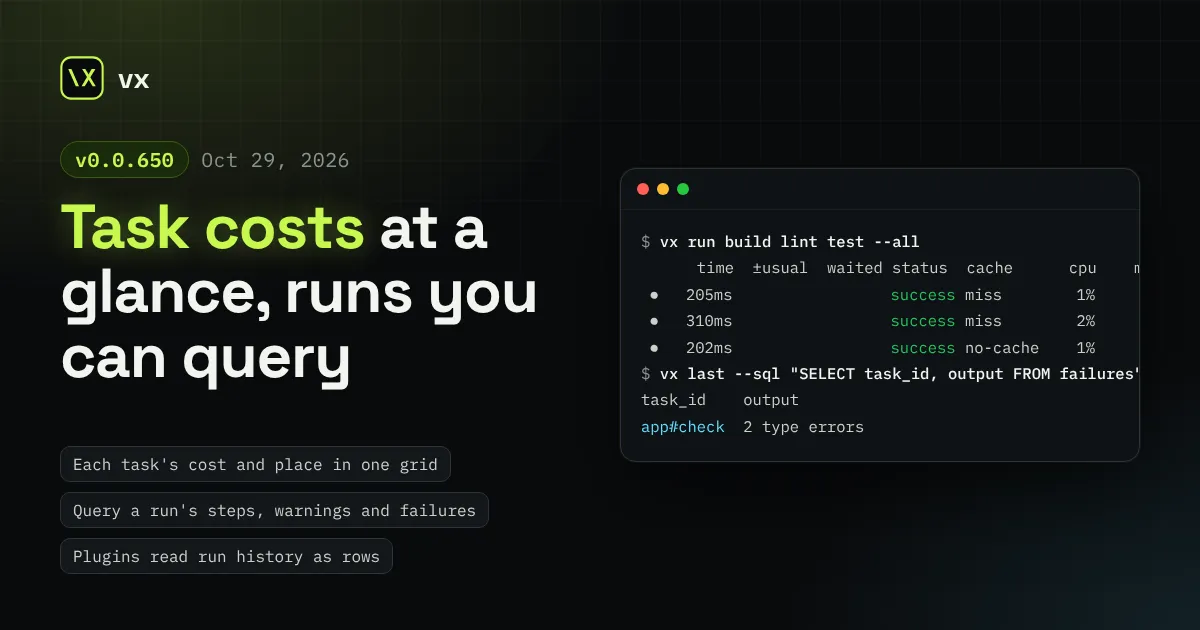
Both task lists share one grid with each task's time, wait, cpu, memory, outputs and worker. A run's steps, warnings and failures are tables vx last --sql reads.
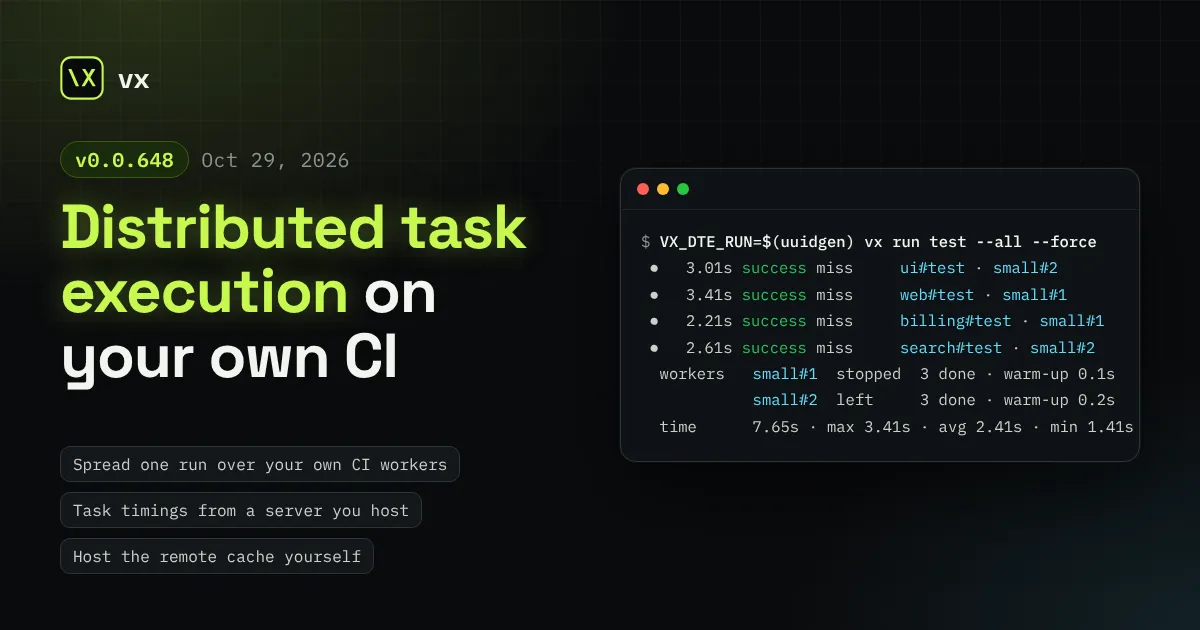
Spread one CI run over workers your own CI starts, through a relay that stores nothing. Plus task timings and a remote cache on servers you host, and exact restores.