Local dependencies keyed, outputs restored as built
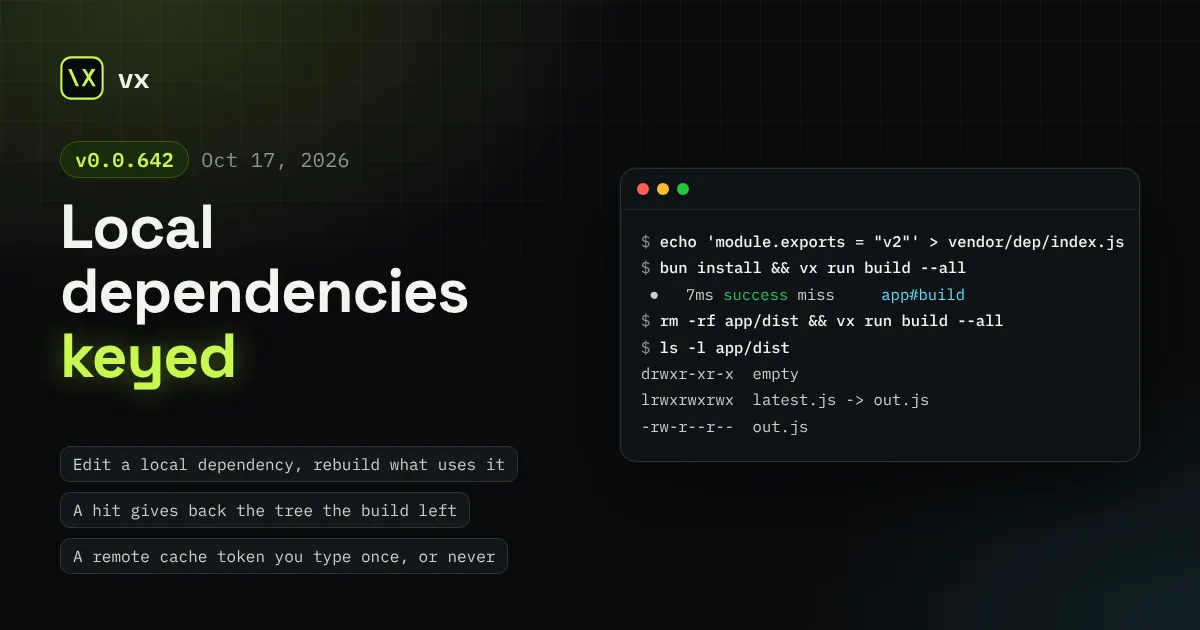
Editing a file: or link: dependency, or patching one, now rebuilds what uses it. A hit brings back empty folders and symlinks as the build left them. A remote cache token lives in your keychain or comes from GitHub OIDC, warm runs are faster at scale, and Ctrl-C stops at once.
A dependency that lives next to your code, such as a file: package or a
patched one, now moves the key of every project that uses it. A cache hit
gives back the output tree exactly as the build left it, empty folders
and symlinks included. A remote cache no longer needs a token in every
shell, and large workspaces start and finish sooner.
Every cached task misses once after you update, as the cache format
changed. Read the breaking changes first.
A dependency like "dep": "file:../vendor/dep" is copied into
node_modules at install, and the lockfile records only its path. Edit
the folder, reinstall, and the build reads new code while no key moves:
the next run replayed output built from the old copy. Patches had the
same gap. A Yarn patch added through resolutions moved no key at all,
and a pnpm patch moved every key in the workspace.
Now the lockfile plugins key what each project actually installs:
pnpm(), bun(), npm() and yarn() hash the files of a file:
or link: directory (Yarn’s portal: too), and the files its
symlinks point to, into each project that reaches it.
yarn() links every patch: entry to the package it patches.
pnpm() re-keys only the projects whose dependencies reach a patched
or overridden package.
A hit could hand back a different tree from the one the build made. An
empty output folder was gone. A symlink came back as a copy of its
target, and a link to a folder made every save fail, so the task never
hit. Files came back 0644 under a umask 077. A restore onto another
disk that filled up halfway left some files new and some old.
Now the tree after a hit is the tree after the build:
Empty output folders come back.
A symlink is stored and restored as a link, with its target as written.
It must be relative and stay inside the workspace, or the save fails
and names it.
Restored files take your umask.
A restore onto another disk copies every file first and replaces
nothing until all have landed.
vx also kept .git, .vx and vx.lock.json out of every key and
restore at any depth, so a src/.vx/ edit was a stale hit. They are now
reserved only at a project’s root.
turboCache() and nxCache() needed TURBO_TOKEN in every shell, and
CI needed a stored secret.
Now a laptop needs no variable. With no token set, the first run in a
terminal asks once and keeps the answer in the OS keychain:
Terminal window
$vxrunbuild--all
Tokenforvercel.com (my-team), saved to the OS keychain:
On CI a missing token is one warning and a local-only run, never a
failure. On GitHub Actions, turboCache({ oidc: true }) needs no stored
token at all: with permissions: id-token: write it trades the job’s
OIDC token for a short-lived one and revokes it when the run ends.
A plugin of your own gets the same keychain through ctx.secret. A
Turbo or Nx remote that rate-limits now waits the limit out, so its hits
stay hits. See CI.
A warm run at 5,000 projects spent most of its key stage re-reading what
had not changed. vx now remembers each task’s last key and reads it back
while the project’s files are unchanged. It also reads cache lookups
without the stored bytes, gets git’s file list sooner, and restores a
missing output folder with one rename. --dry reads every task’s
timings in one go.
We measured against Turbo on our bench workspace. In our run, vx was
faster than Turbo on every row at 5,000 projects (cold, warm, restore,
dry run, affected), and on every row at 1,000 except restore.
The run summary now prints the whole run id, the one vx last and CI
logs carry:
Ctrl-C cleared the live view straight away, then waited for every remote
download in flight on a blank screen. Afterwards the summary called the
downloaded tasks successes.
Now vx drops the downloads in flight, and the next run fetches them
again. The view stays: a running task reads aborting with its timer,
one that exits reads aborted, and the summary replaces the view. During
a 30 MB download, vx used to exit after 12.5 s; now it exits after
0.04 s.
Terminal window
✗2.43sabortedb#build
◌notrune#build
3.46sabortinga#build
3aborted·2notrun·6total
Free rows in the live view now show what waits on what from the first
frame, instead of idle:
vx docs searched seven pages that shipped inside every install. Now it
reads the whole reference at your version’s release tag on GitHub, so
the answer matches the vx you run.
Terminal window
$vxdocsfrozenlock--limit1
──caching.md§Runtimeinputsandthelock (the envparallel) · https://vznjs.github.io/vx/caching/#runtime-inputs-and-the-lock-the-env-parallel
With no network it stops with VX_E_NETWORK and names the site. Set
GITHUB_TOKEN or GH_TOKEN to lift GitHub’s limit on anonymous reads.
A task that leaves a process writing, like tsc & vite build, keeps
its result but saves no cache entry, and says to wait for it.
vx lock refuses a lockfile older than the manifests, and a
package.json that does not parse (merge conflict markers), naming
the file and the install to run.
vx run on a project added after the last lock says to run vx lock
instead of running nothing.
A gitignored input named in a brace ({gen/a.txt,gen/b.txt}) is keyed,
and gen/** reads untracked files beside a kept gen/.gitkeep.
A cache directory you cannot write still serves its hits; the run
saves nothing and says so.
--dry=json prints an empty plan when nothing is affected.
The footer counts a failed save as not saved, and a scoped upload
under remote ↑.
On macOS a sandboxed task may list the folders above its grants, as
on Linux.
The remote token prompt stays on screen until you answer it.
Migrated tsc -b builds add their .tsbuildinfo to the outputs, so
a hit restores the whole dist/.
vx-migrate runs an Nx codegen uncached when the task that writes its
input was not migrated, and vx init on an Nx repo suggests a task
that exists.
With @vzn/vx-reapi, a remote task past its timeout is cancelled on
the worker and reported as timed out.
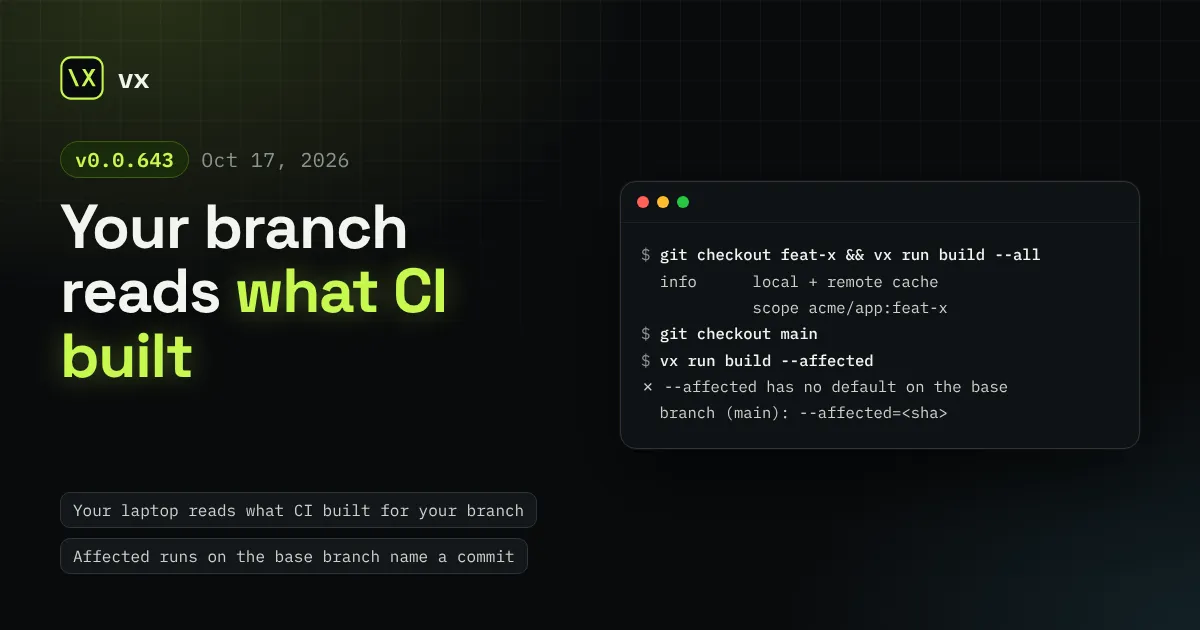
A remote cache scope is now the branch, named owner/repo:branch, so a laptop on a branch reads what CI built there. Each task asks the remote one key, and the local cache never splits by scope. --cache-scope is gone and run.affectedBase is now baseBranch.
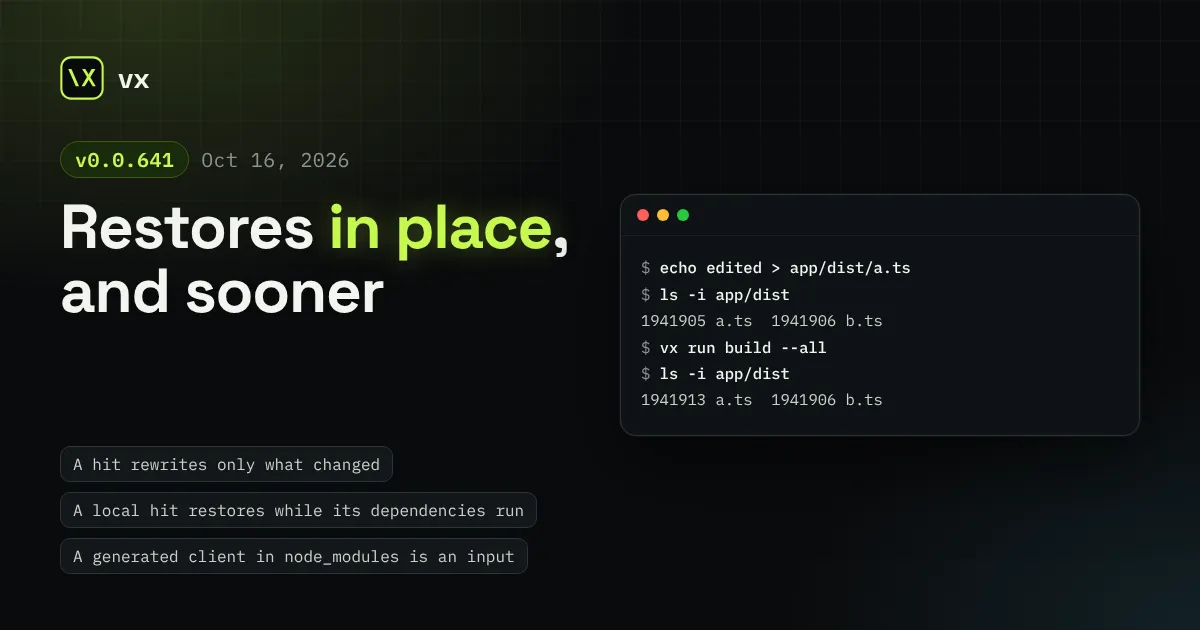
A cache hit now rewrites only the outputs that changed, in place, and writes nothing a task did not declare. A local hit restores while its dependencies still run. A generated client in node_modules can be an input, vx upgrade -g moves only the global vx, and only vx decides what reaches a remote cache.
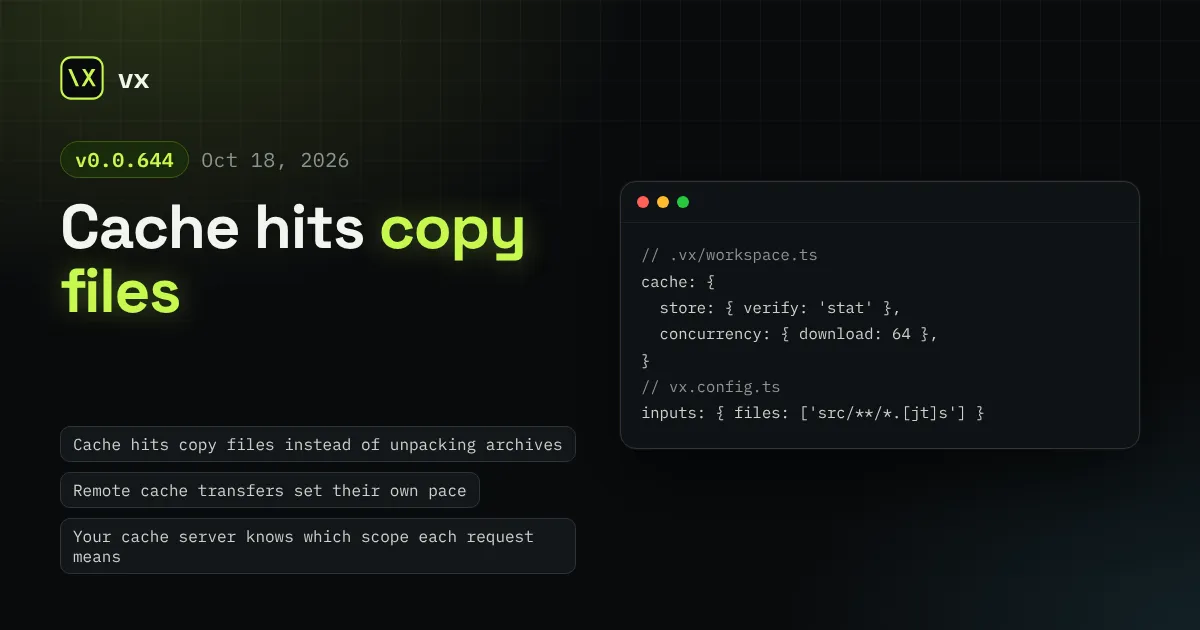
A local cache hit copies plain files instead of unpacking an archive, a remote hit is decompressed once straight into the store, remote downloads and uploads set their own pace, a cache server learns each request's scope, GitLab CI gets branch scopes, [...] in a task glob is a character class, and vx upgrade re-locks.
Turborepo, Nx and other product names are trademarks of their owners. vx is not affiliated with or endorsed by them.