
Tasks that take the keyboard
A prompt, a REPL or a login flow gets the terminal to itself.
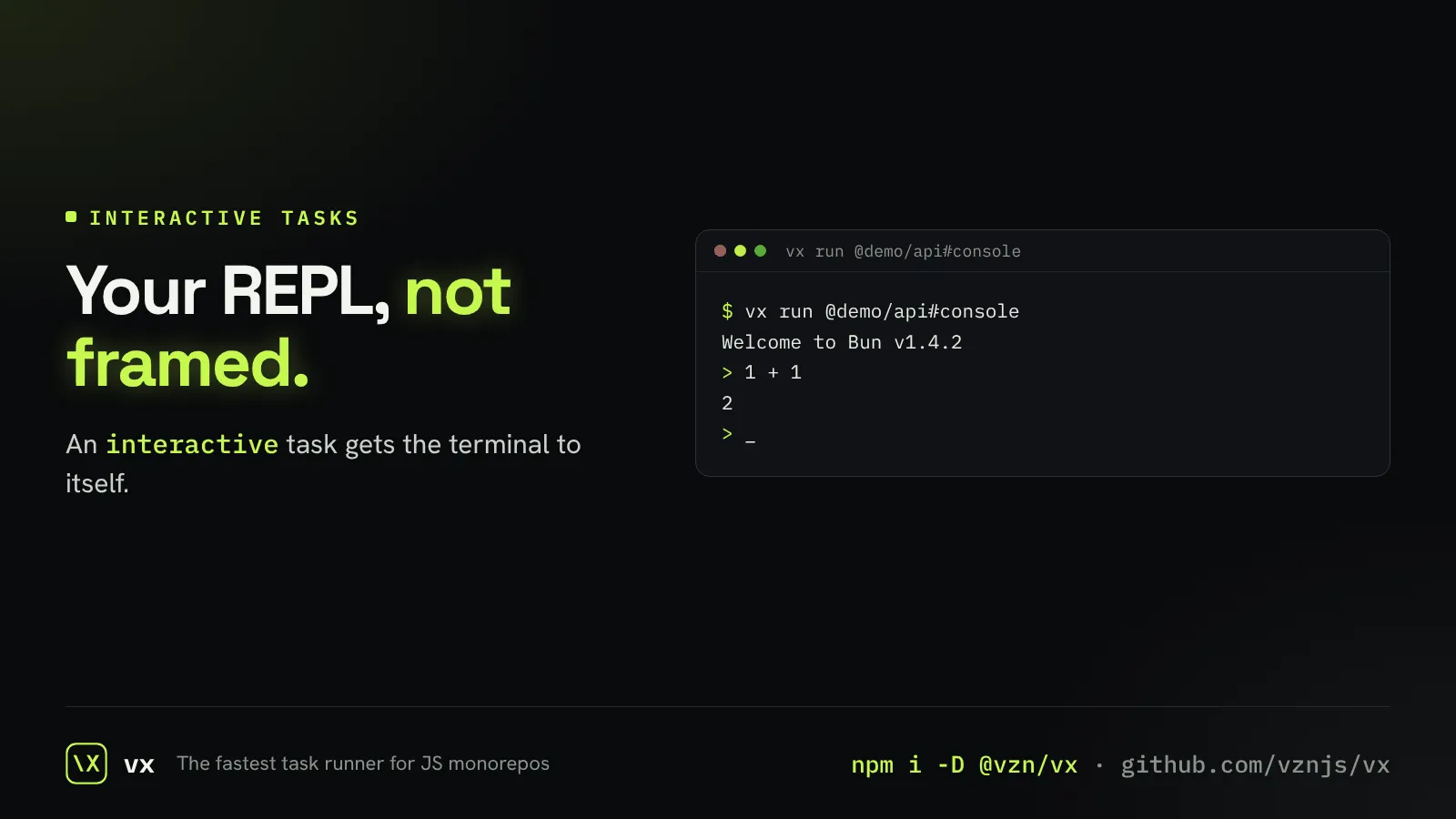
Some tasks ask questions: a database console, a release script that confirms, a CLI login. Framed, parallel output would break them.
Mark the task interactive and vx hands it the terminal directly, alone, for as long as it runs.
// config
// packages/api/vx.config.ts
import { defineProject } from '@vzn/vx/config'

export default defineProject({
  tasks: {
    console: { exec: { command: 'bun repl', interactive: true } },
  },
})More in Everyday use
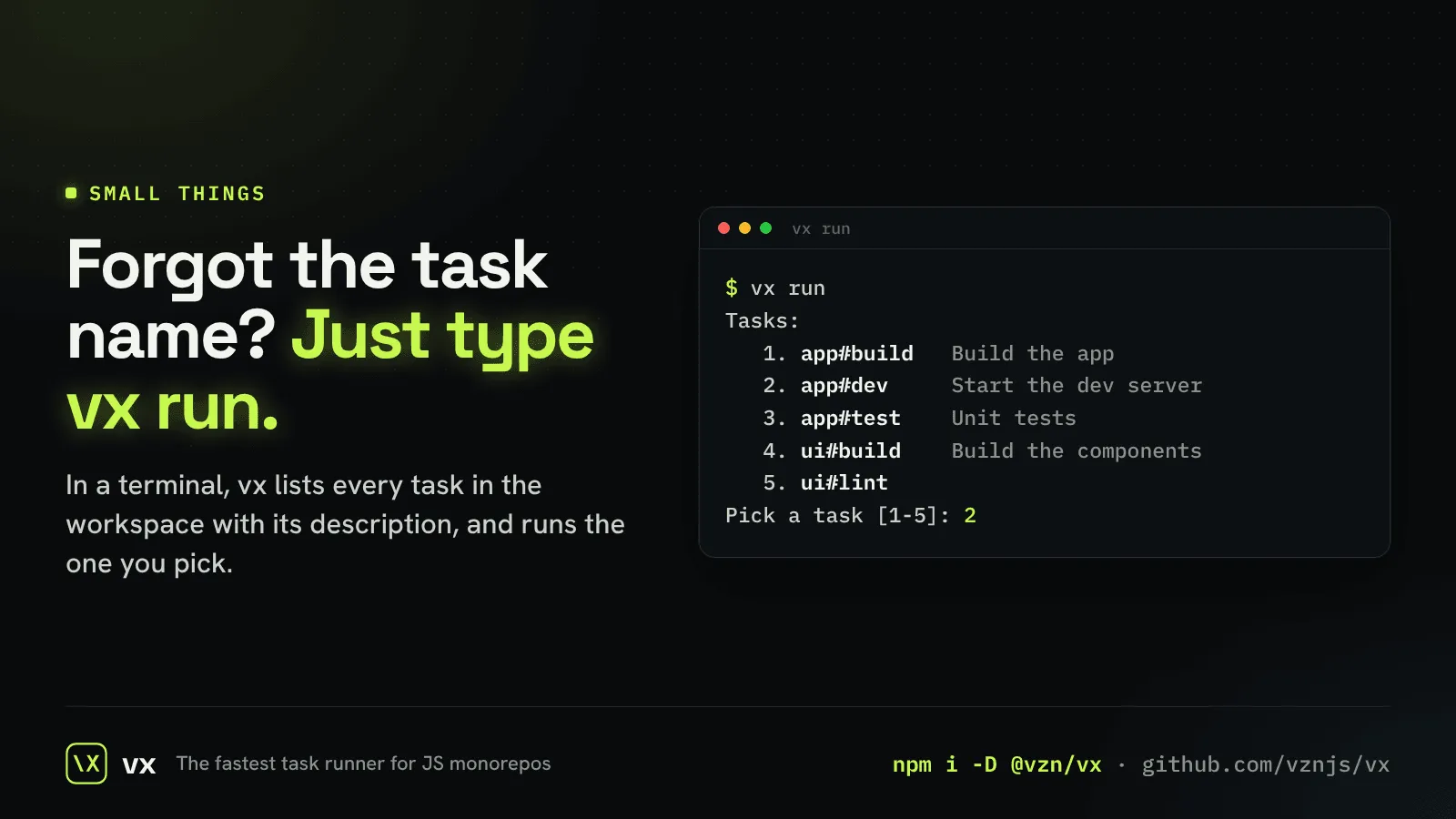
The task picker
Type vx run with no task and pick one from a menu.
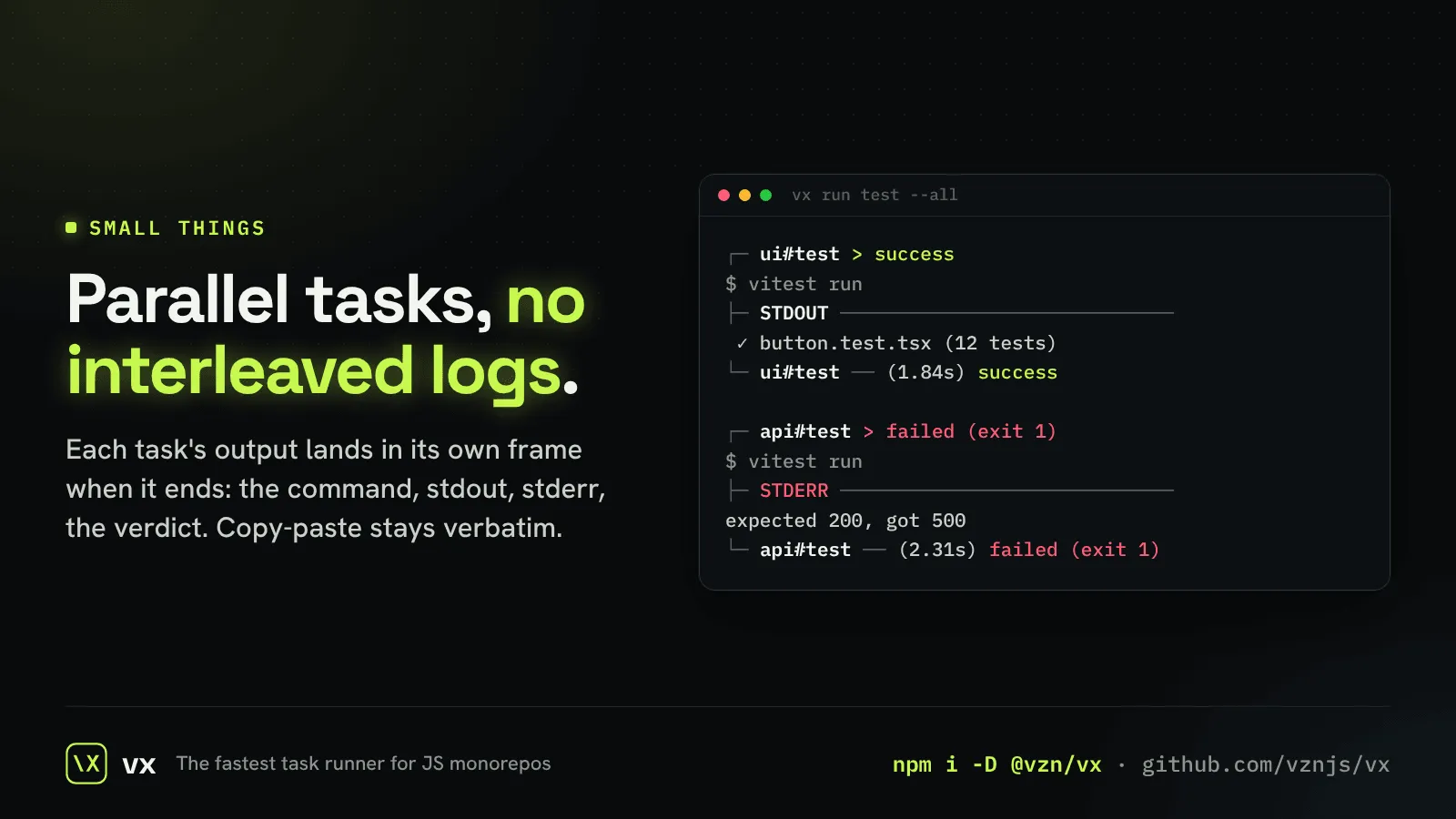
Framed output
Sixteen tasks in parallel, and no interleaved lines.
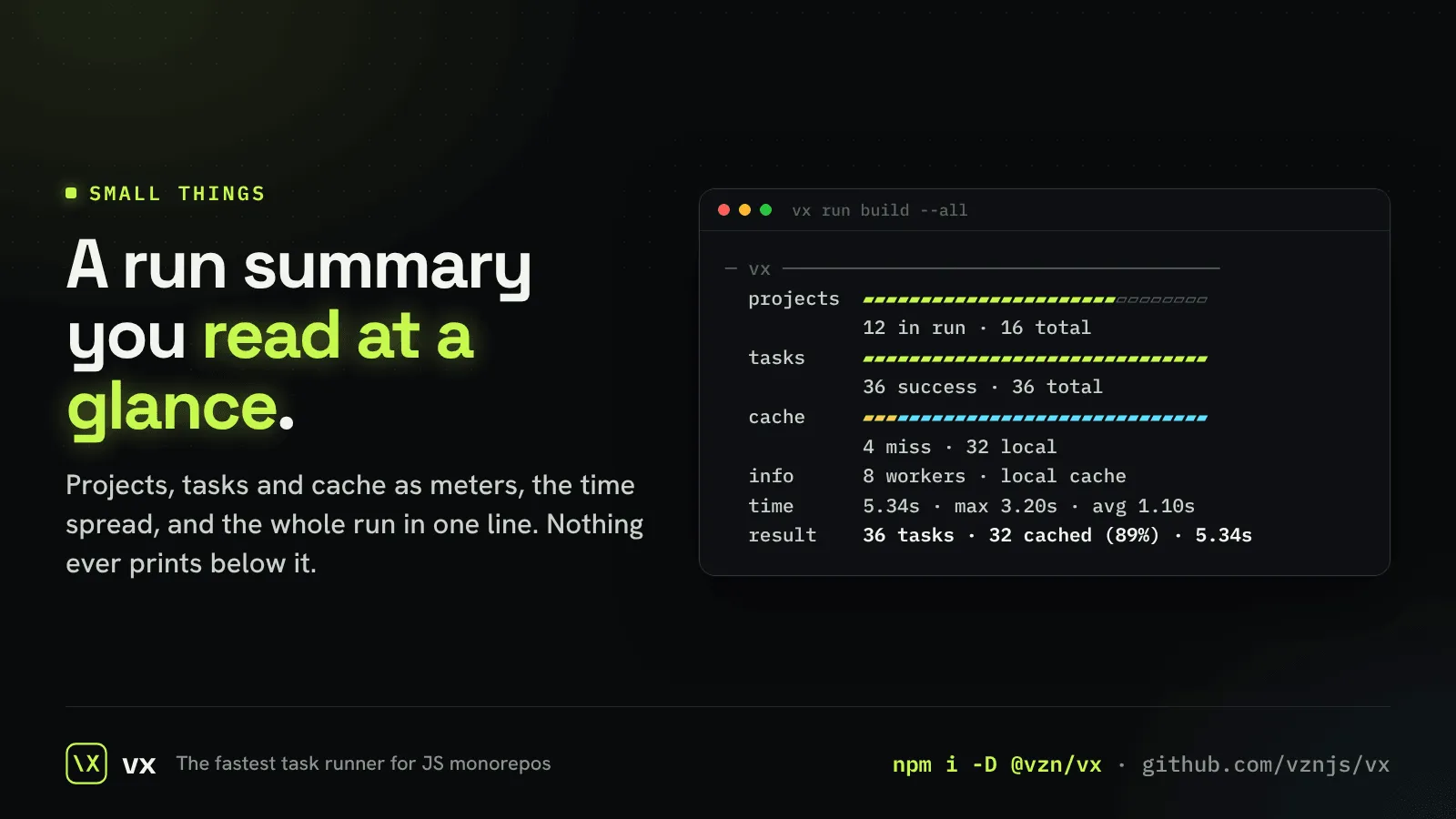
A summary you read at a glance
Every run ends with one block, and nothing prints below it.
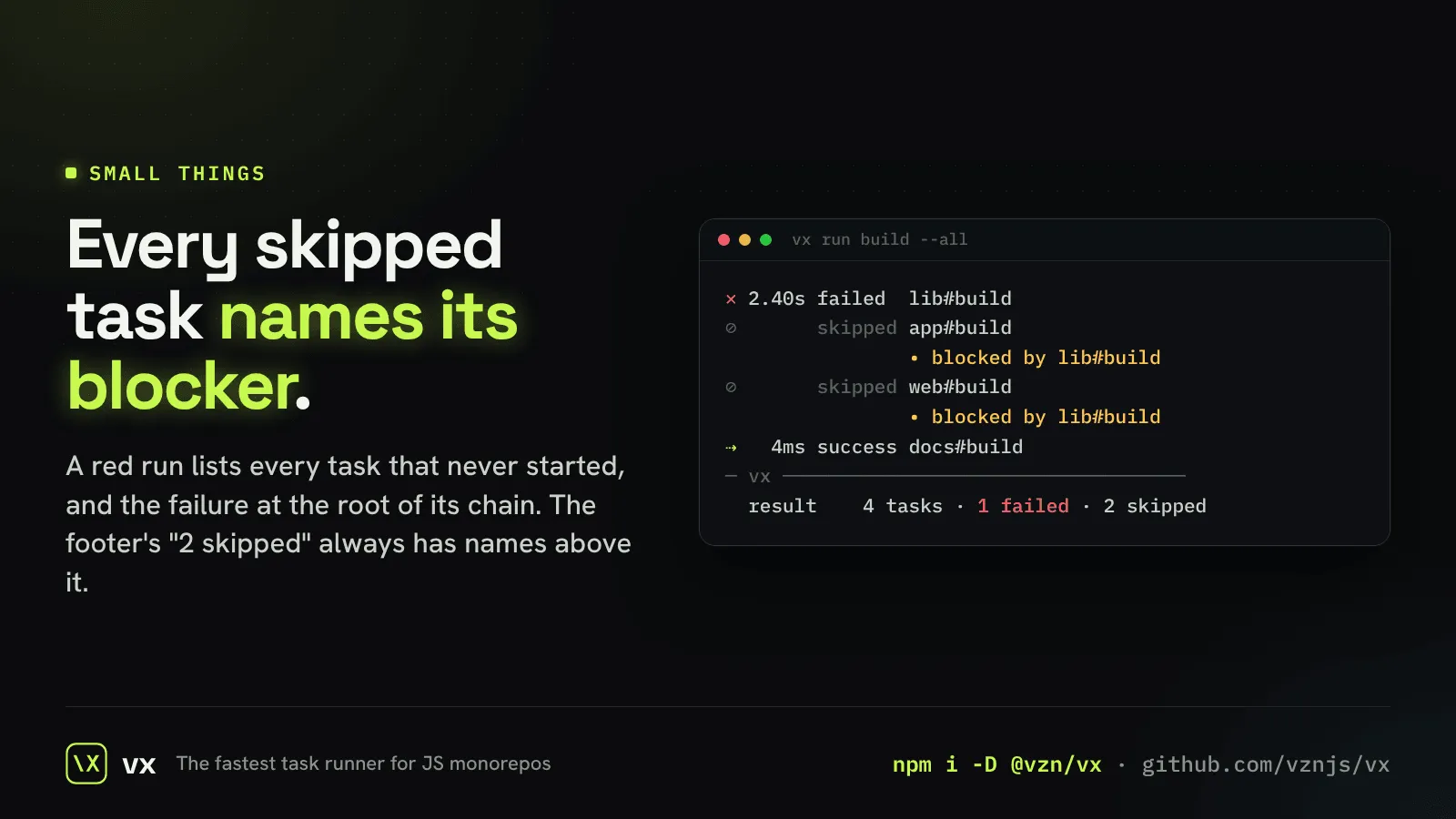
Every skip names its blocker
No mystery “skipped” count on a red run.
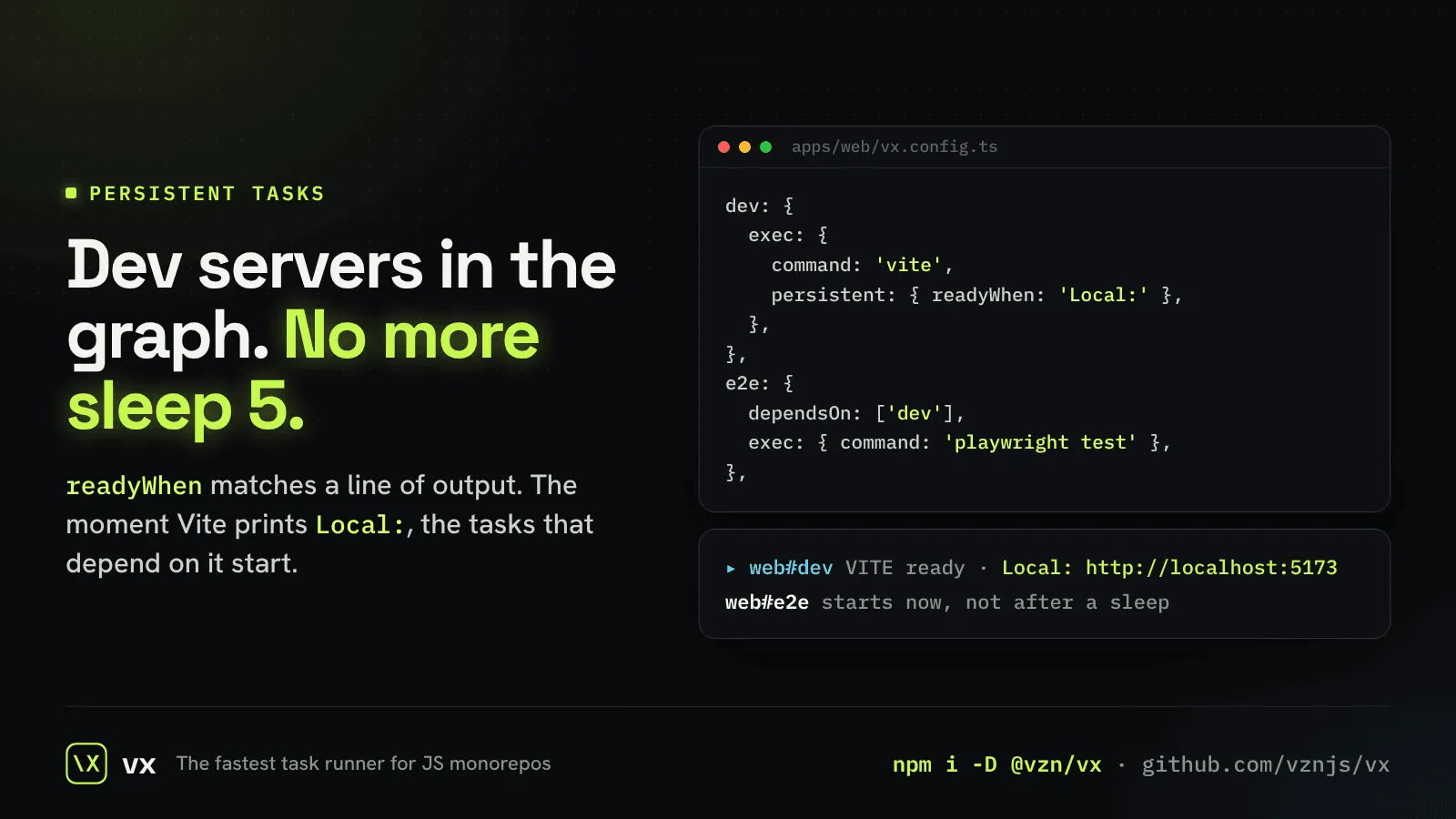
Dev servers in the graph
A server is ready when it prints a line, not after sleep 5.
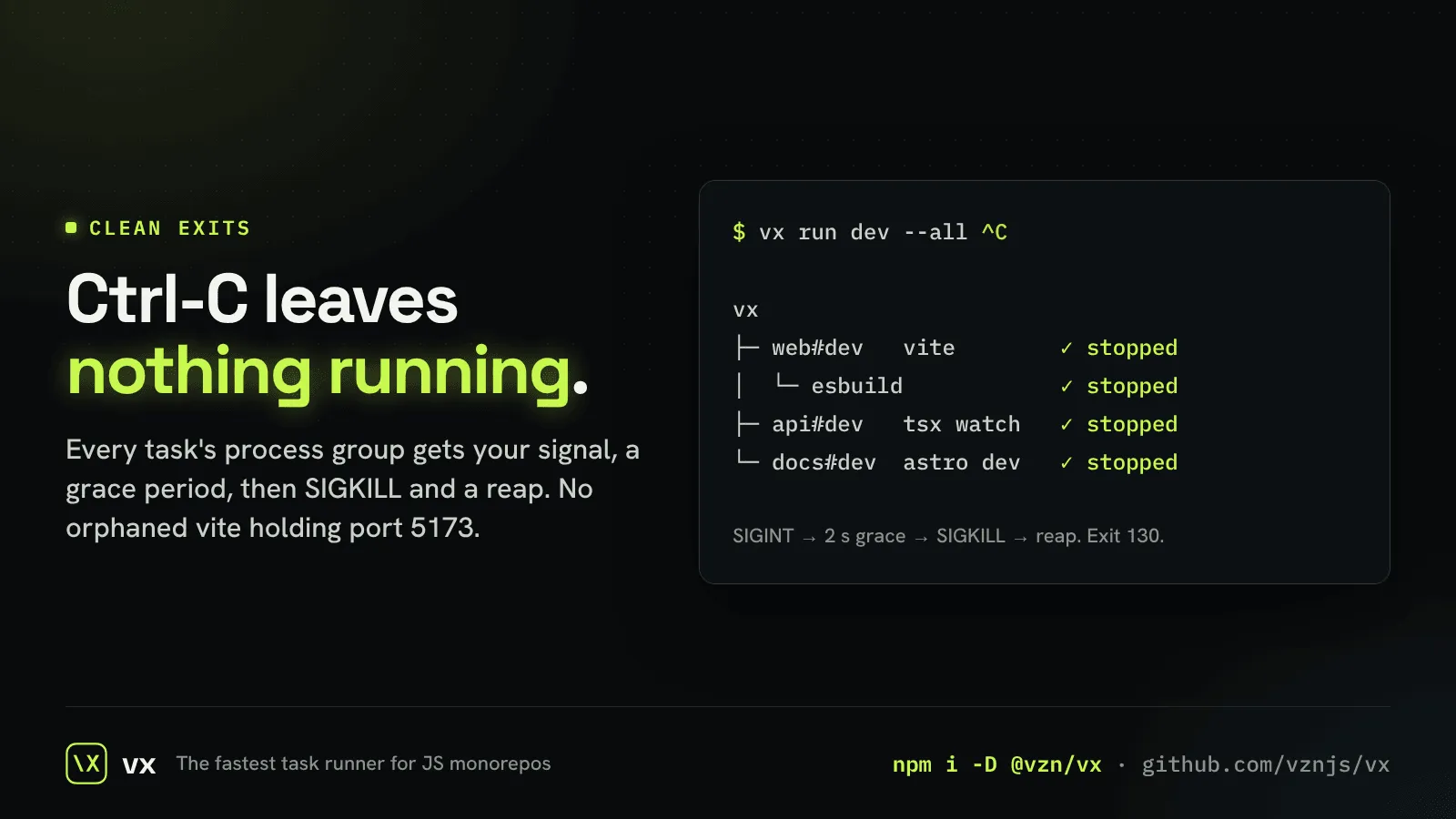
Ctrl-C leaves nothing running
No dev server still holding its port the next morning.
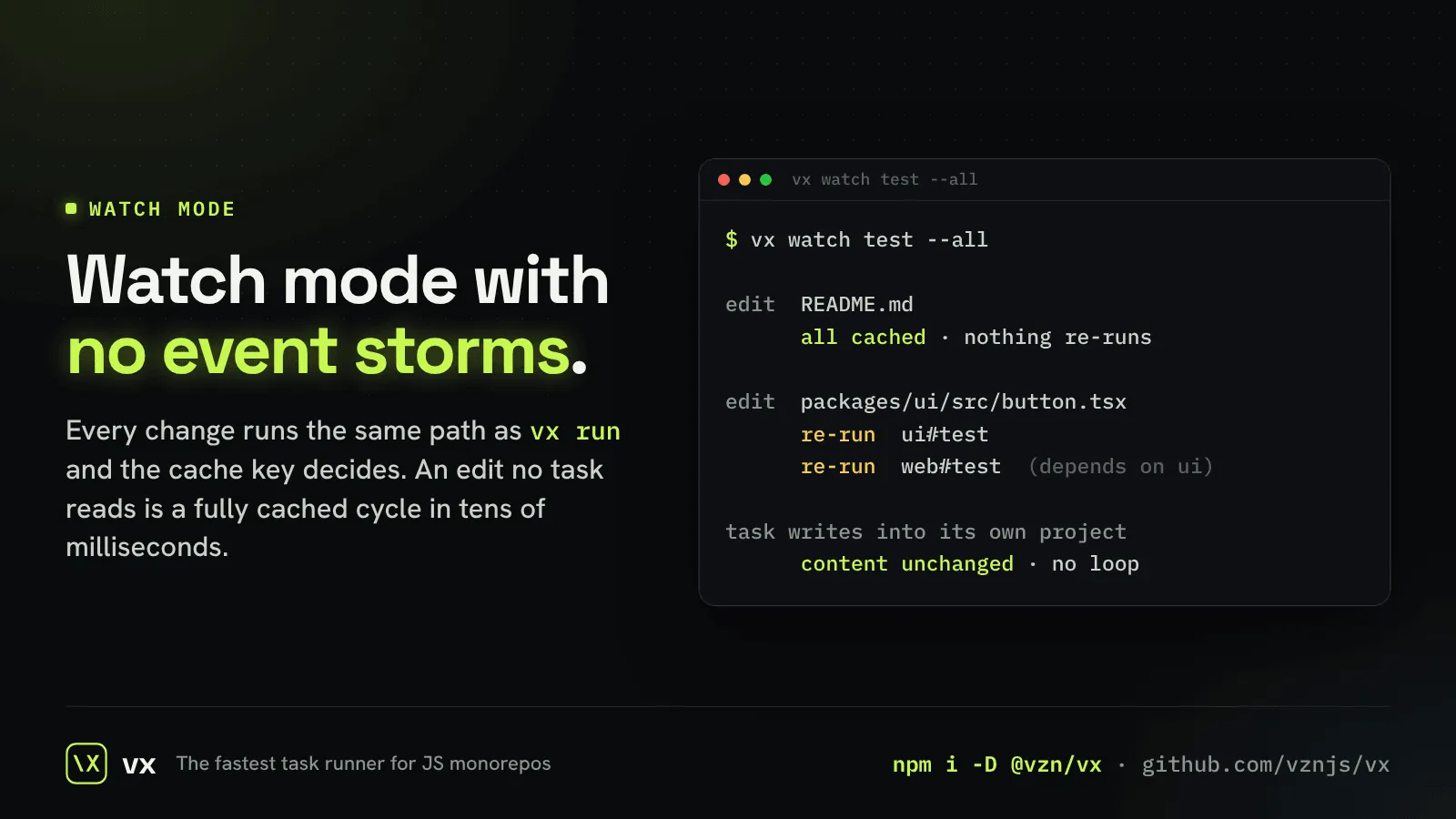
Watch mode
Every change takes the same path as vx run, and the key decides what re-runs.
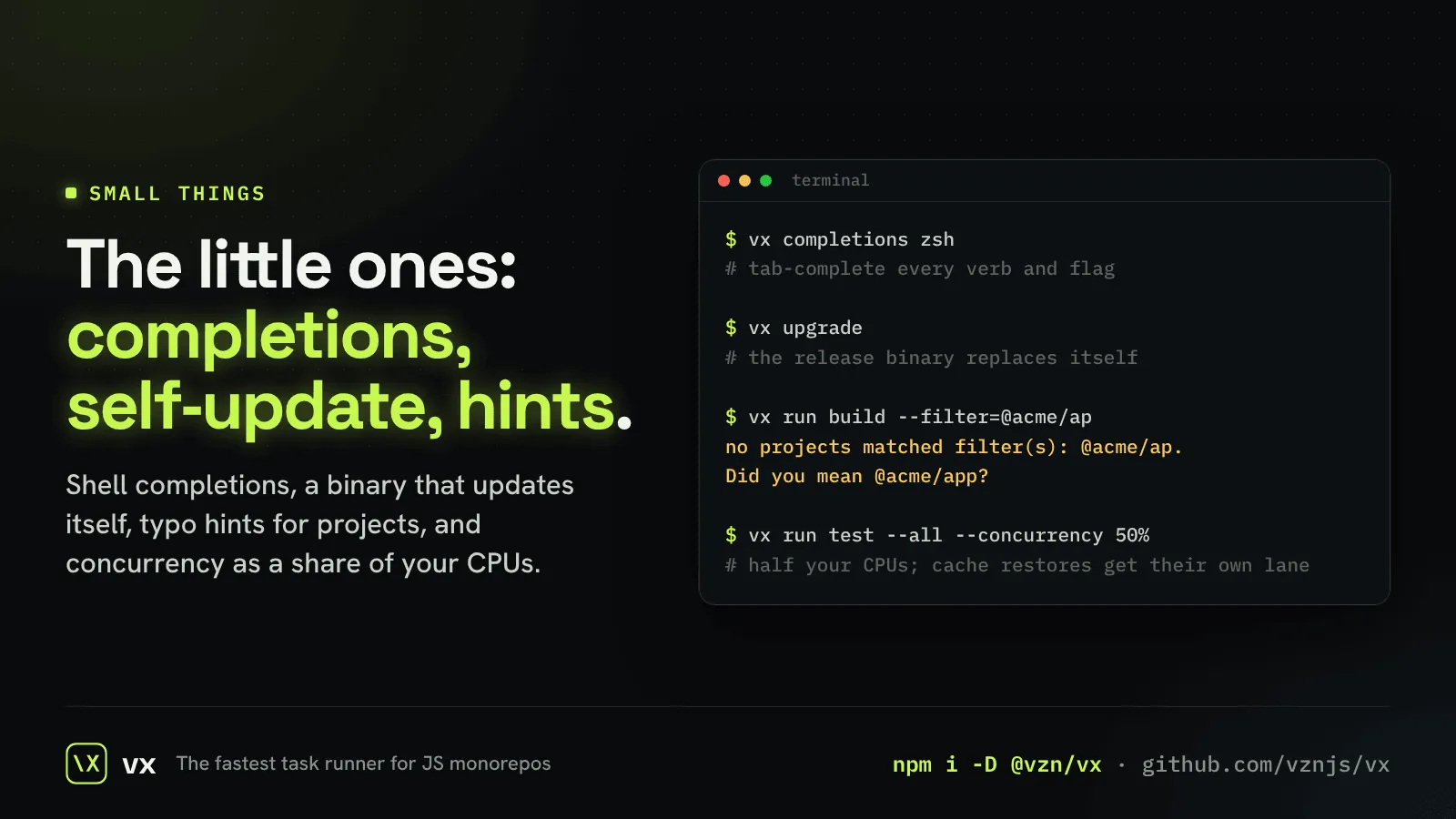
Shell completions
Tab-complete every verb and flag in bash, zsh and fish.
Typo hints
A filter that matches nothing asks “Did you mean @acme/app?”.
vx upgrade
The release binary updates itself, digest checked.
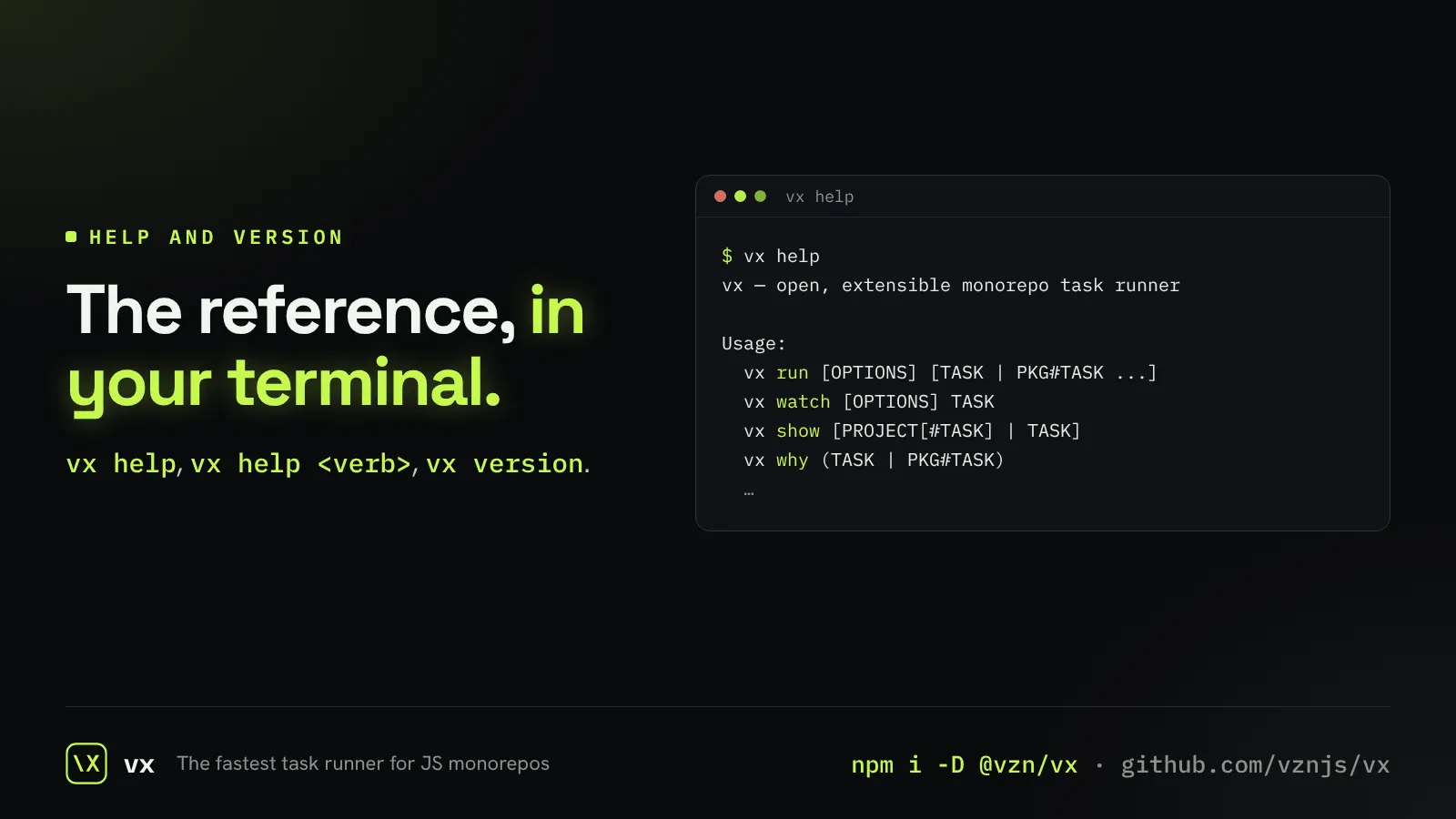
Help where you type
Every verb explains itself with vx help, and vx version says what you run.
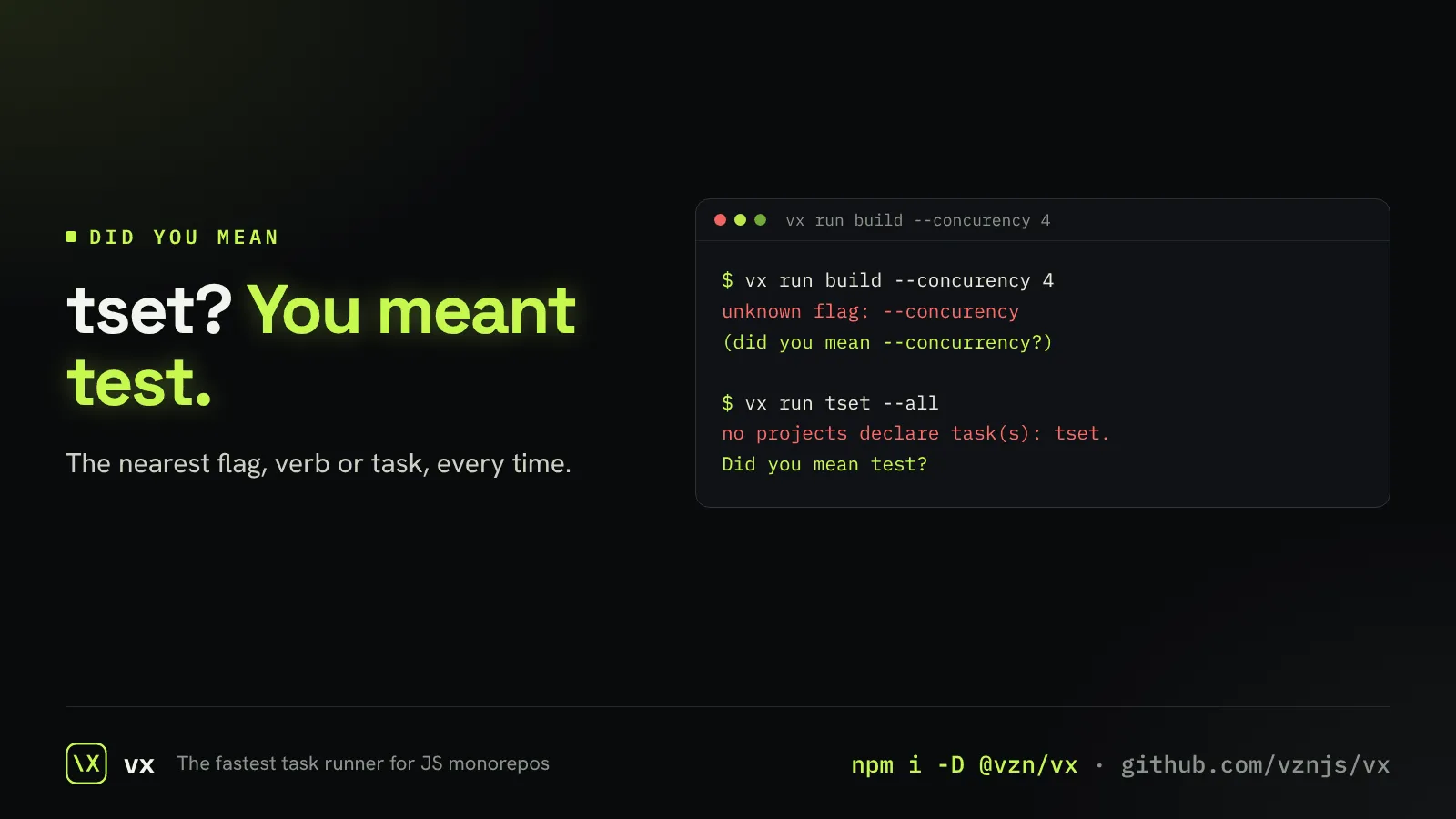
Typos get an answer
A mistyped flag, verb or task gets the nearest real spelling.
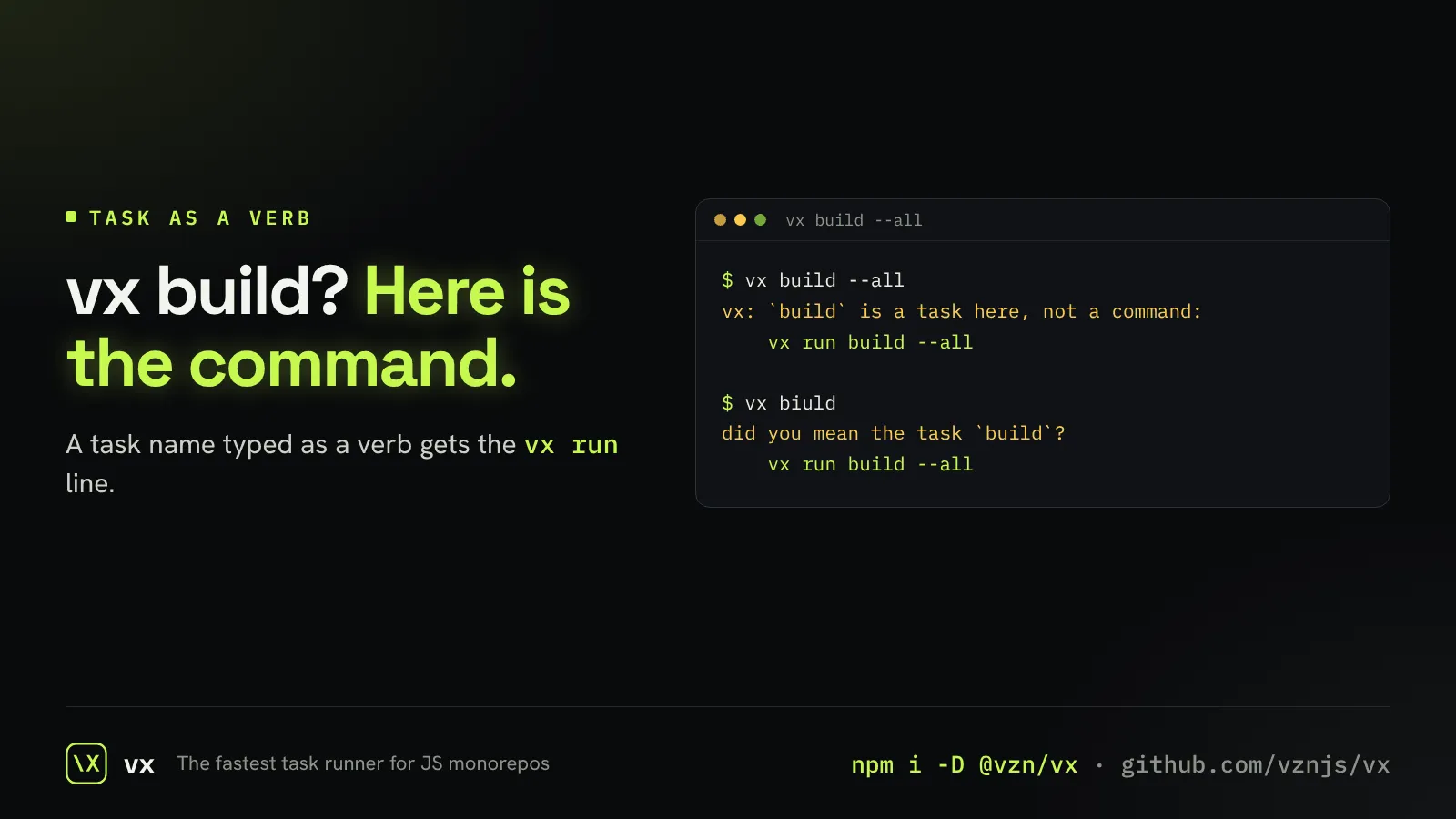
Type the task, get the command
vx build answers with the vx run command that does what you meant.