
Why a task is affected
Each task --affected keeps says which changed file or dependency brought it in.
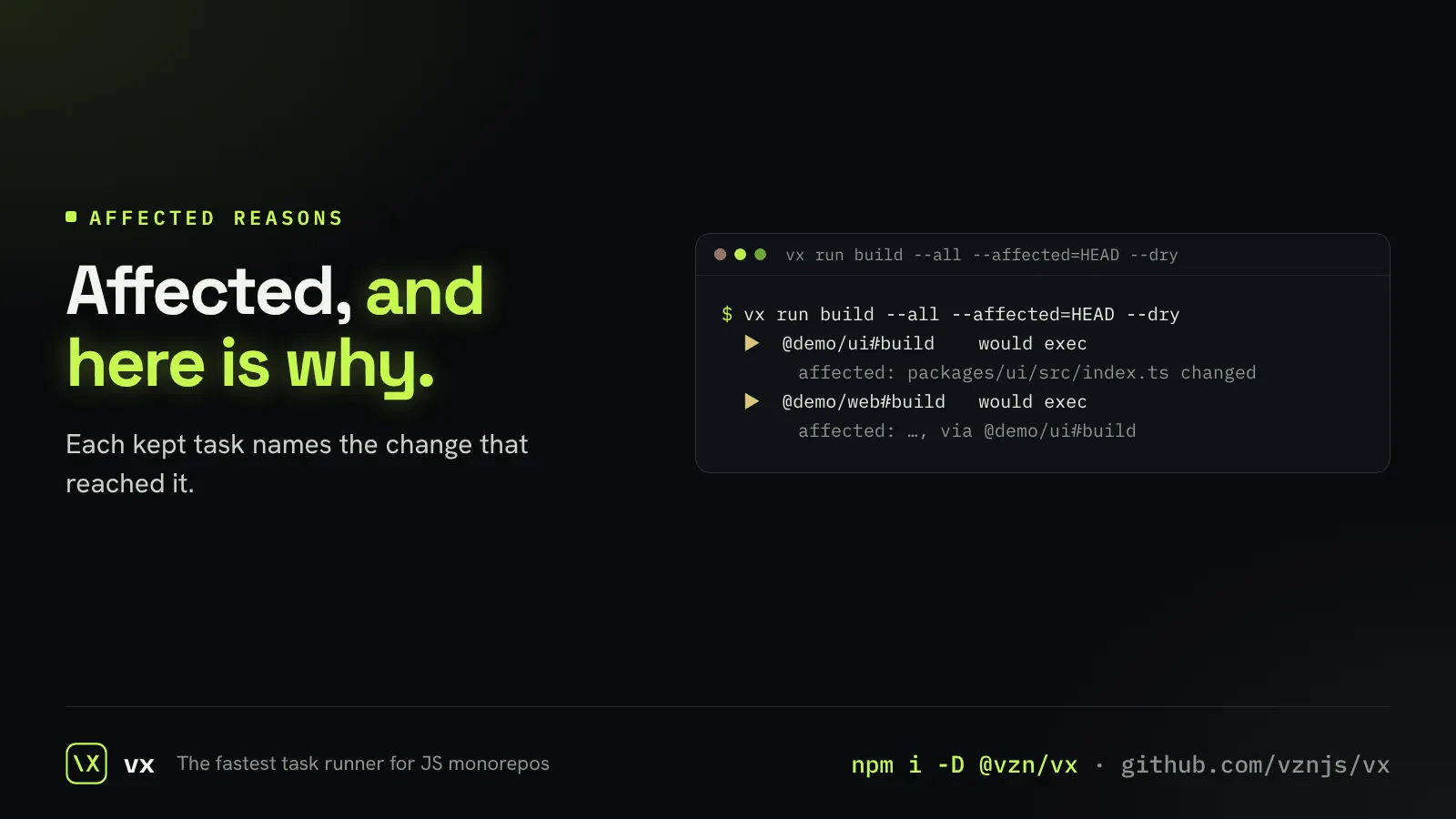
“Affected” is only useful if you can check it. A dry run with --affected prints, under each task, the file that changed or the chain of tasks it came through.
The same reasons are in the JSON, so a CI script or an agent can explain a run before it starts.
// try it
vx run build --all --affected=HEAD --dry
vx run test --all --affected=main --dry --format jsonMore in See inside a run
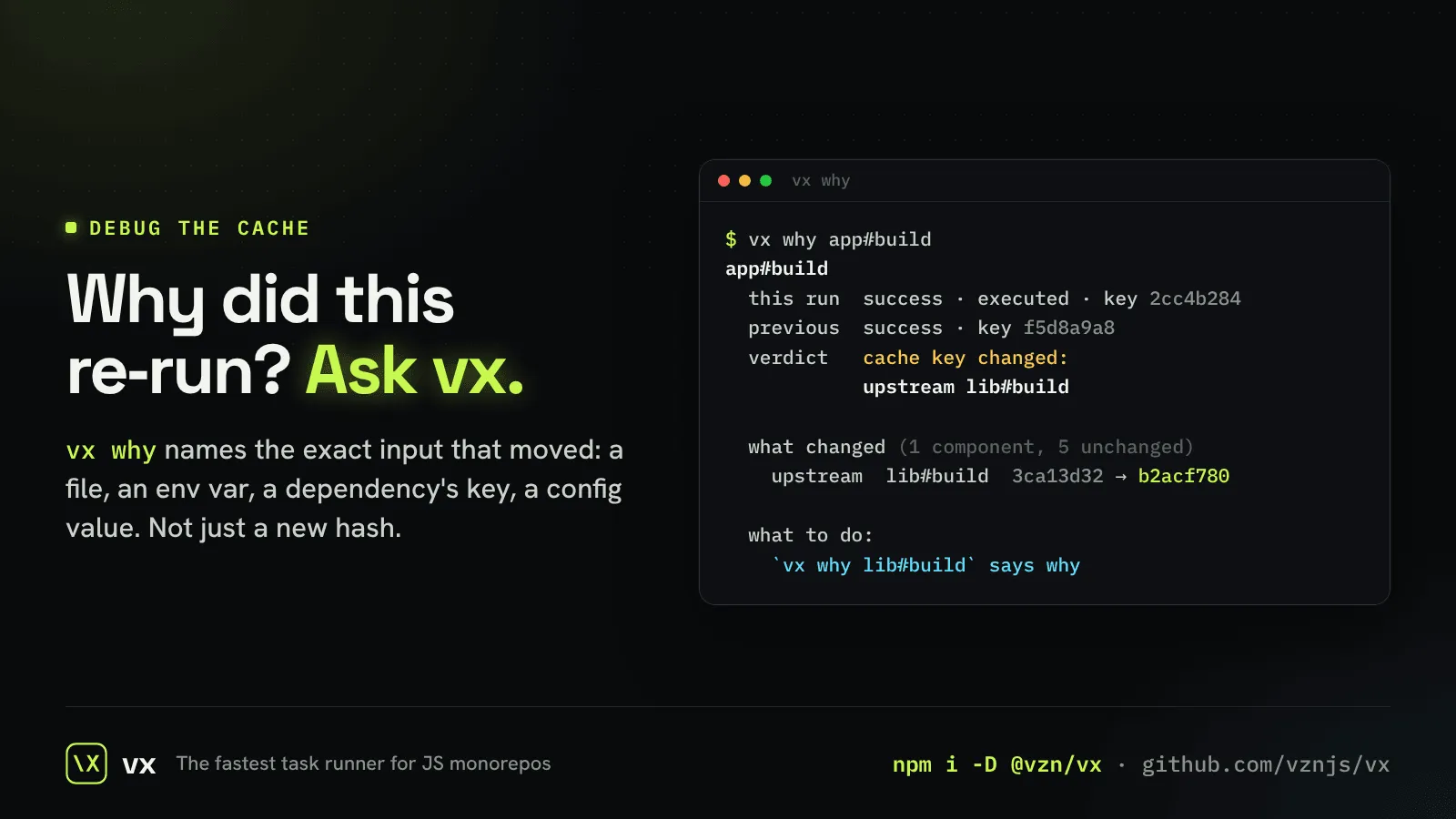
vx why
Ask why a task re-ran, and get the input that changed.
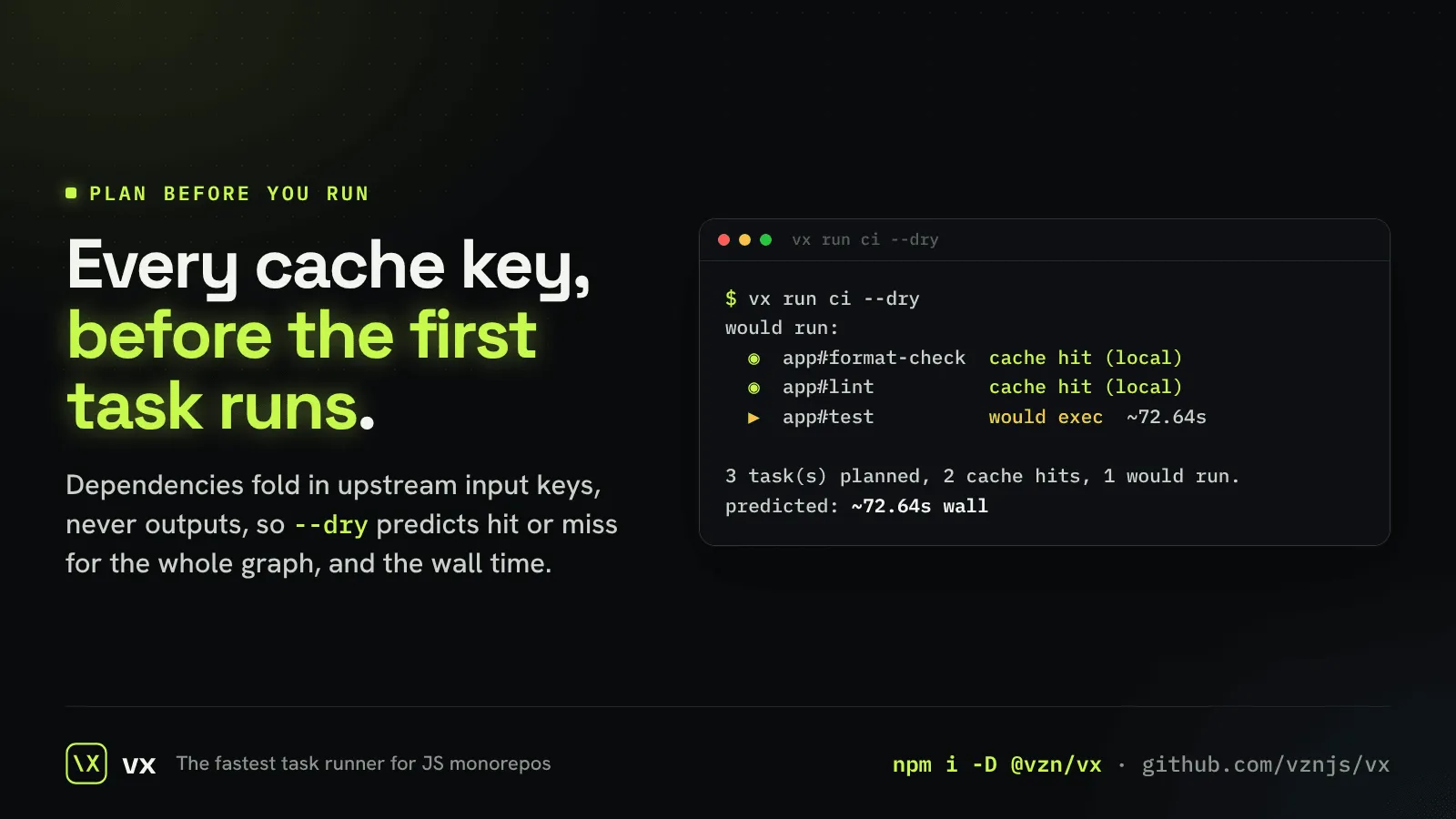
Plan before you run
Hit or miss for every task, before anything executes.
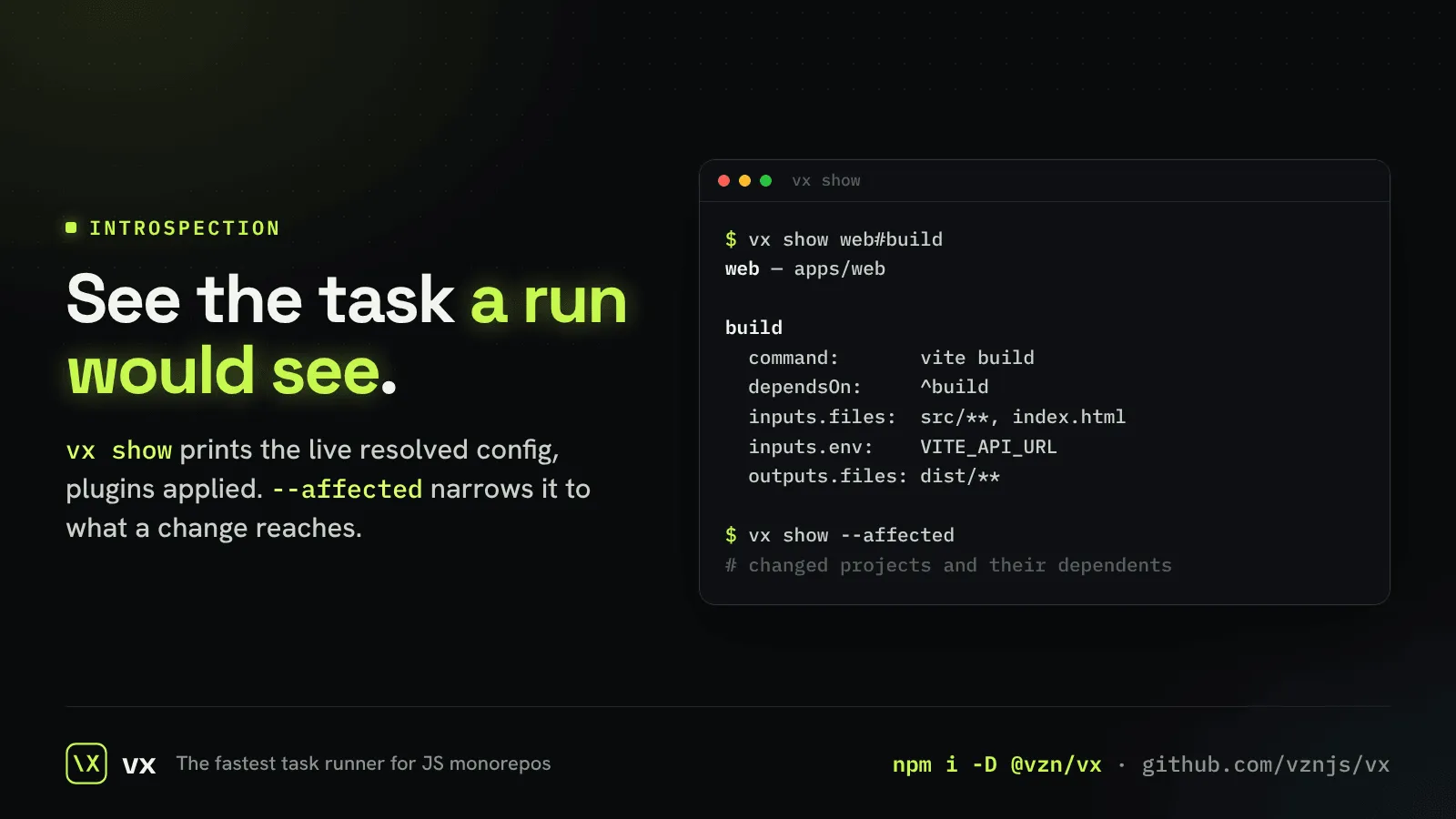
vx show
The task exactly as a run sees it, after every preset and plugin.
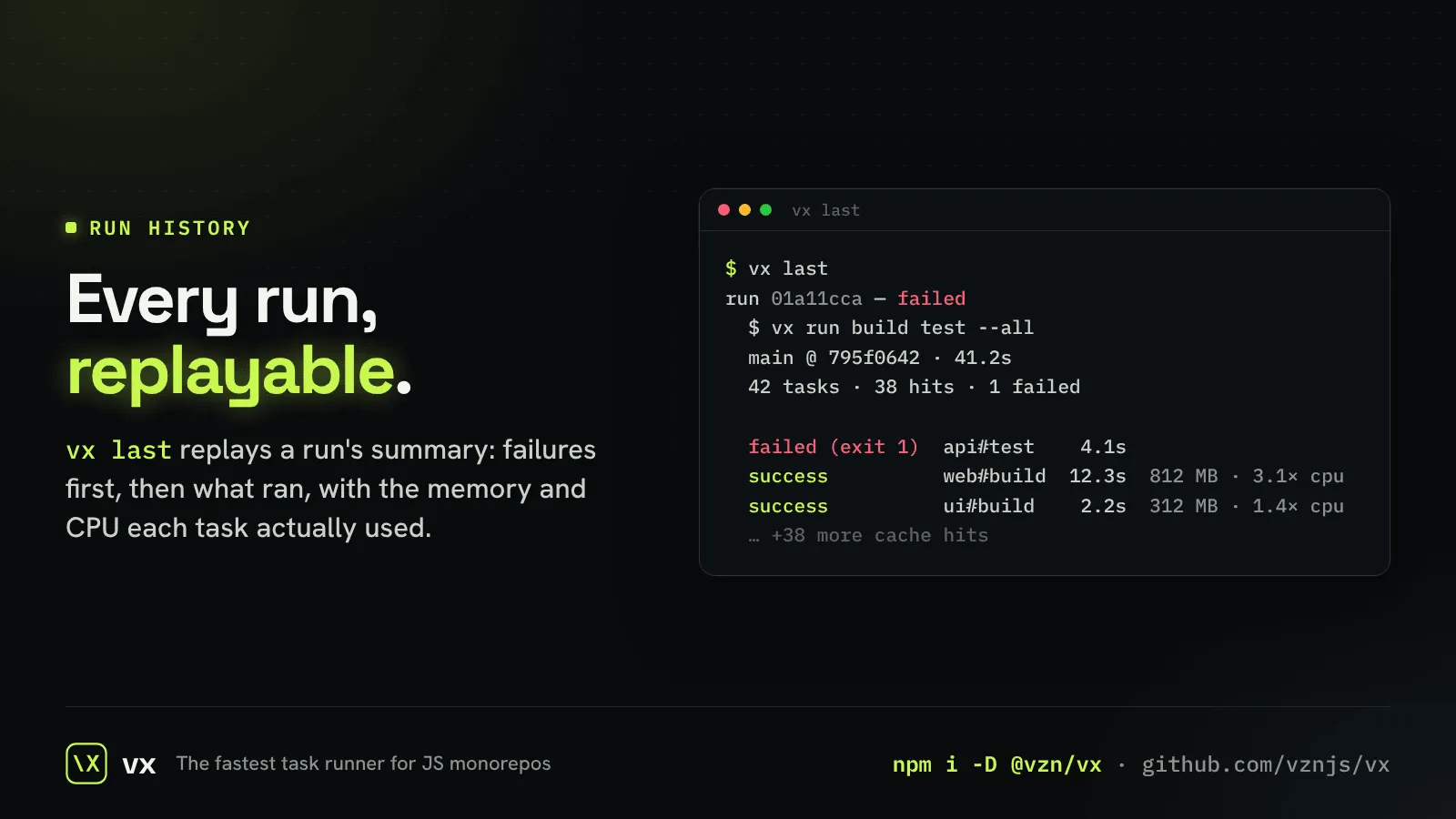
vx last
Replay the last run’s summary, failures first, without running anything.
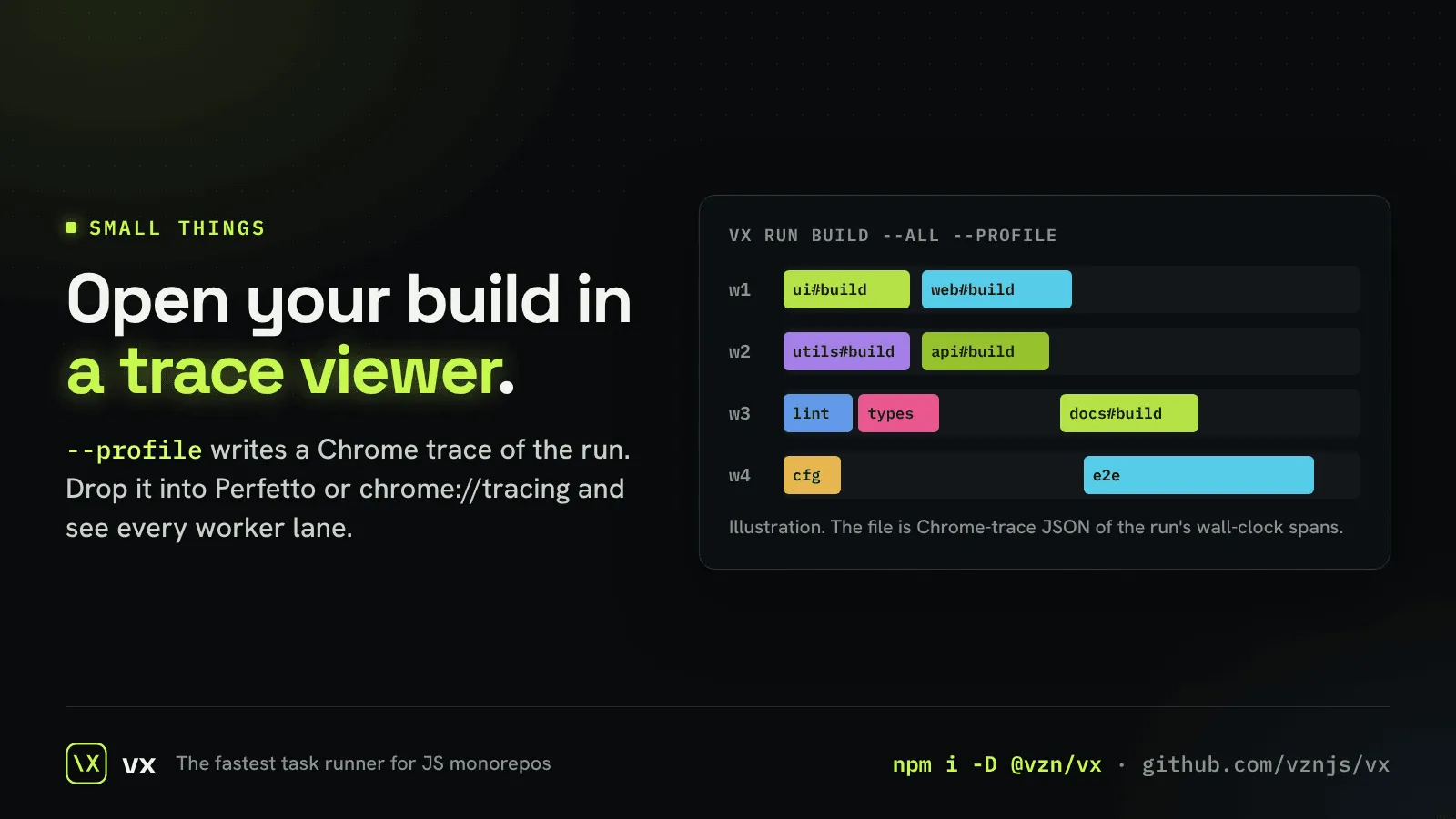
Your build as a trace
--profile writes a Chrome trace of the run.
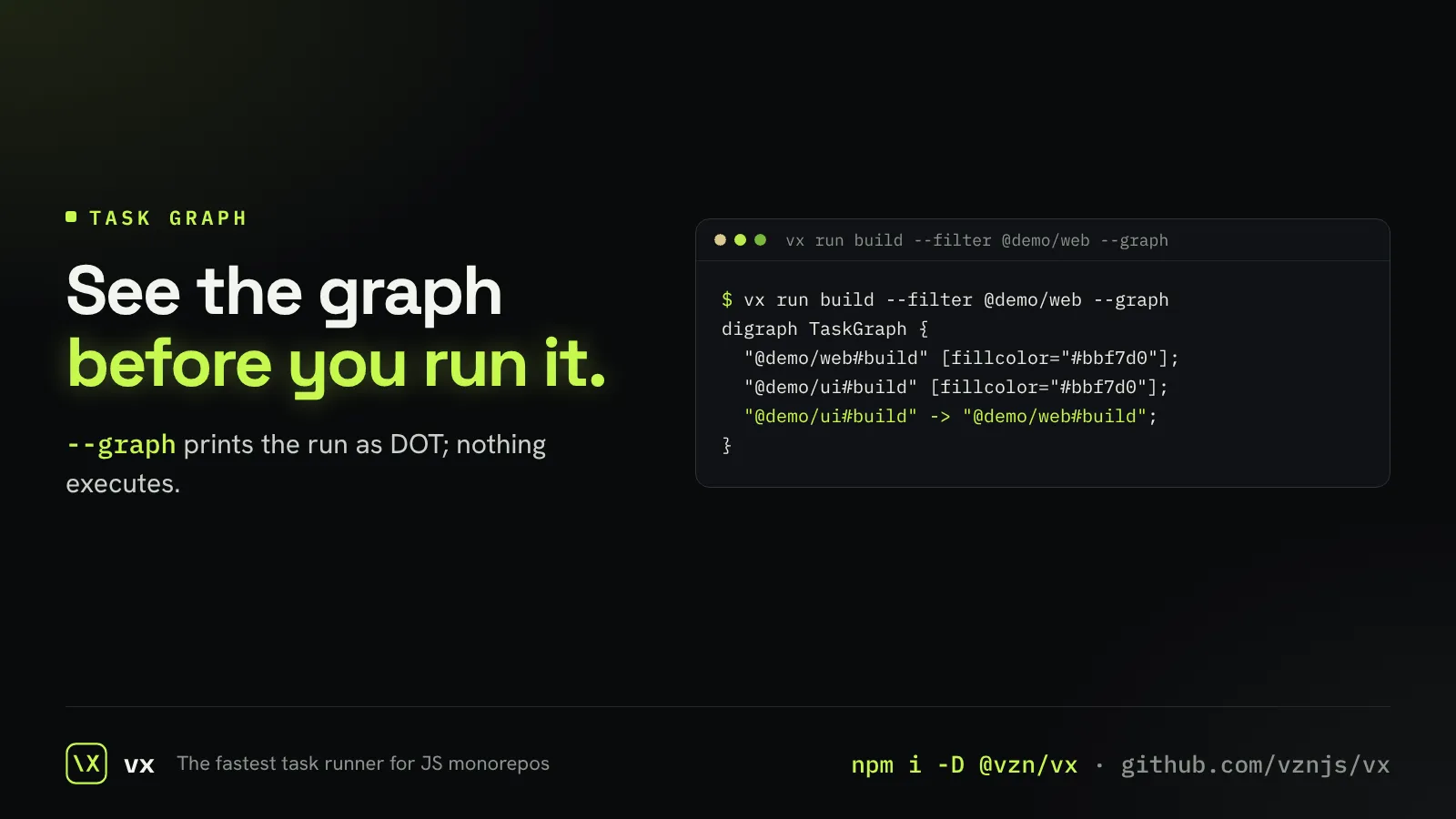
Draw the task graph
Export the graph as Graphviz DOT and see what depends on what.
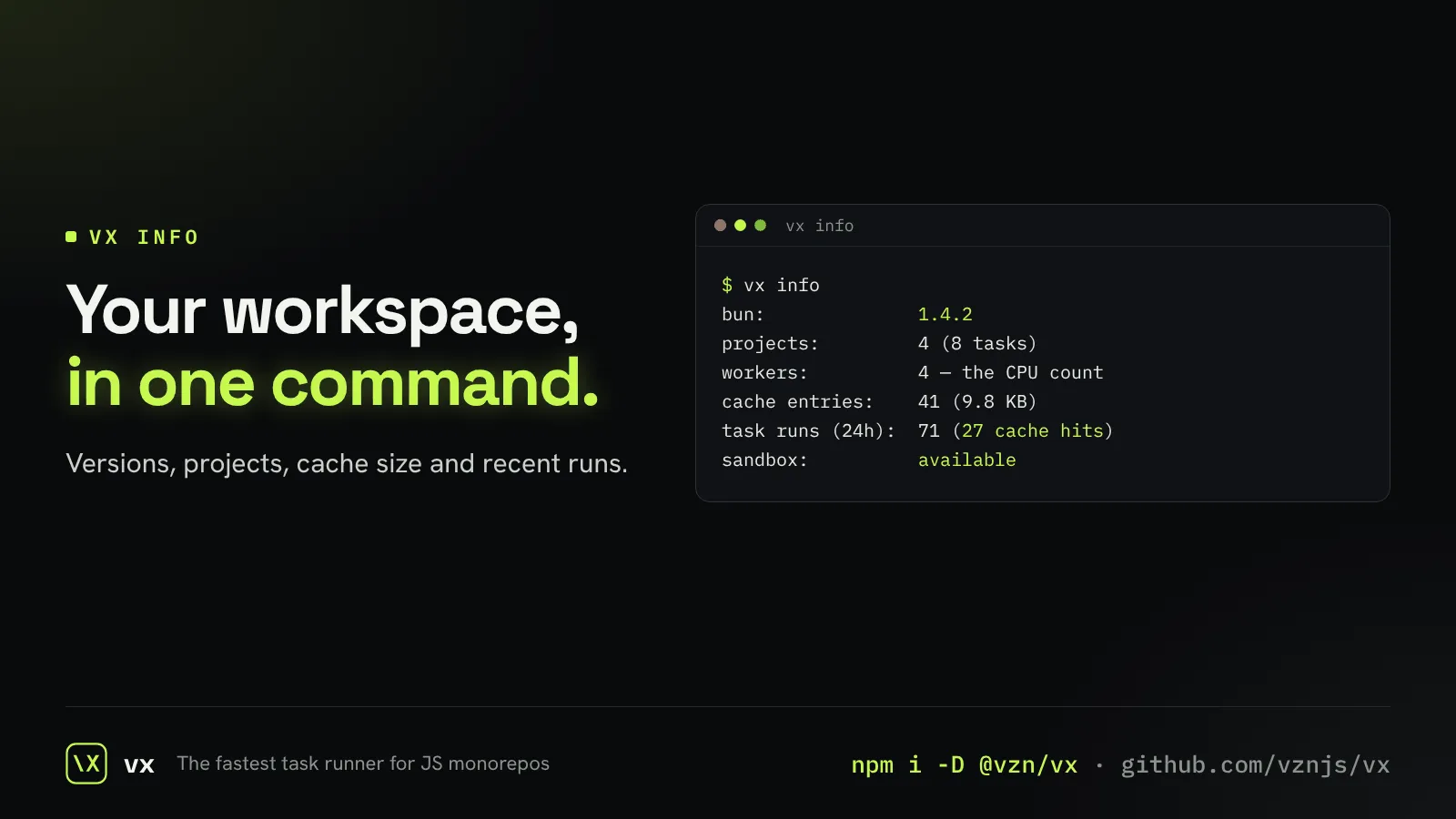
Know your workspace
One command shows versions, projects, cache size and recent runs.
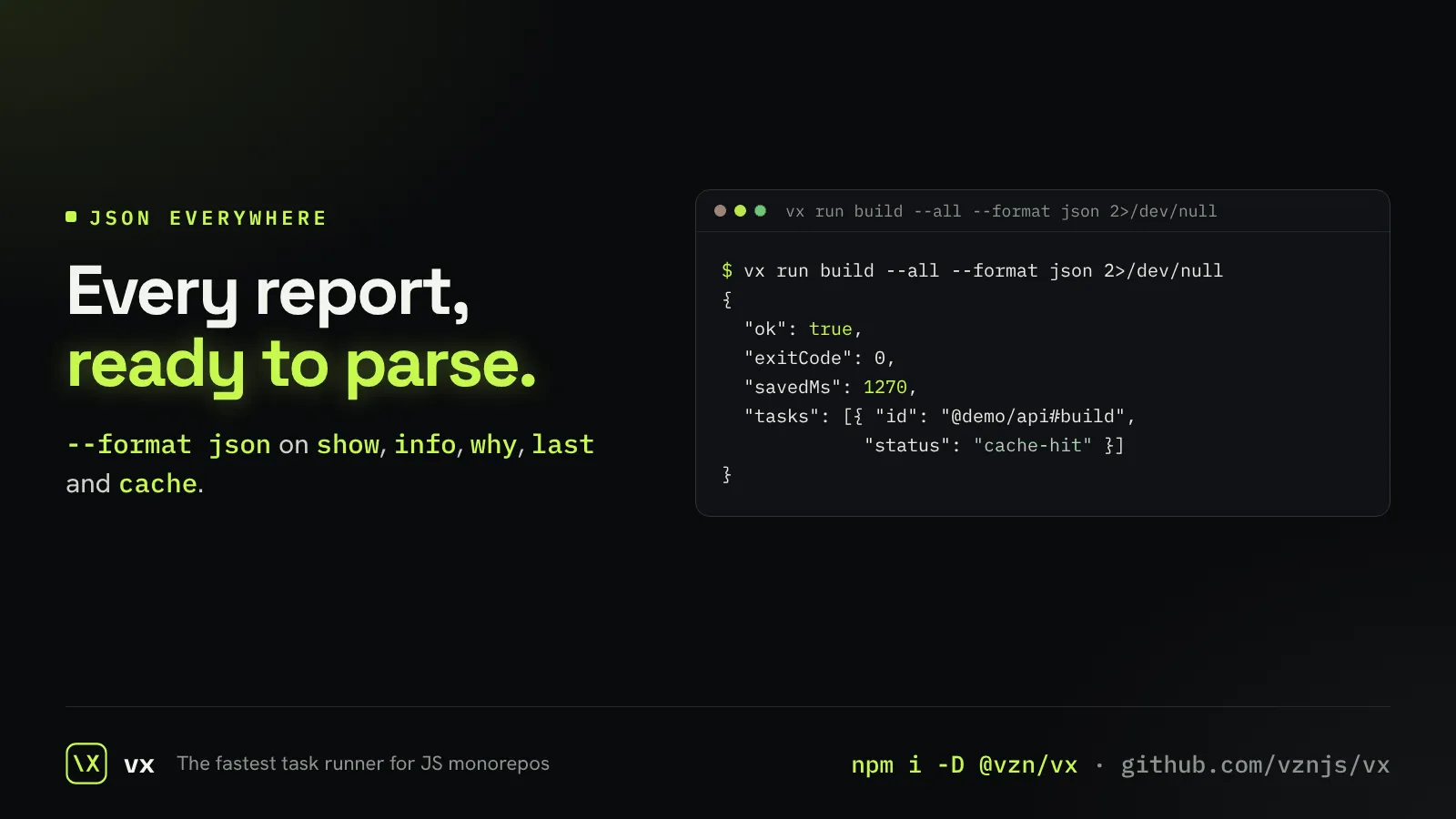
JSON from every report
show, info, why, last and cache all print JSON, so scripts and agents never parse text.
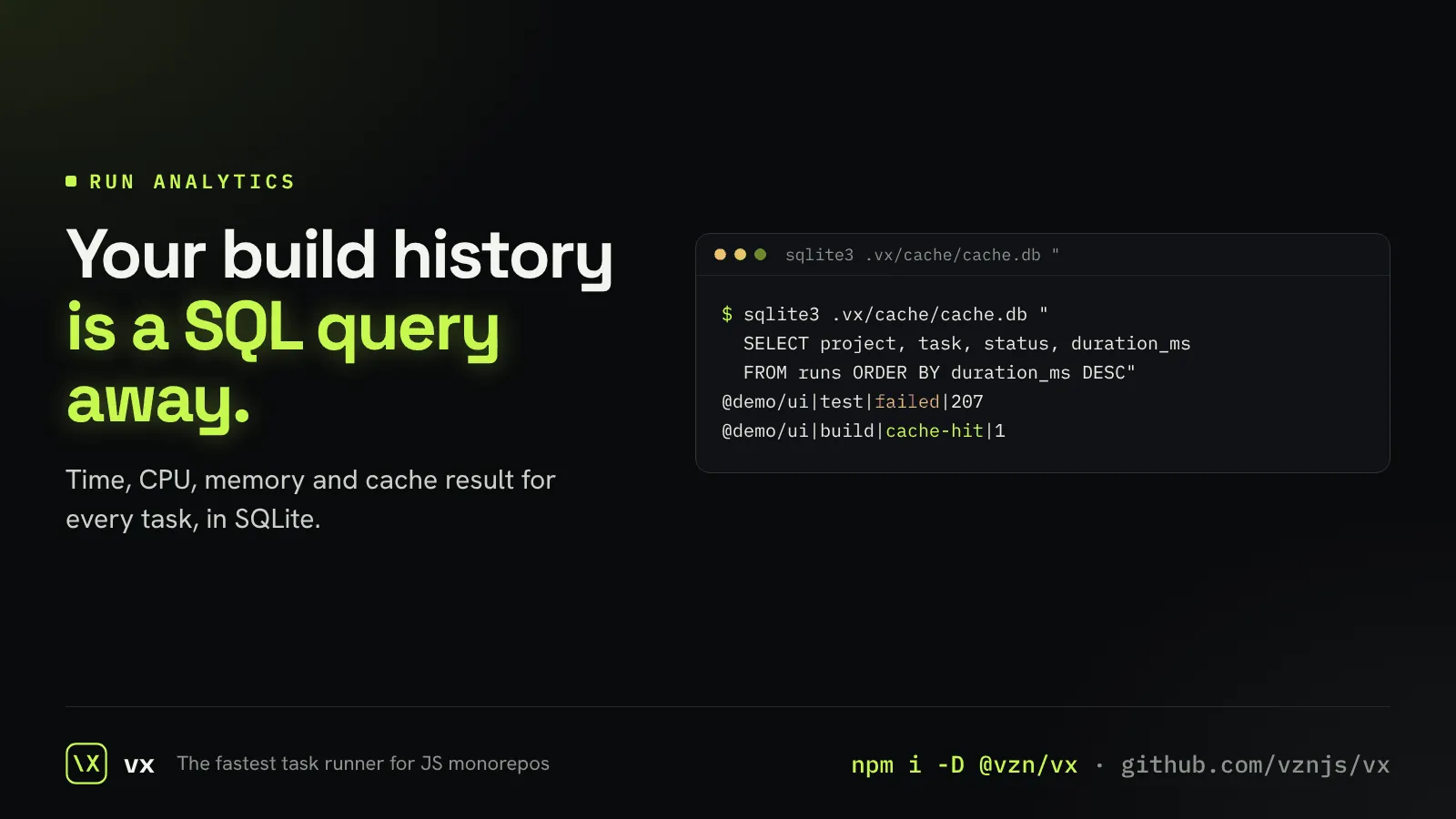
Every run, queryable
Each task’s time, CPU, memory and cache result go into SQLite you can query.
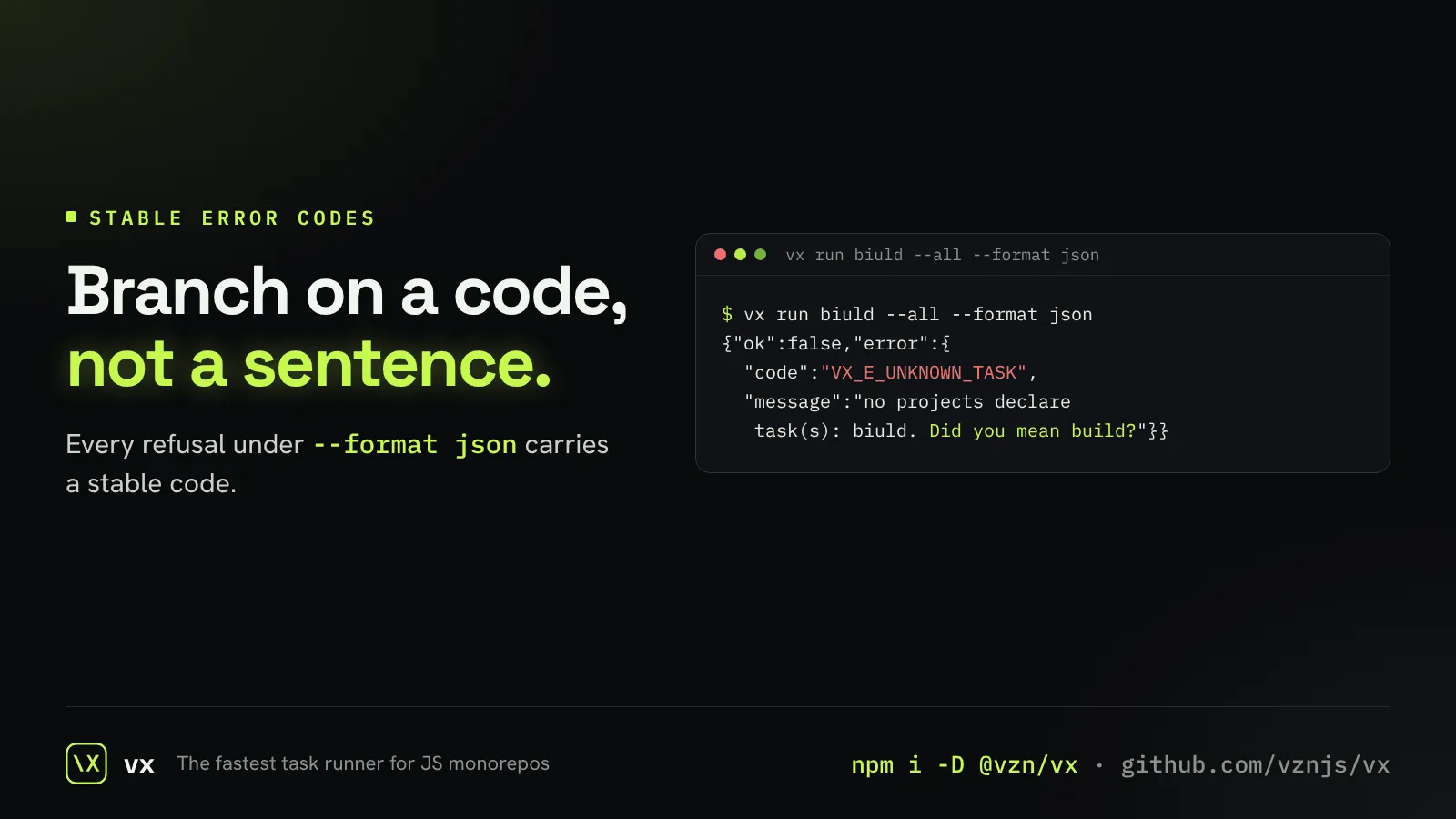
Errors an agent can branch on
Under --format json, a refusal is a JSON line with a stable code.
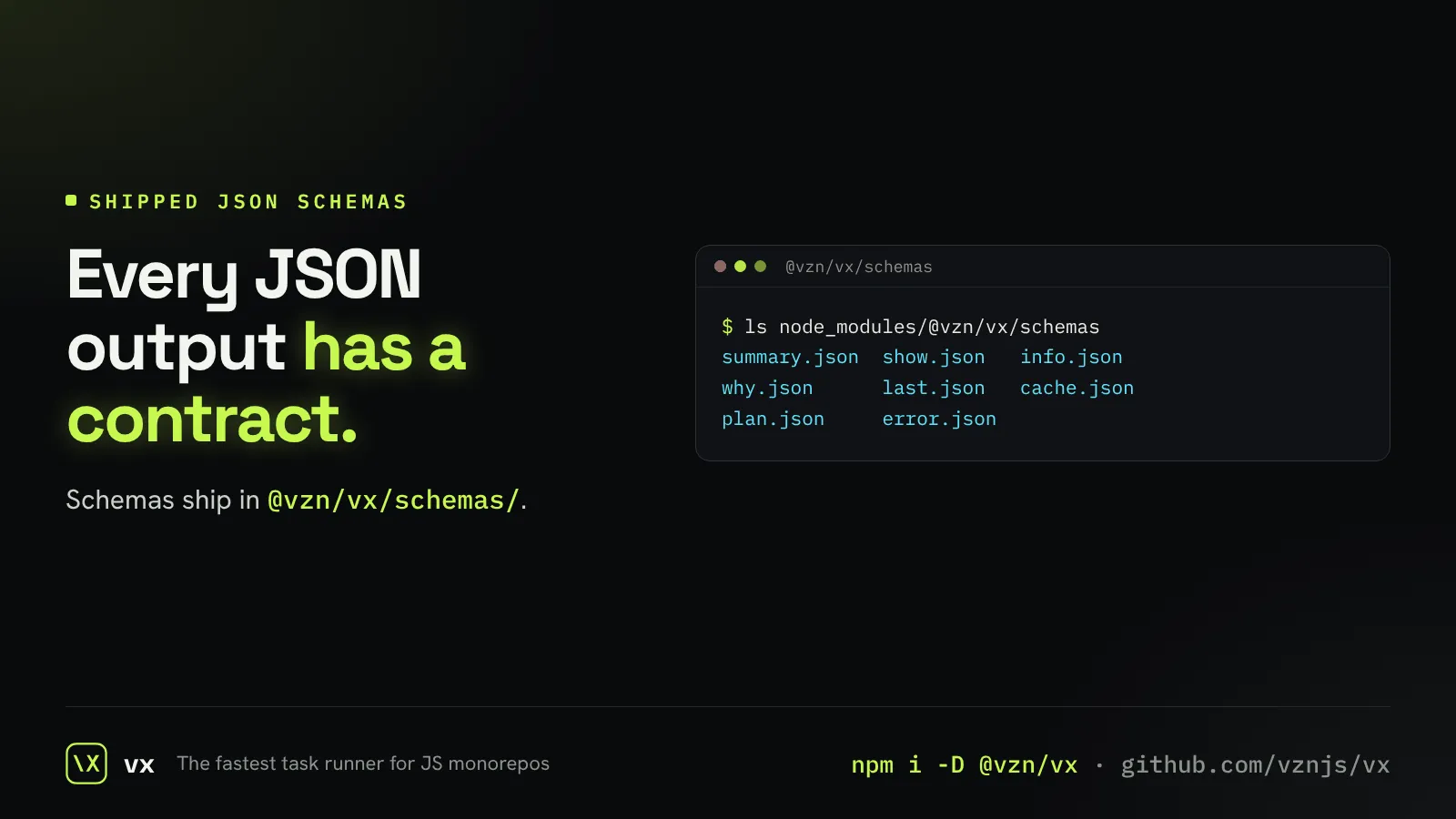
A schema for every JSON shape
Every JSON document vx prints has a published JSON Schema.
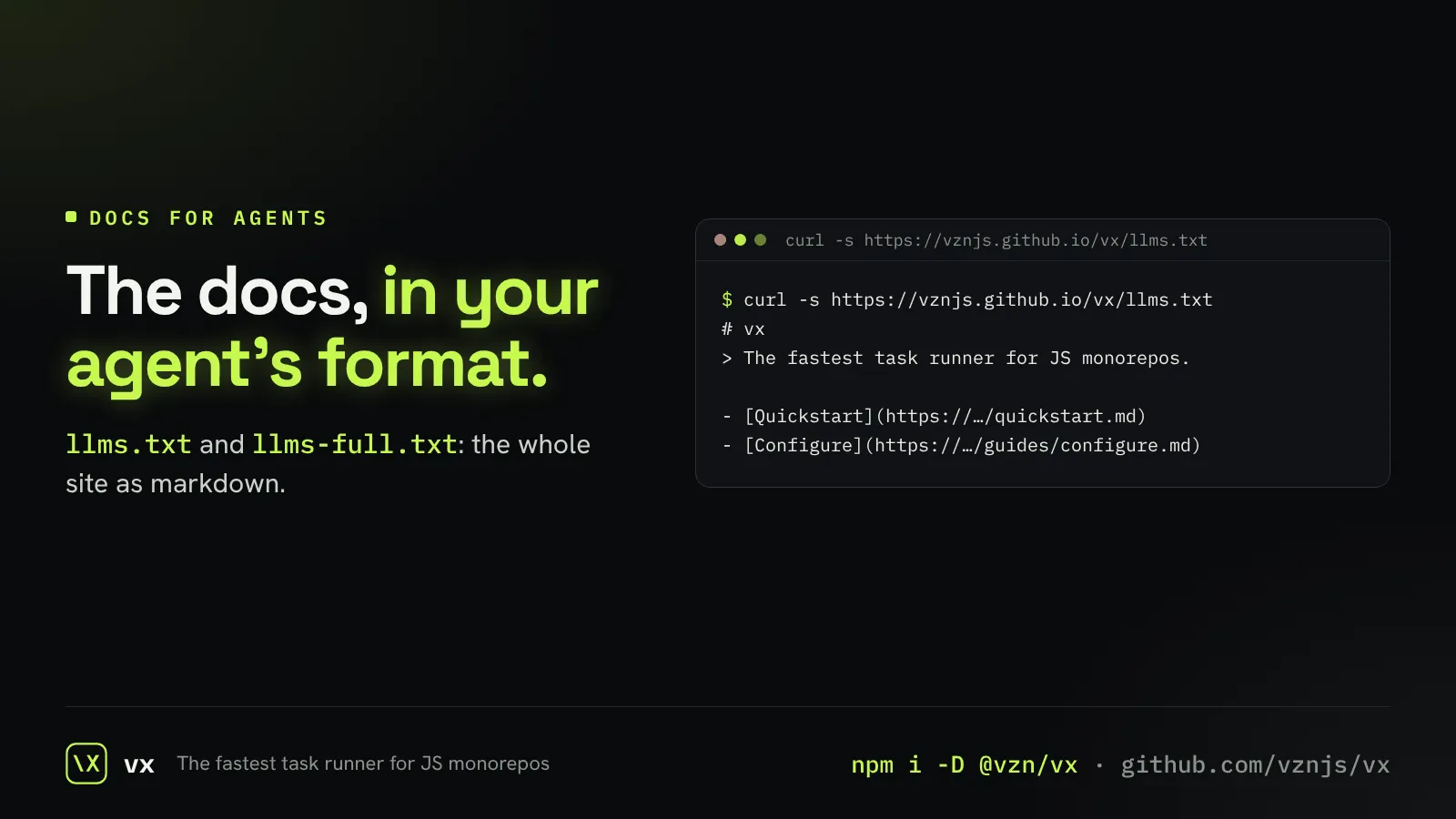
Docs your agent can read
The whole site as markdown in llms.txt and llms-full.txt.
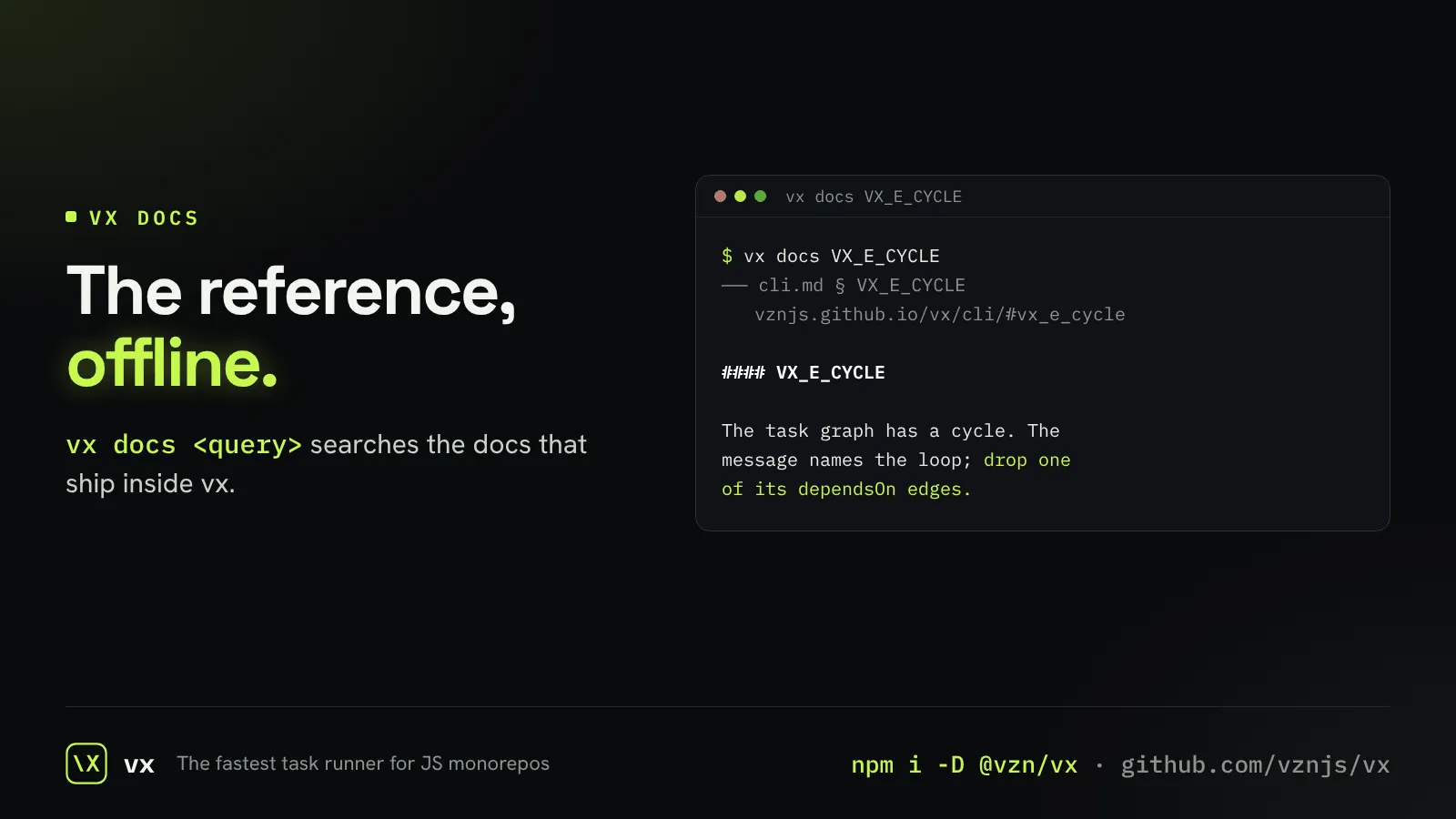
The reference, offline
vx docs <query> searches the CLI, config and cache reference with no network.
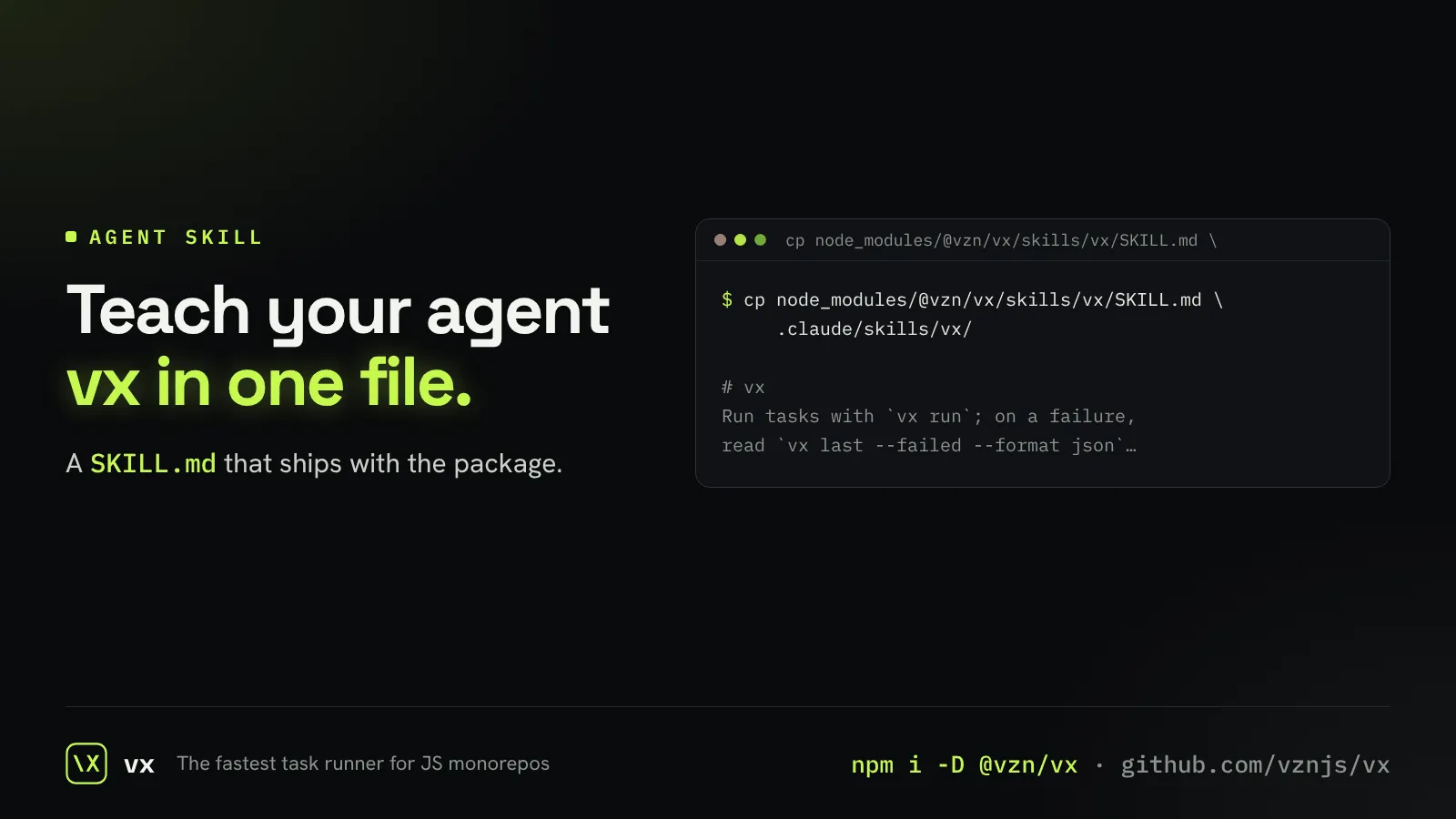
A skill for your coding agent
An installable skill teaches an agent to run, debug and query vx.