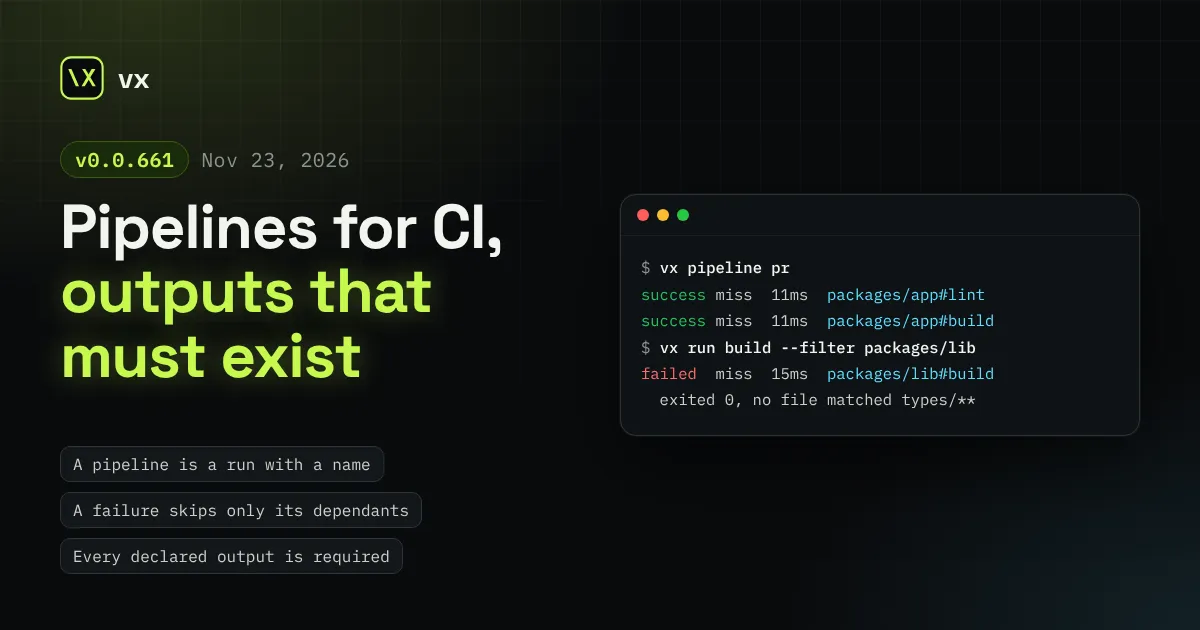
A pipeline is a vx run saved under a name, one per CI job. A failure skips only its dependants, a declared output nobody wrote fails the task, watch reruns only what an edit reaches, and git merges the locks as text.
A CI job is one line: vx pipeline pr. The pipeline names its tasks
and flags in .vx/workspace.ts, so a laptop runs what CI runs.
A failed task skips only the tasks that depend on it. A task that
declares an output and never writes it fails.
One ci task per project cannot serve several CI jobs that each run
different tasks. A pipeline is a vx run saved under a name: its
tasks in every project, and each vx run flag as a key.
A typo in an output glob, or a build that wrote somewhere else, used to
warn and cache an empty entry. A later hit restored nothing.
Every glob in outputs.files and outputs.workspaceFiles must now
match a file once the command exits 0. Here build declares
types/** and never writes it:
Terminal window
$ vx run build --filter packages/lib
Warnings
[vx] packages/lib#build: outputs matched no files (types/**) — the command exited 0 but never wrote it, so the task fails and nothing is cached: write it, or fix the pattern
Tasksstatus cache ±usual time cpu mem outputs blocks worker task
vx watch ran every uncached task and every failed task on each
cycle, whatever the edit. A task now keeps its last result while its
key holds and no changed path lies in its project.
An edit to the app no longer reruns the uncached generator it builds on.
A stop also ends a daemon that left its task’s process group with
setsid. A task that ends on its own leaves its daemons, so a shared
one (sccache) keeps serving.
A kept server is named as still running, and the changed count holds
only changed files.
vx run --force replaces the local entry its key held, so a forced run repairs a doubted entry.
A committed file under a task’s own outputs is keyed by what git holds, so a build that rewrites it each run still hits.
A restored tree lands only where nothing stands.
@vzn/vx-cache turns the remote off for the run when no server listens, and a download past cache.artifactCeiling is a miss.
A sandboxed task cannot read browser profiles or age keys under home.
Variables named like GPG_PASSPHRASE, SMTP_PASS and MYSQL_PWD are masked in output.
Args after -- reach one task in one project; a run that would forward them to several is refused.
A --filter that matches nothing refuses, even beside one that matches.
On CI, task output logs default to errors only; --output-logs or VX_RUN_OUTPUT_LOGS sets it.
A piped run prints the Tasks header once, and vx last --format json failed rows carry dir.
The task grid and Summary fit a narrow terminal.
vx why cuts each hash to 12 characters on a narrow terminal.
A task that exits 127 names the #! interpreter it could not find.
bunx @vzn/vx-migrate carries run settings into the workspace file and declares the lockfile plugin over an untouched vx init file.
Two starters to copy: examples/vite and examples/next.
With @vzn/vx-dte, a server that crashed on a worker fails the task that needed it, dte() reads VX_DTE_RELAY when the run starts, and a task that filled its worker runs on a bigger one next time.
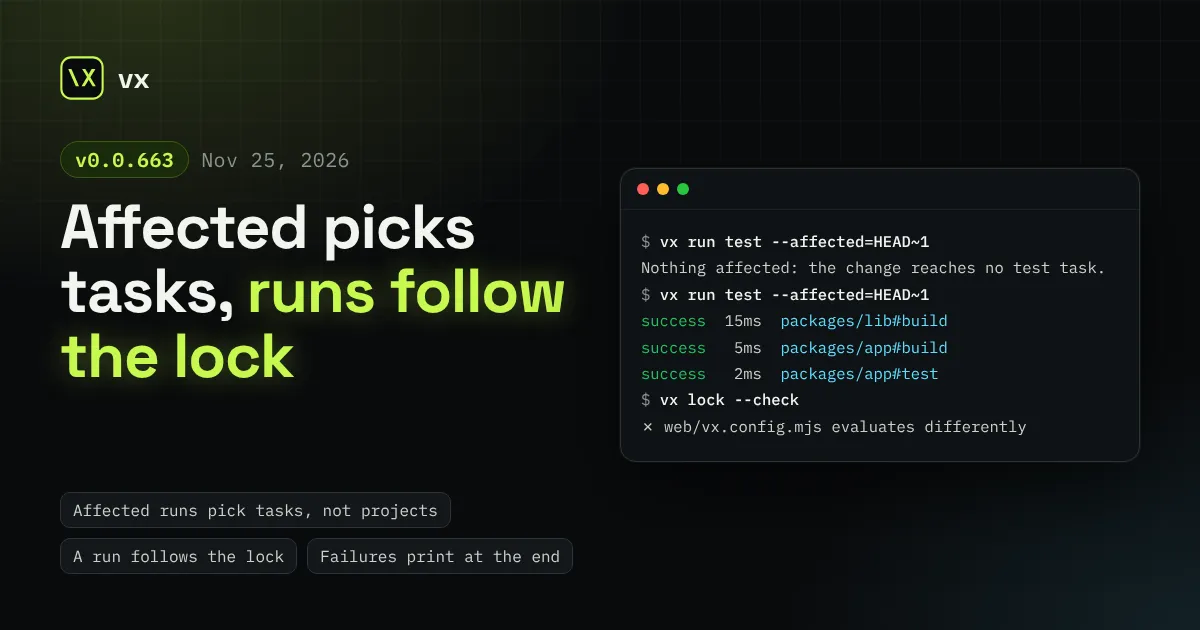
An affected run picks the tasks a change reaches, not whole projects. A run reads only the locks. Task output goes to a file, and a run of many tasks prints only the failures. Keyed variables reach the command, by name or pattern.
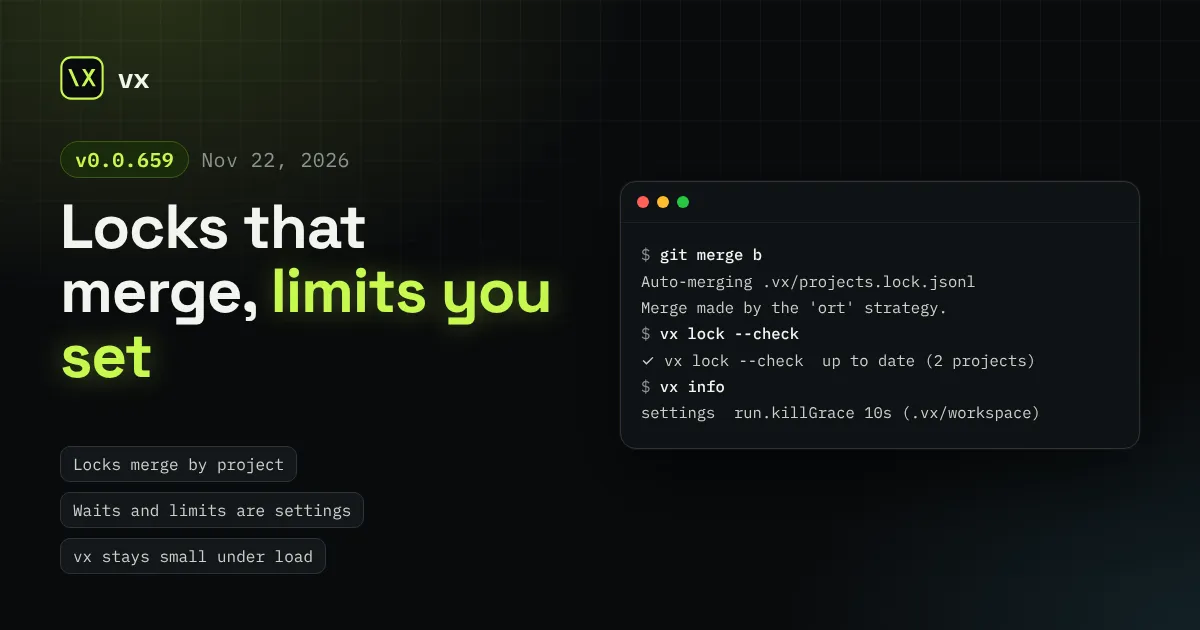
The locks are text keyed by project name, so two branches merge them by project. The waits and limits a user feels are settings, vx stays small under big outputs and slow readers, and migrated Turbo configs hold only what each task declares.
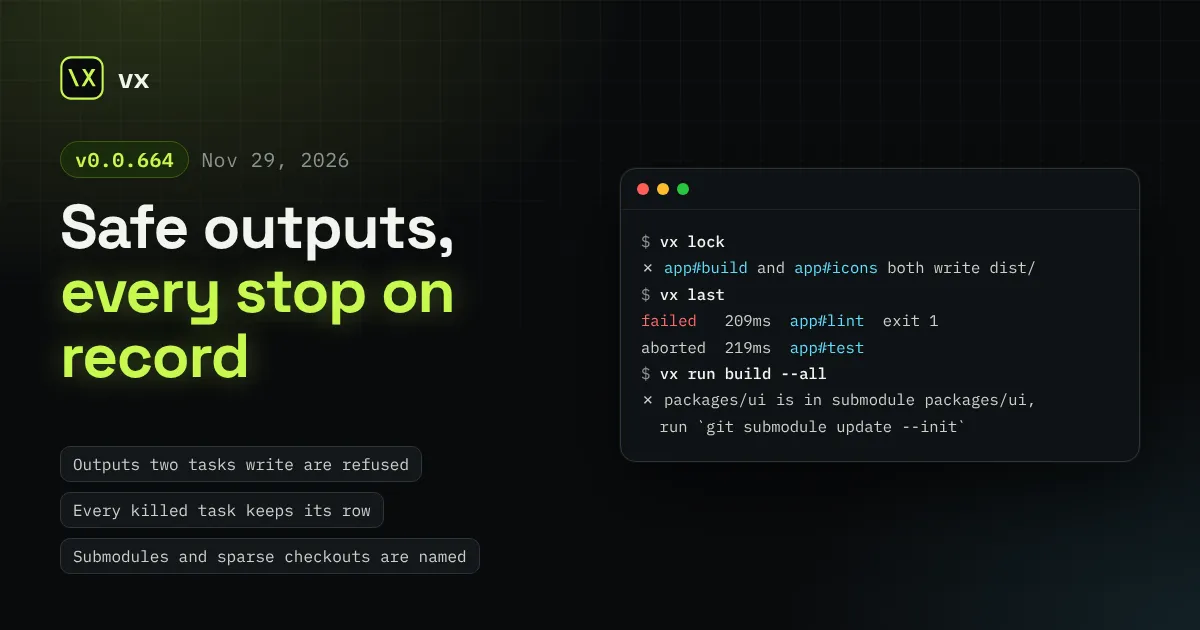
vx lock refuses outputs two tasks would both write. A task a stop killed keeps its row in vx last. A submodule a clone skipped is named, lost DTE workers fail no task, and a hung probe or a huge output no longer holds a run.
Turborepo, Nx and other product names are trademarks of their owners. vx is not affiliated with or endorsed by them.