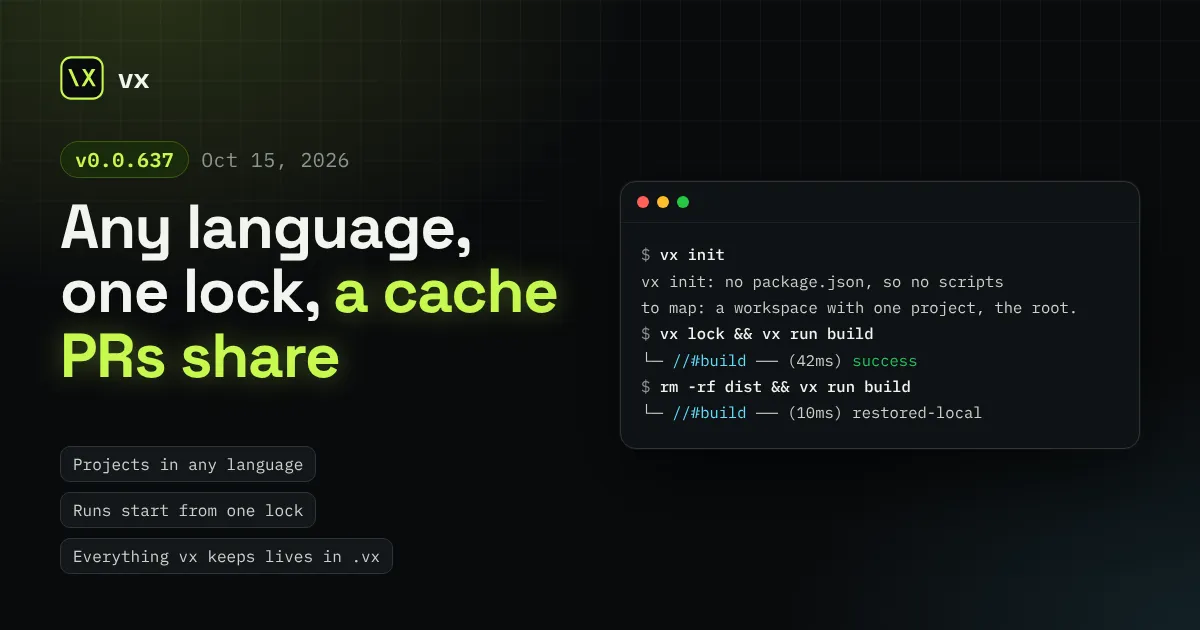
vx now runs projects in any language, every run starts from one reviewed lock, pull requests build on what main cached, and a run tells you how long it has left.
vx now runs projects in any language, every run starts from one lock
you can review, pull requests build on what main already cached, and a
run tells you how long it has left.
Until now core read package.json everywhere, so vx could only ever be
a JavaScript tool. This release moves all of that into a plugin: core
knows directories, configs and the commands they declare, and nothing
about any language.
It is also a big one for breaking changes. Before 1.0 an old name simply
stops working, with no alias or warning, so read the
list at the end before you update.
A task runner should not care what a task builds. Yet our core found
projects through package.json, folded every package.json into the
cache keys and drew dependency edges from them. A Python service or a Go
tool next to your packages could never be a full project, and a repo with
no package.json at all could not use vx.
Now a project is any directory with a vx.config. It is named by the
config’s name, else by a plugin, else by its path (// for the root).
Here is a repo with nothing but Python in it:
JavaScript keeps everything it had, from a plugin. pnpm(), bun(),
npm() or yarn() from @vzn/vx-lockfile adds your workspace members
as projects, draws the edges exactly as your lockfile installed them,
and adds each package.json to its tasks’ inputs. Each task is keyed on
its own project’s dependency closure, so pnpm update foo re-keys only
the projects that reach foo, and --affected selects the same ones.
vx init writes the right plugin for you.
A ^build needs edges to follow, so without such a plugin vx refuses it
rather than build with no upstream in the key:
A vx.config.ts is a program. Every run used to evaluate all of them and
check the graph before the first task, even when nothing had changed, so
each run paid for it and saw whatever happened to be on disk.
Now vx lock is the one step that evaluates configs. It checks the
graph rules and writes .vx/projects.lock.json, and every run,
vx watch cycle and --affected selection reads that file, evaluates
nothing and checks nothing. With no lock, a run stops and tells you to
run vx lock.
You commit the lock, so a config change is reviewed as data, not only
as code. Beside each vx.config, vx lock also writes a readable
vx.lock.json with the config as vx resolved it, plugins applied:
Run vx lock after you edit a config, update dependencies or plugins,
or change a file a config imports. On CI, check first, so a stale lock
fails before any task:
.vx/workspace.ts is the workspace config, and the file also marks the
workspace root: vx looks for the nearest one up from where you stand,
never above the git root. The lock sits beside it, marked generated so
diffs collapse it. Run history and the workspace’s cache index live in
.vx/cache, kept out of git by .vx/.gitignore, so your own
.gitignore is never touched. Cached outputs live in one store per
repository under ~/.vx, so every worktree of the repo hits what
another one built.
A globally installed vx now hands every call to the project’s own
@vzn/vx, so the whole team runs the version the repo pins.
A pull request should start from what main already built, and it must
never write into the keys main reads. Cache scopes now do exactly that.
With no scope a run reads and writes the default keys. A named scope
reads the default key first, then its own, and writes only its own, in
the local cache and every remote alike. On GitHub Actions, github()
from @vzn/vx-ci sets it for you: no scope on a push to main, pr-<n>
on a pull request, ref-<name> on any other branch.
Off CI, a run reads the remote but does not write it: a key holds only
declared inputs, so a tool only your laptop has must never replay on
CI. A scope is the client’s half; the server’s half is the token, a
write token only for main’s CI and a read-only one everywhere else. See
Cache scopes and tokens.
A bar that counts tasks says little when one task takes a minute and
the rest take a second. vx now learns how long each task usually takes
and forecasts from it.
A task’s usual duration is the median of its last five timings on this
branch, else on any branch. Timings are shared by every worktree of the
repo, so a fresh worktree forecasts on its first run. Each running row
shows the usual duration while its time counts toward it, and the
time row shows what is left, sized by the longest unfinished chain and
by the work left over your workers:
Terminal window
3.33srunning~5.2ssolid-js#types
time 1.41s · ~3s left
--branch or VX_RUN_BRANCH sets the branch a run records and
forecasts from (else git’s, then the CI provider’s), and
vx last --stats --branch main shows each task’s usual duration there.
vx cache clean clears this repository’s cache; --older-than 30d
and --max-size 5GB trim it instead, --global clears every
repository’s, and --dry-run says what it would remove. It never
touches your config or lock.
An unsandboxed task runs as you, so it could read the variables vx
itself holds but did not give it. vx now closes its own environment to
other processes on Linux, and blanks the values ps eww shows on
macOS. More in A task sees only the env it names.
cache.outputs.clean: false keeps a task’s outputs on a miss instead
of clearing them first, for a tool that updates its output in place.
vx upgrade checks npm’s registry signature before it installs.
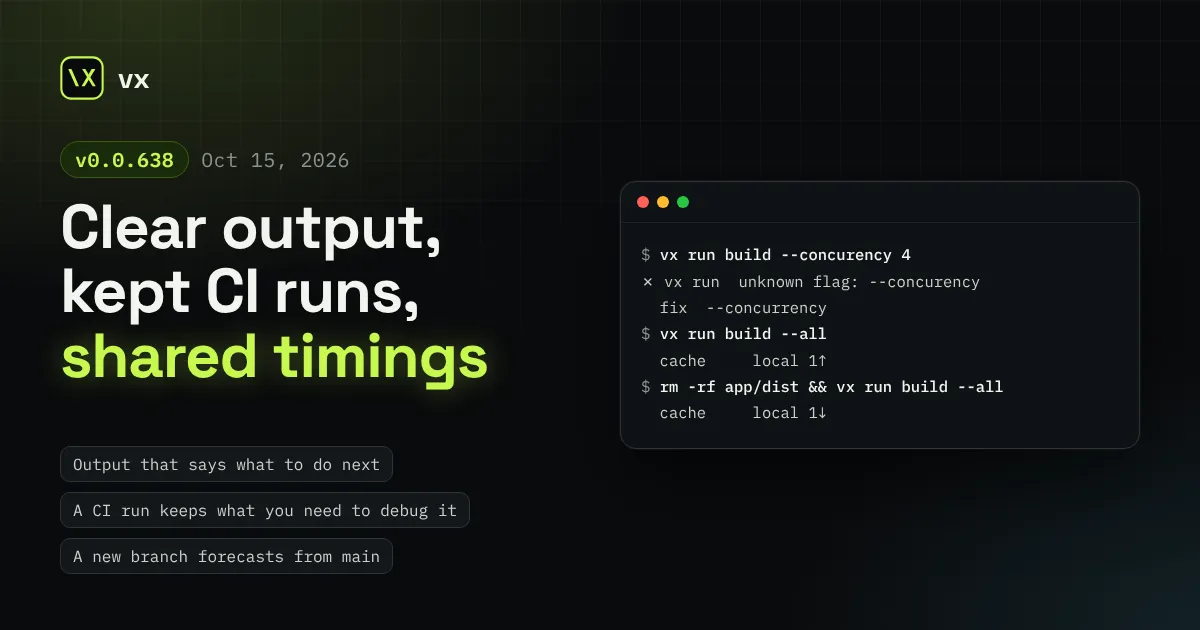
Every vx verb now speaks in one shape and says how to fix what it refuses, a CI run keeps the logs and outputs you need to debug it, a new branch forecasts from main's timings, and a run your local cache answers stays off the network.
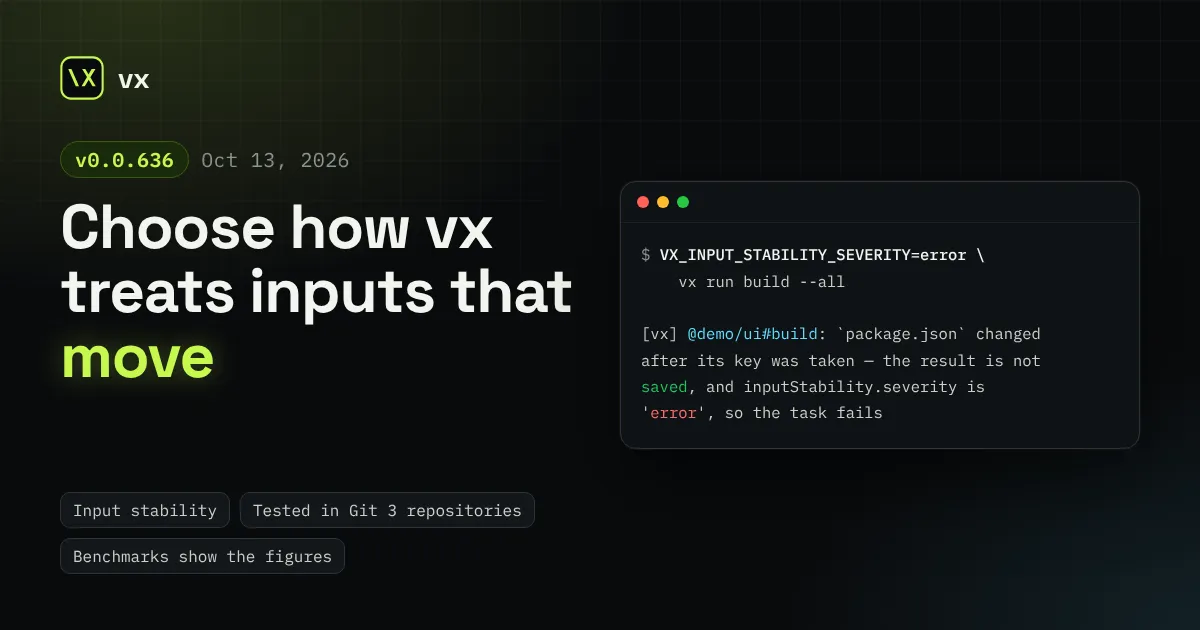
cache.inputStability picks which writes to an input during a run count, and whether one warns or fails the run. vx is tested in Git 3 repositories, and the benchmark pages show plain figures.
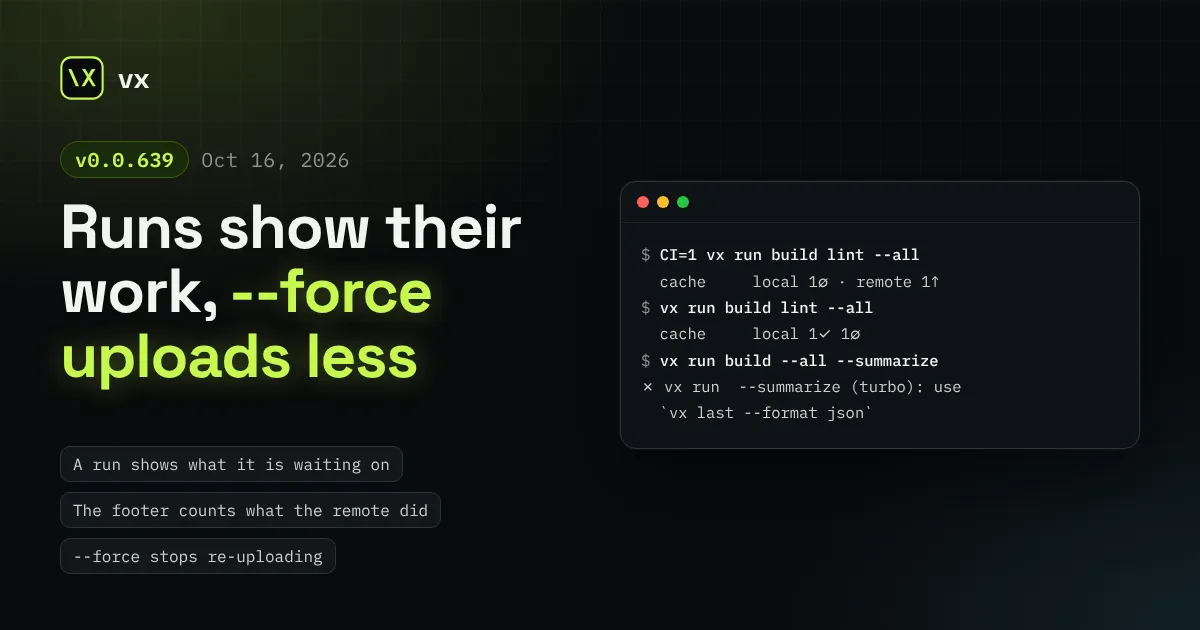
A live run now shows what vx itself is doing and what each idle worker waits on, the footer counts remote failures and uploads in flight, --force no longer re-uploads what the cache holds, vx lock refuses fewer configs that were fine, and vx run sheds nine flags.
Turborepo, Nx and other product names are trademarks of their owners. vx is not affiliated with or endorsed by them.