
Config in TypeScript, keyed as evaluated
Change a shared preset and exactly the tasks that use it re-run.
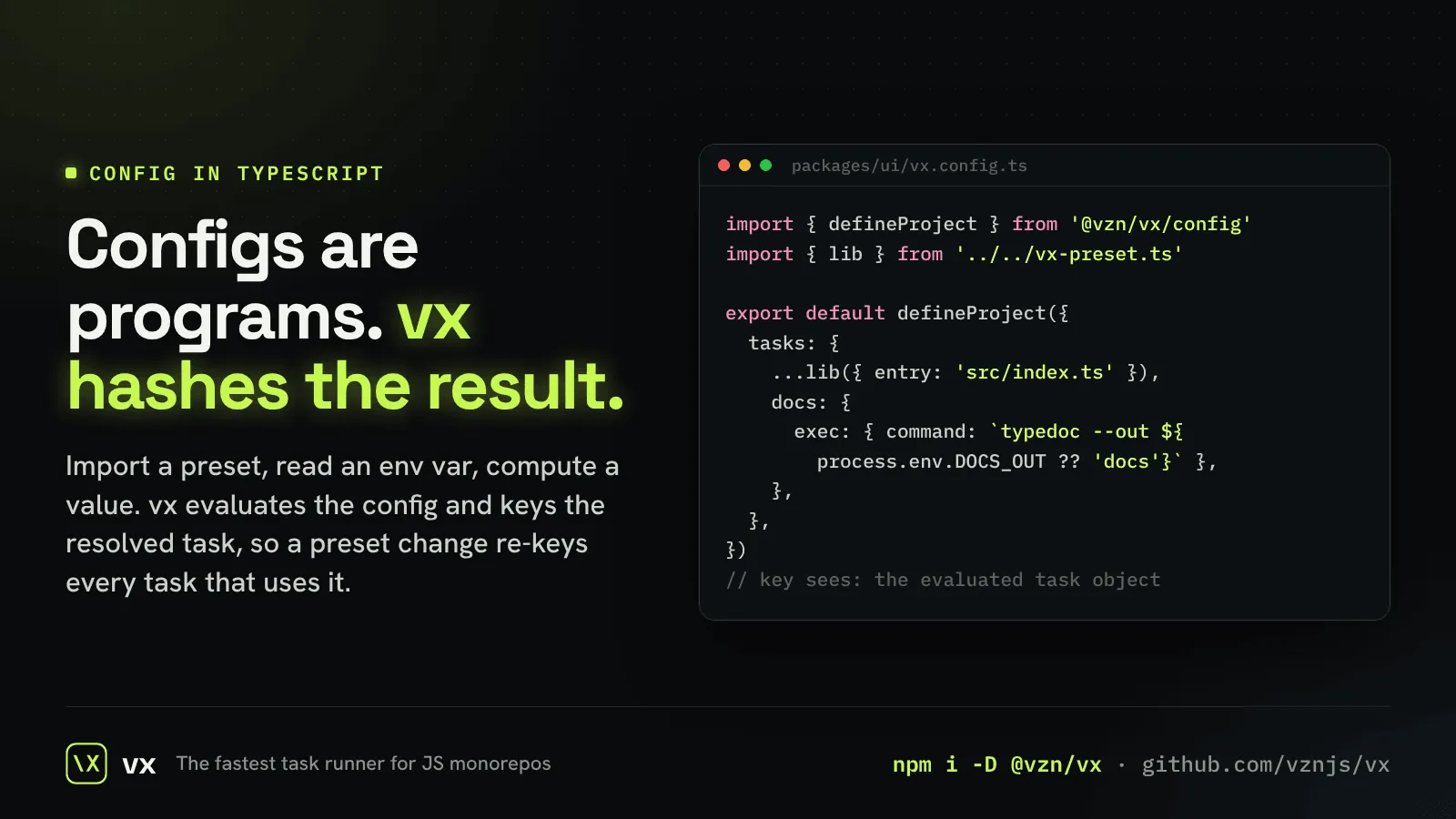
A JSON config is data, so a tool can only hash the file. vx.config.ts is a program: it imports presets, reads env vars and computes values.
vx evaluates it and keys each task on the resolved object. Edit a preset that ten packages import and those ten packages’ tasks re-key; a config that evaluates to the same task keeps its key.
// config
// packages/web/vx.config.ts
import { defineProject } from '@vzn/vx/config'
import { viteBuild } from '@acme/vx-presets' // your own shared preset

export default defineProject({
  tasks: { build: viteBuild({ outDir: 'dist' }) },
})More in Cache you can trust
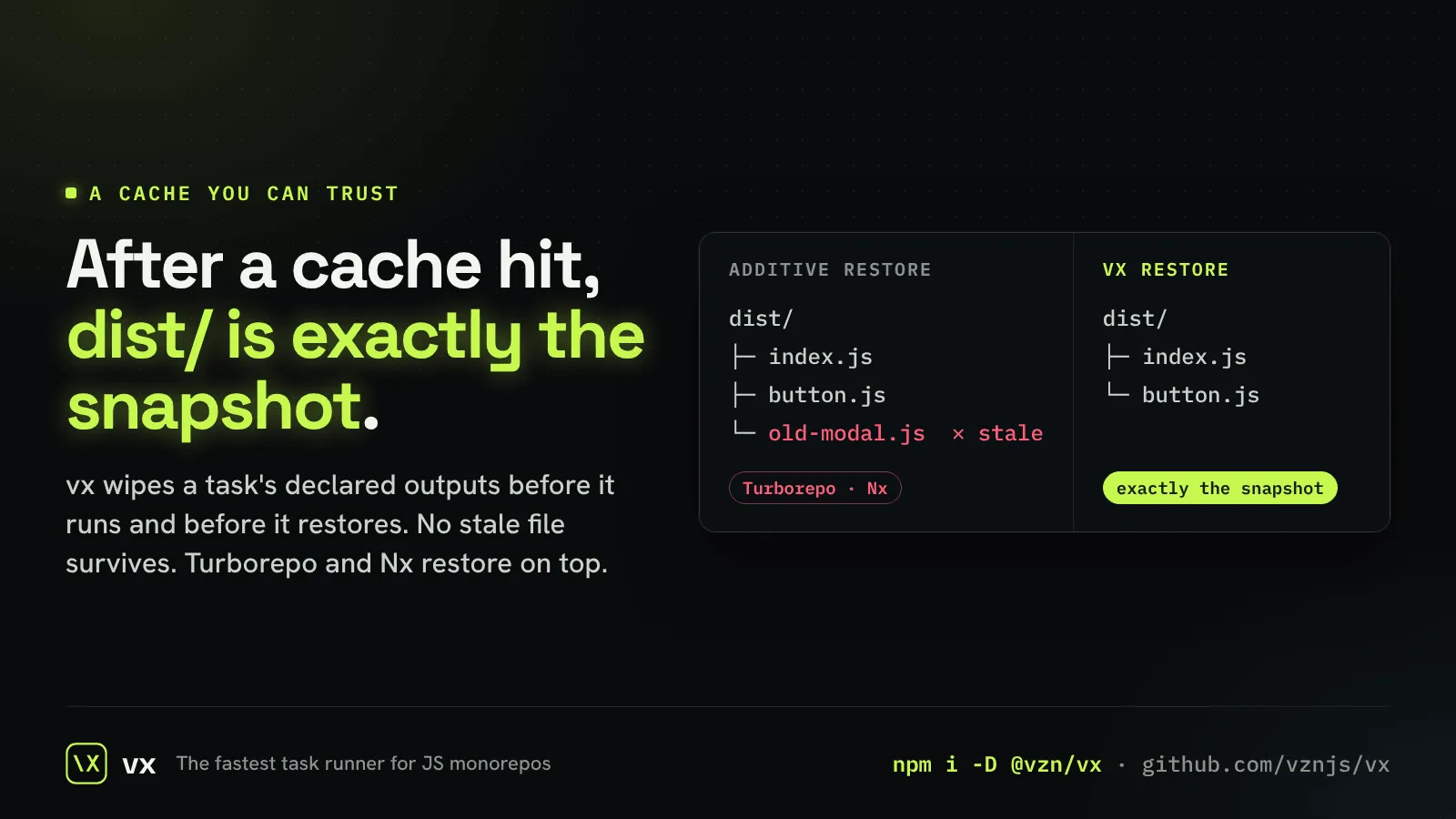
Outputs are exactly the snapshot
A module you deleted never comes back from the cache.
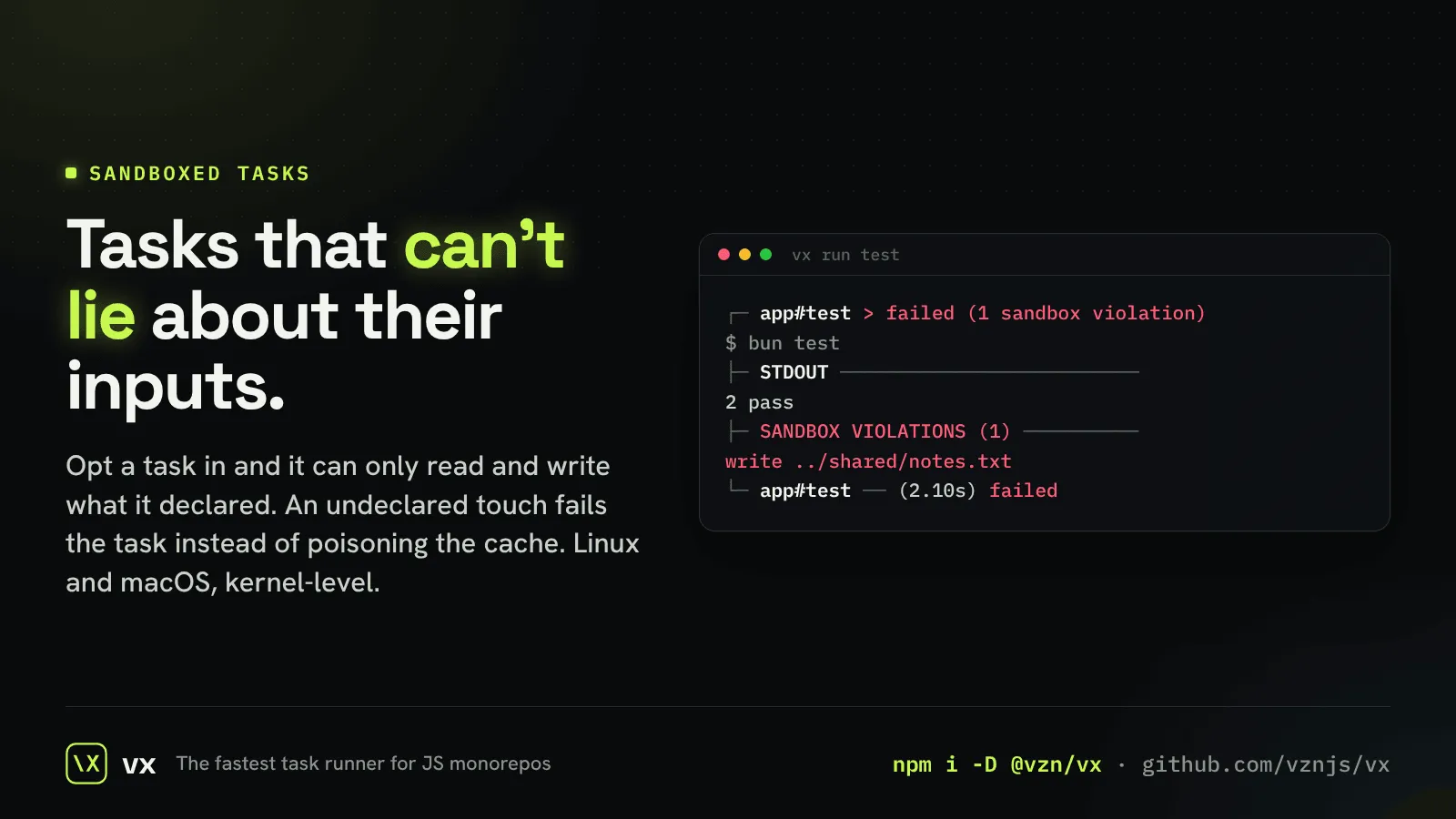
Sandboxed tasks
An undeclared read or write fails the task and names the path.
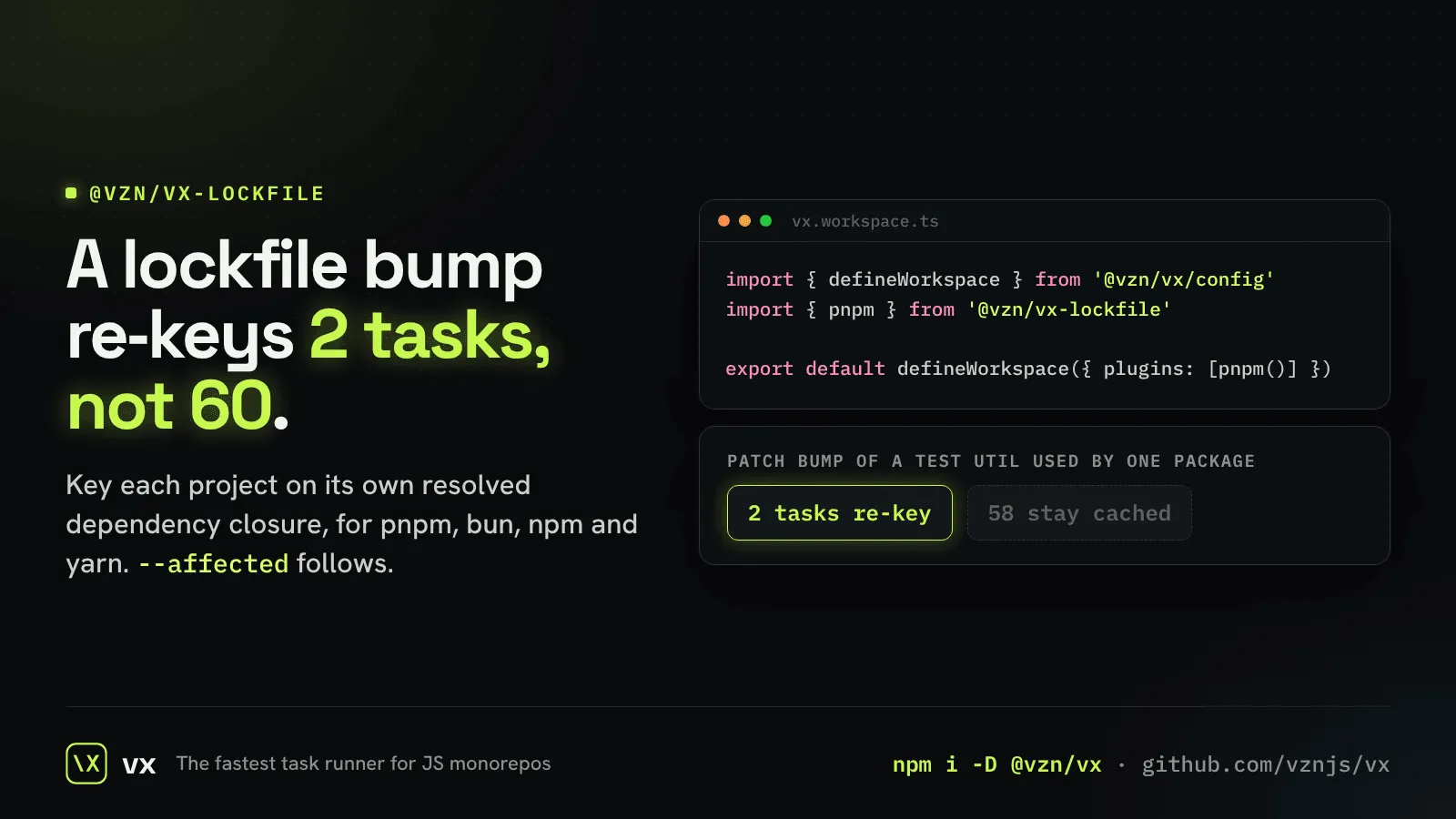
Lockfile-aware keys
A dependency bump re-runs the projects that use it, not the whole repo.
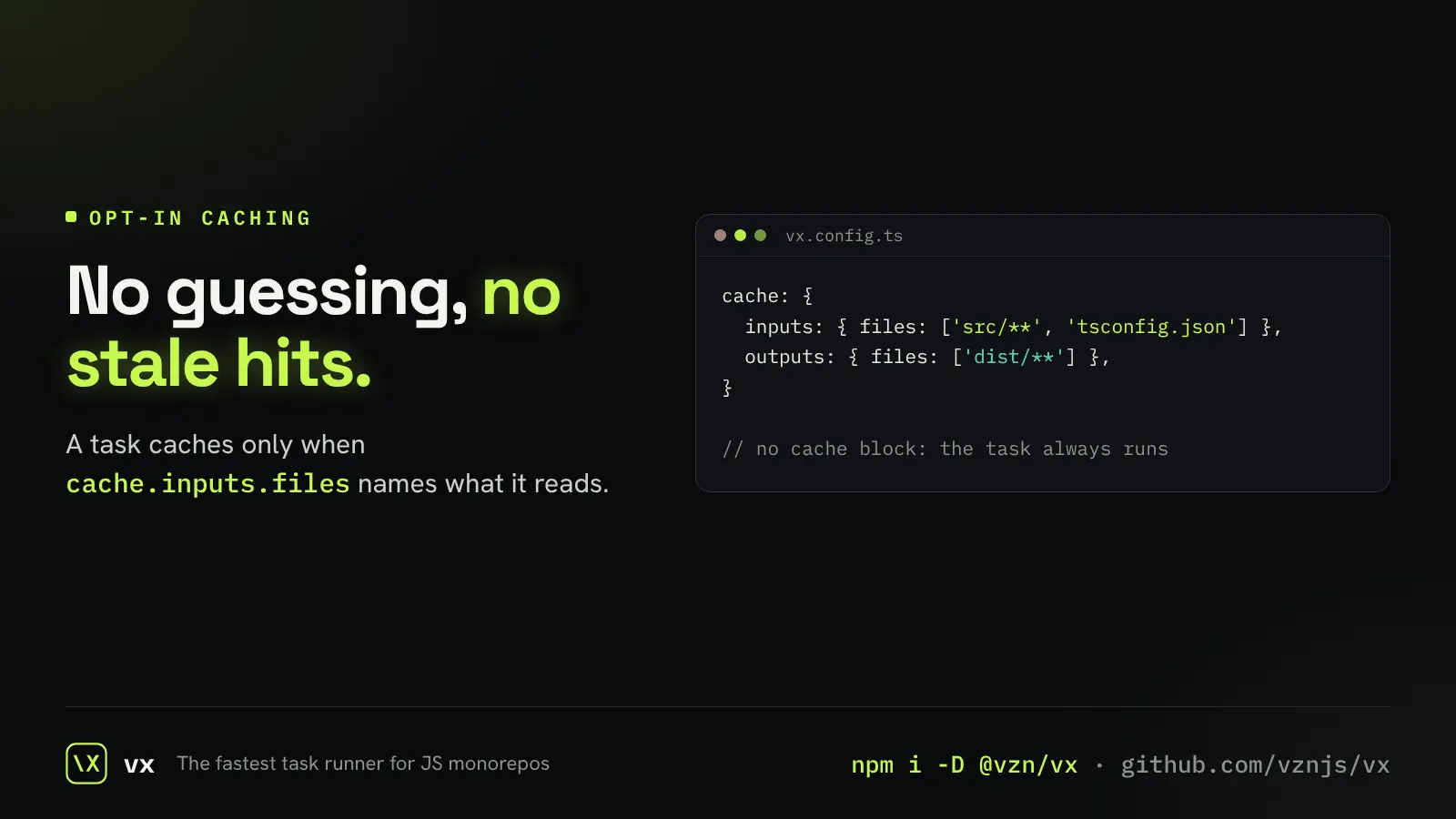
Caching you opt into
A task caches only when it names its inputs, so a hit is never a guess.
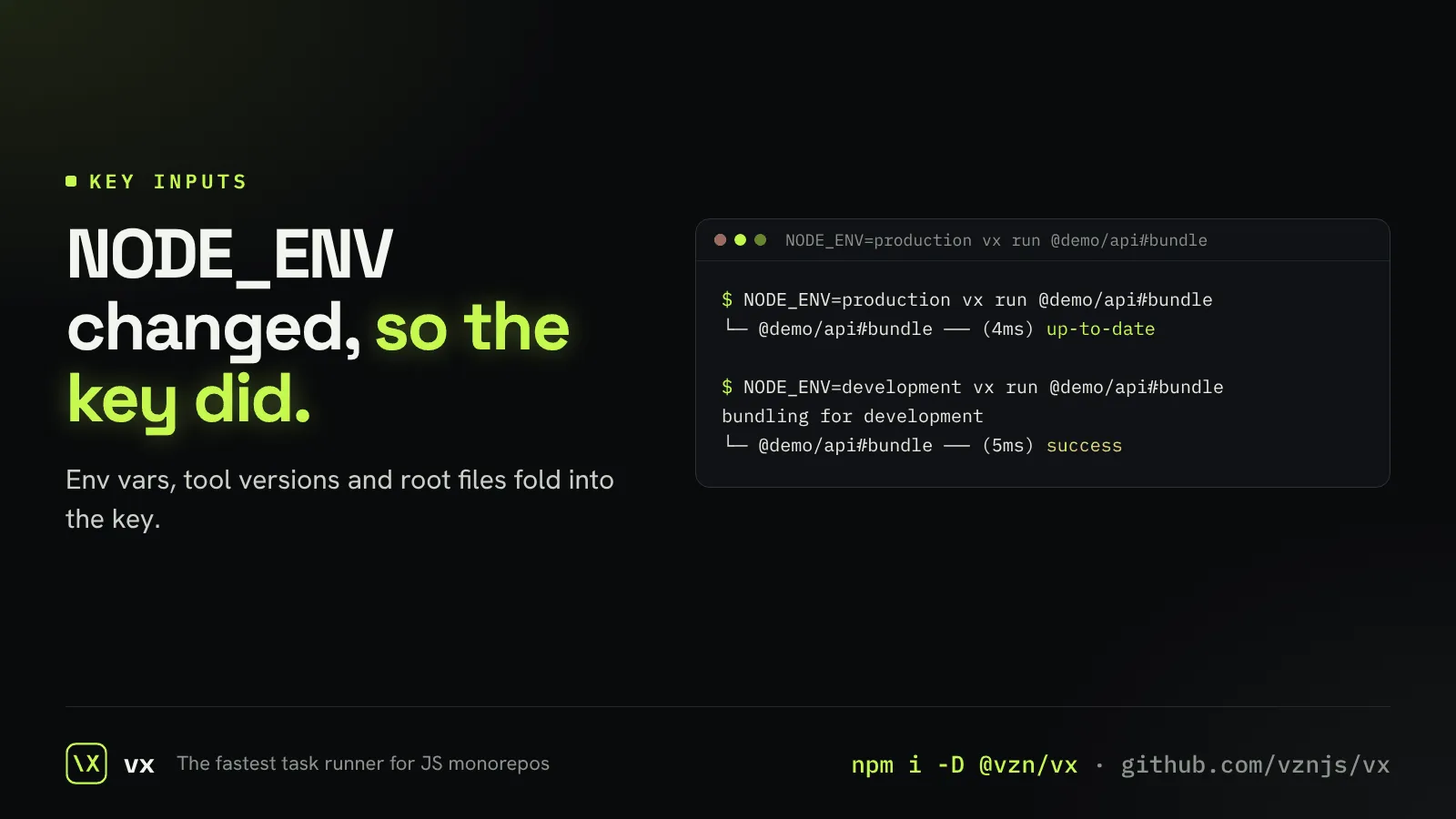
Everything a build depends on
Env vars, tool versions, upstream tasks and root files all go into the key.
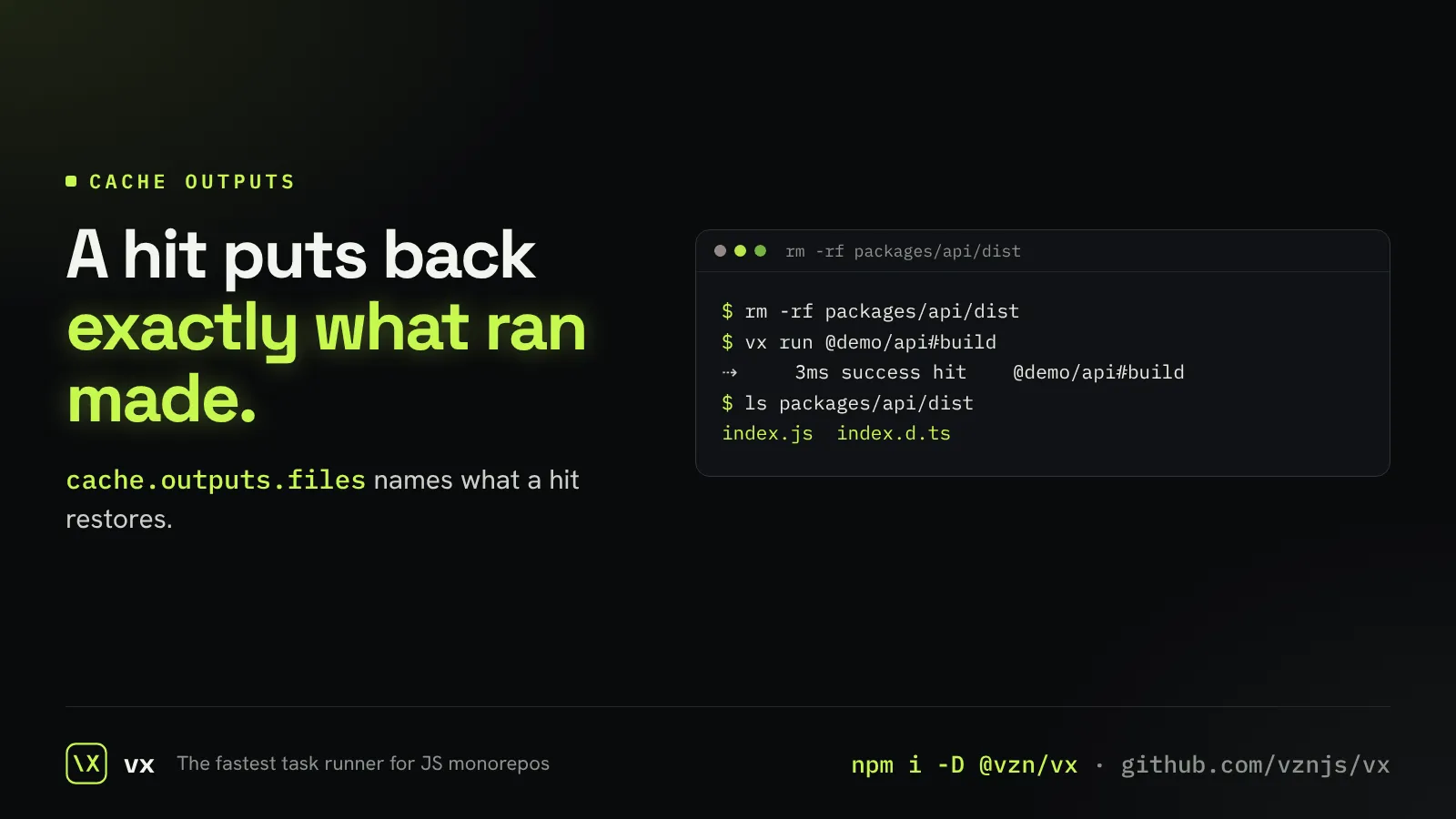
Outputs that come back
Name what a task produces, and a hit puts exactly those files back.
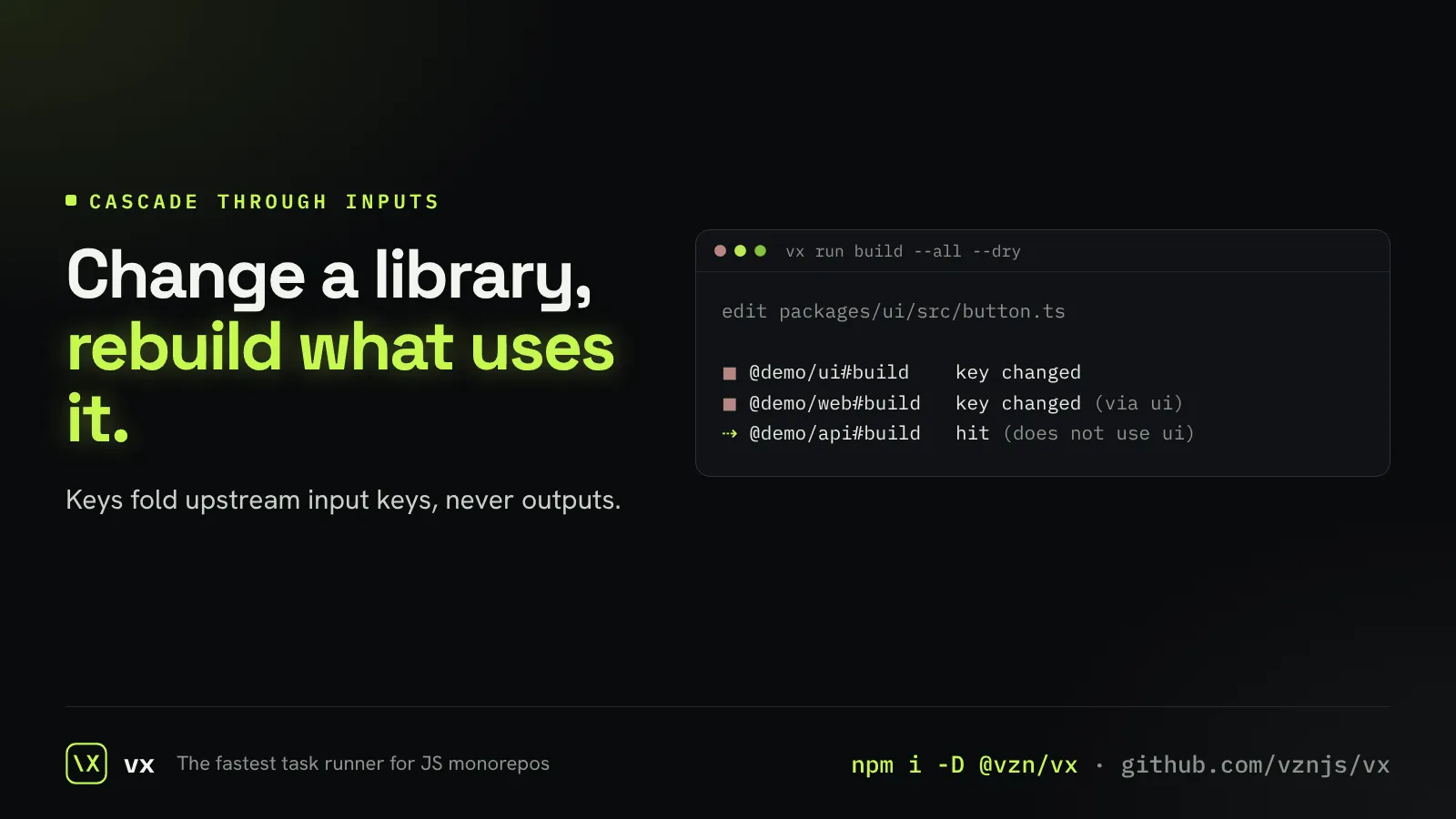
Changes travel down, and stop
A task’s key folds in its dependencies’ input keys, so a change reaches exactly what depends on it.
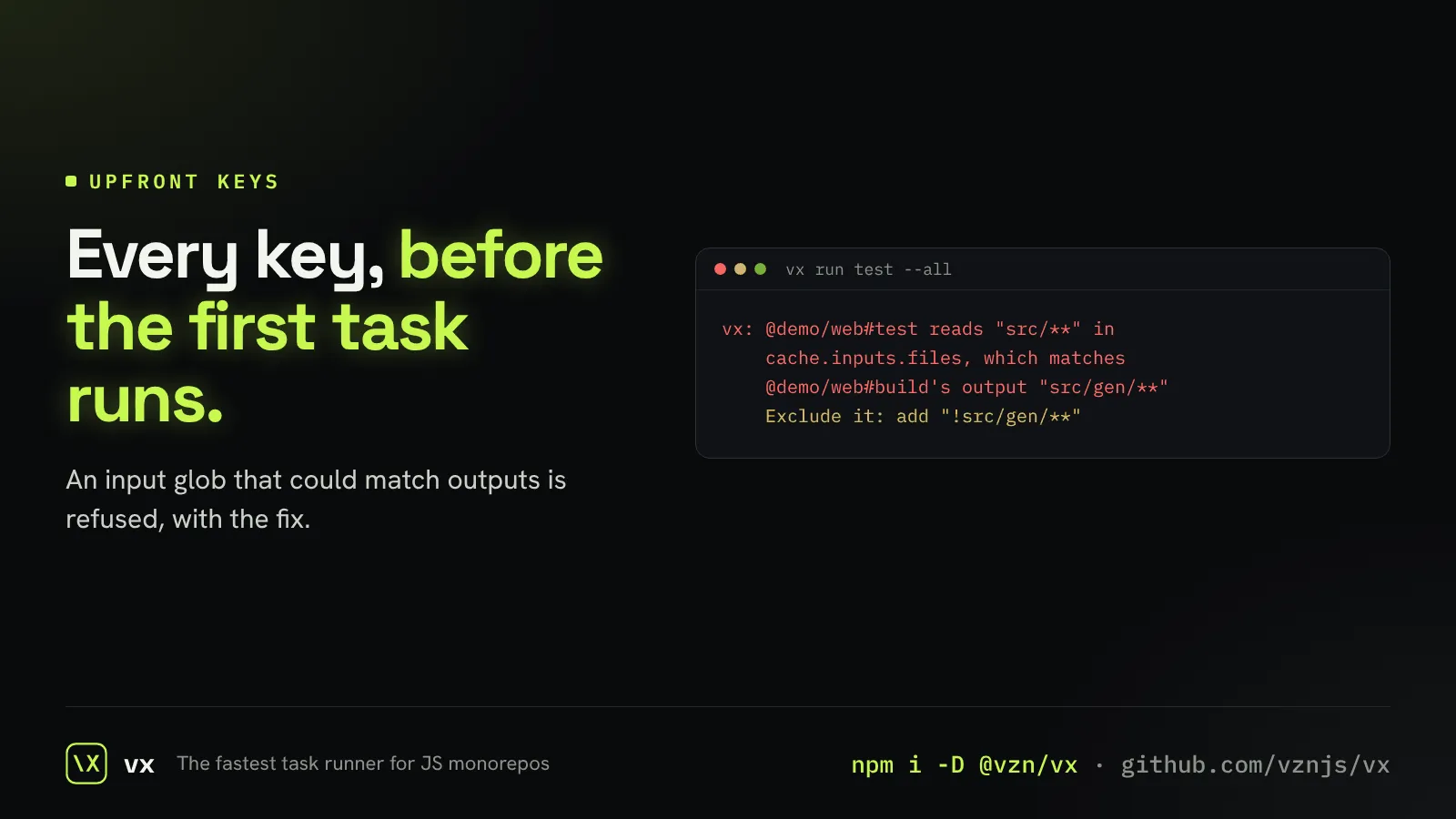
Every key known before the run
vx refuses an input glob another task’s outputs could match, so keys never wait on a build.
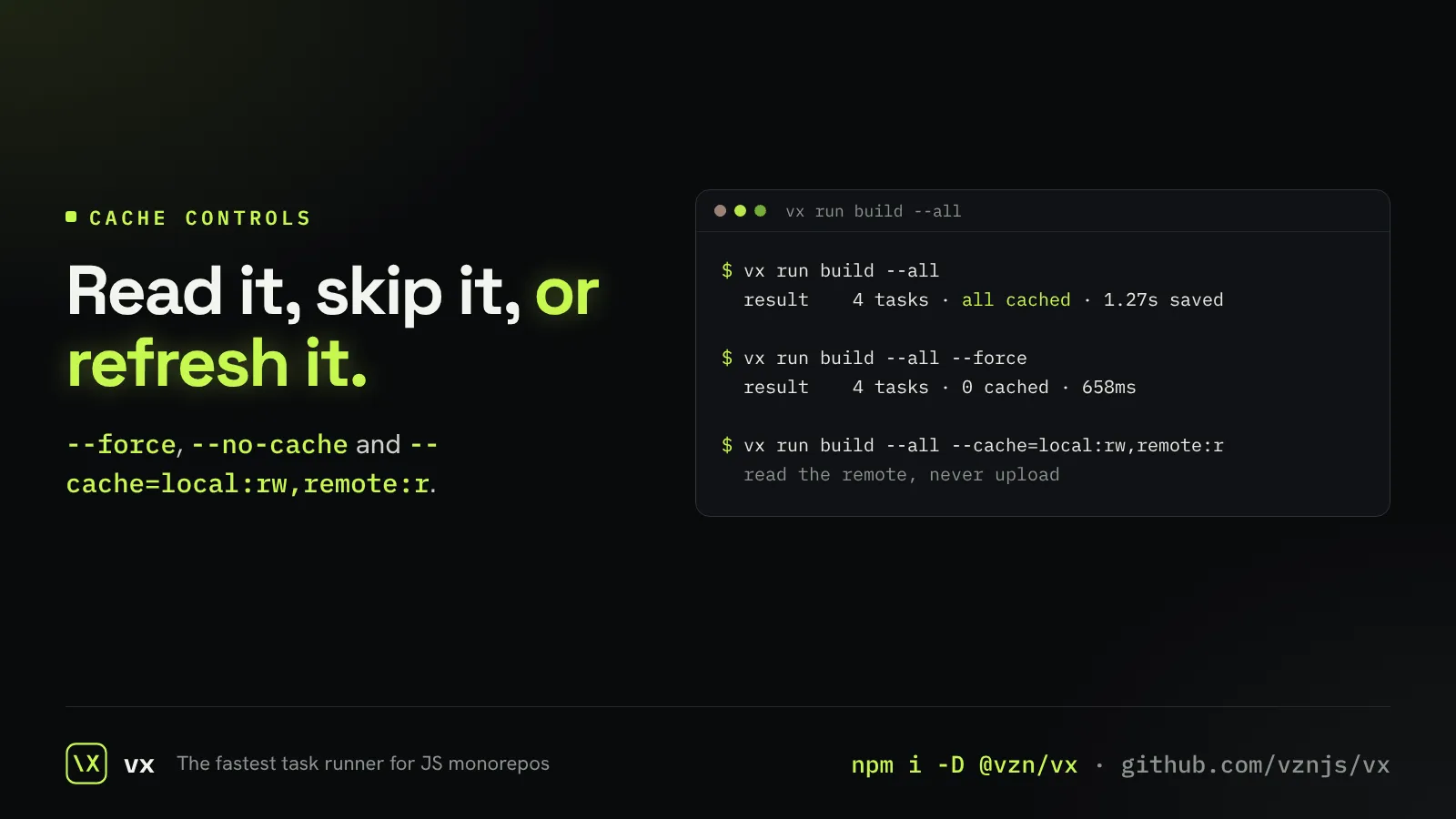
The cache, your way
Turn it off, refresh it, or choose per layer what is read and written.
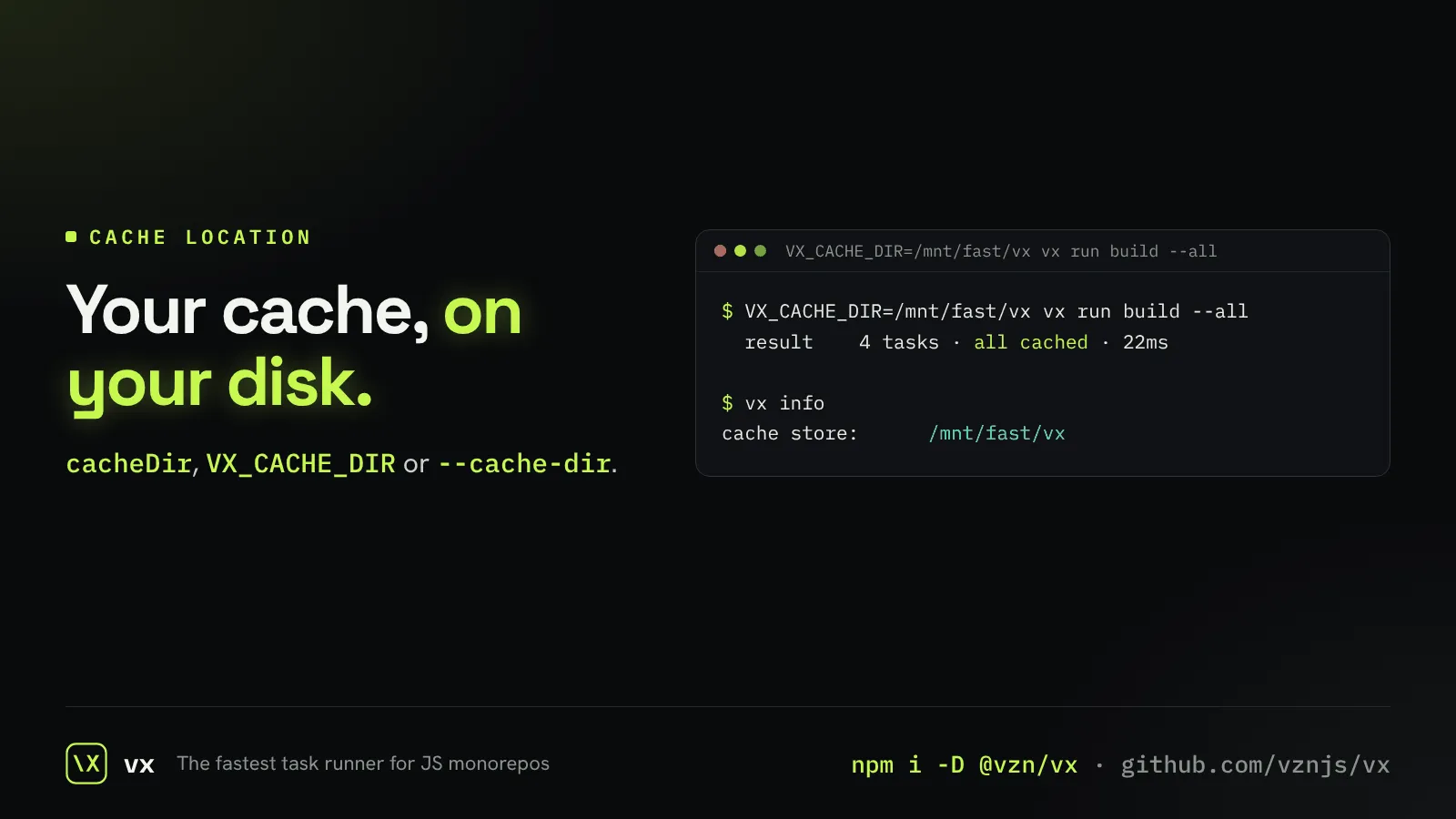
Put the cache where you want
Move the cache to a fast disk or a CI cache folder with one setting.
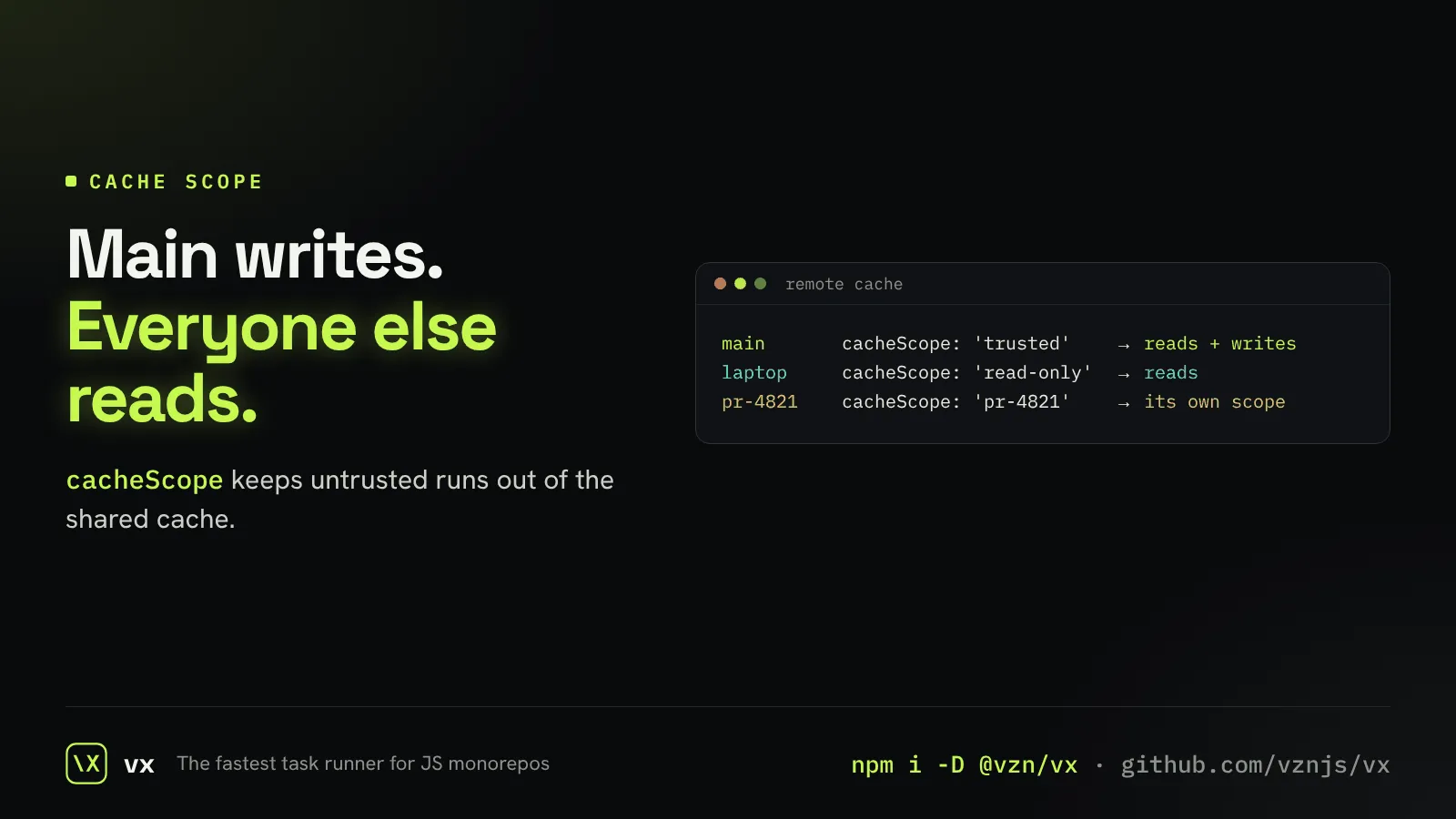
Only trusted runs write the shared cache
Main writes the remote cache; a laptop or a fork only reads it.
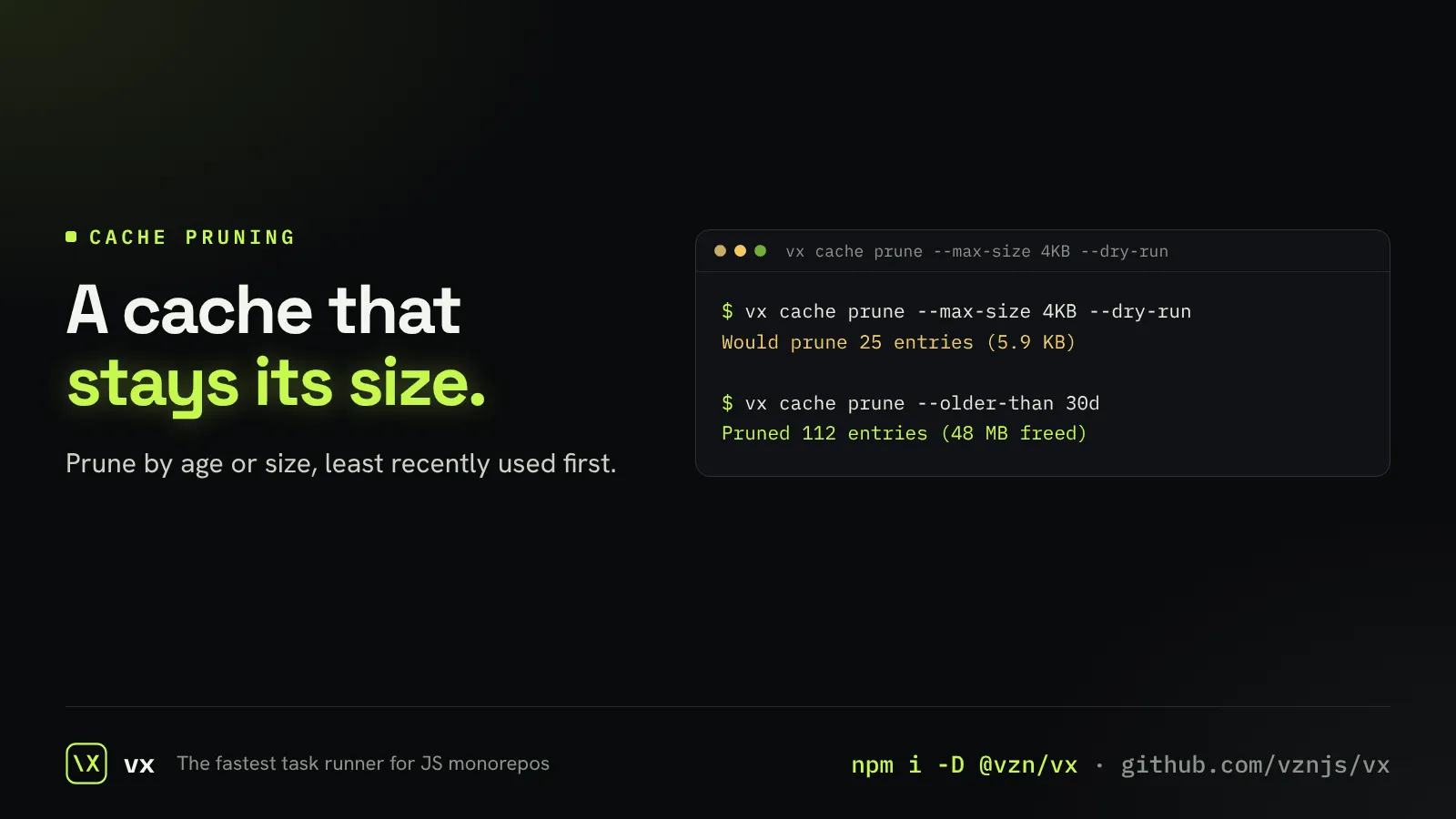
Keep the cache small
Evict by age or size, oldest use first, by hand or on a schedule.
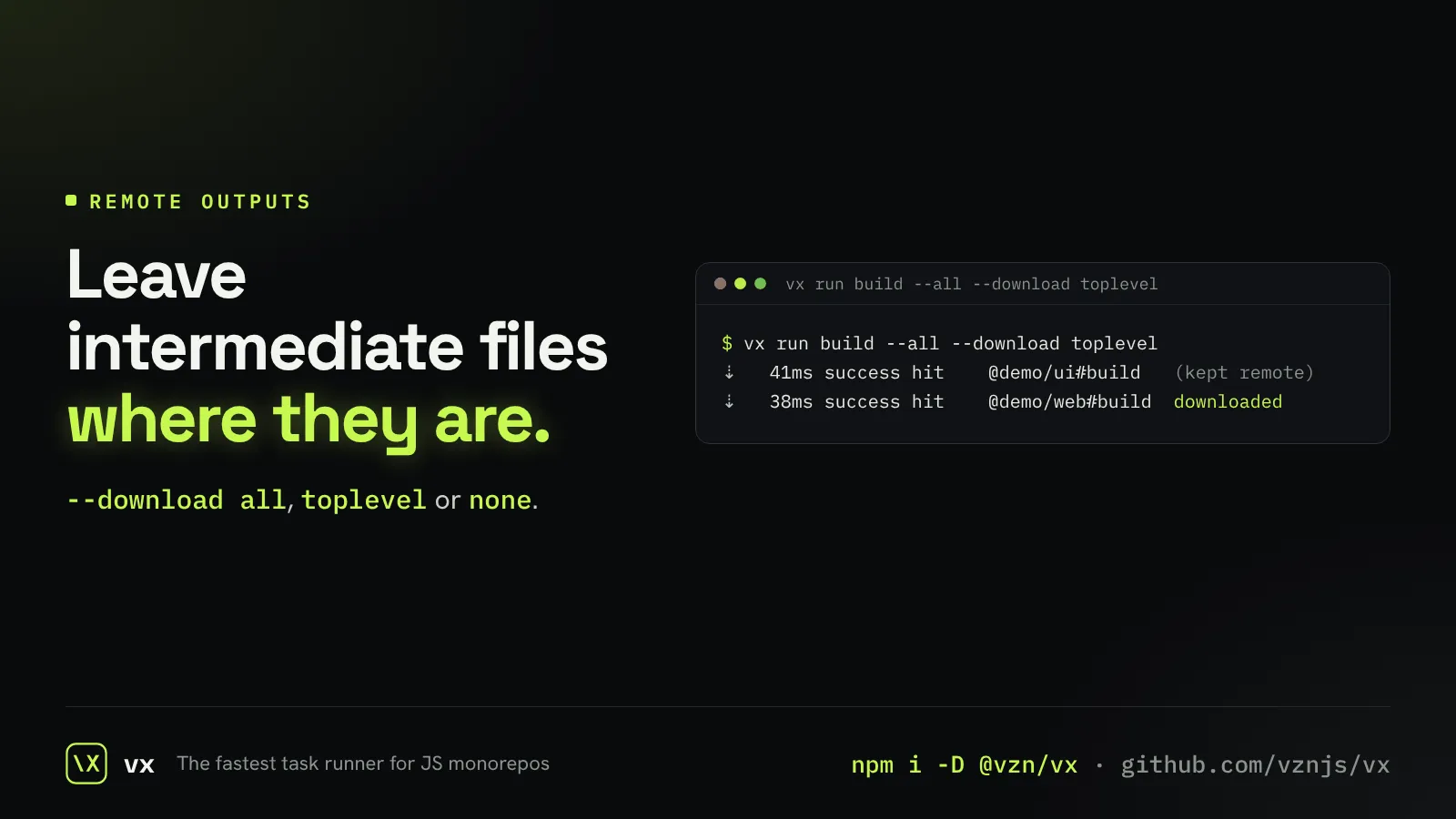
Download only what you need
With remote execution, choose to fetch all outputs, the top-level ones, or none.
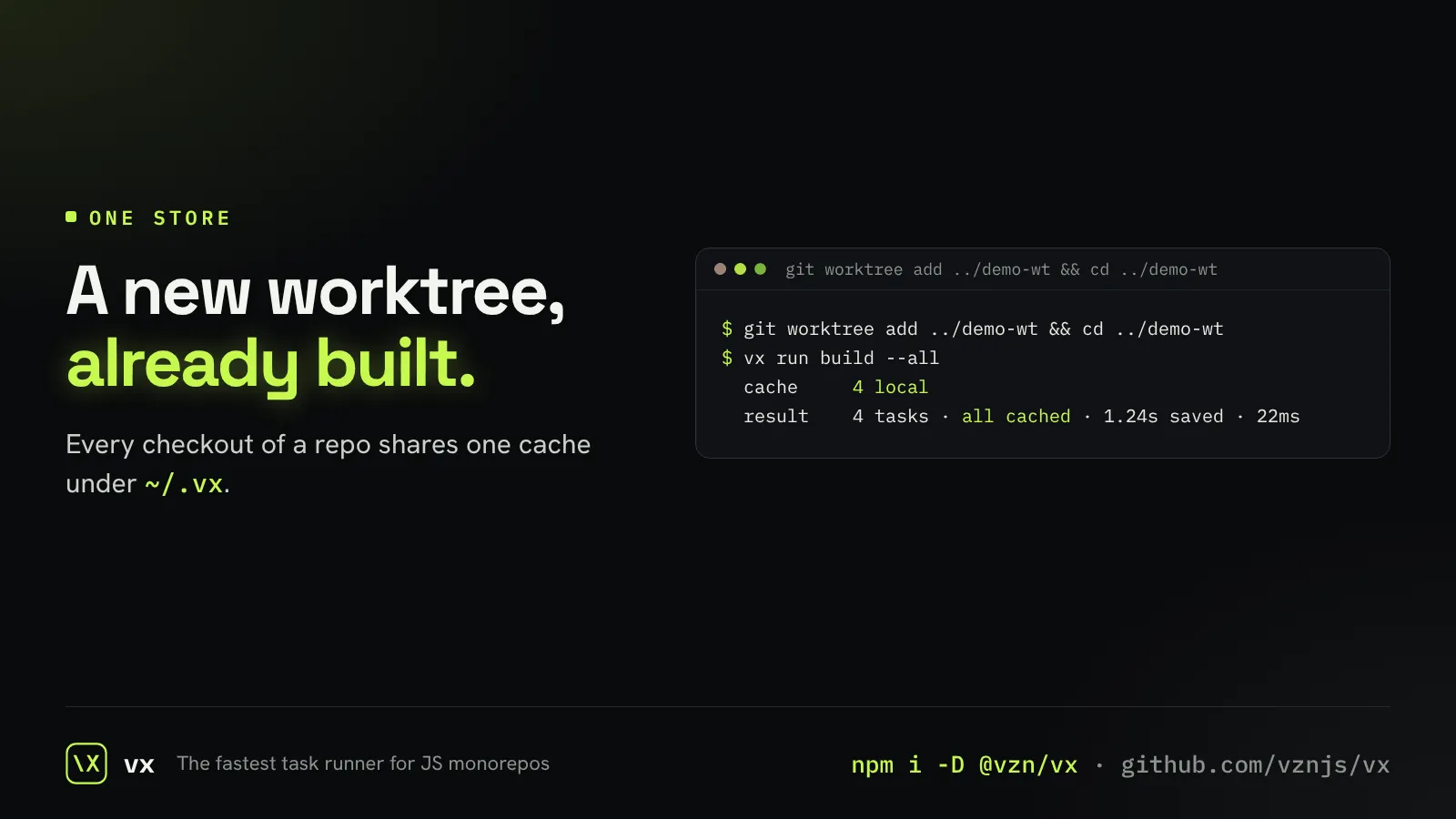
One cache for every checkout
Clones and worktrees of the same repo share their cache entries.
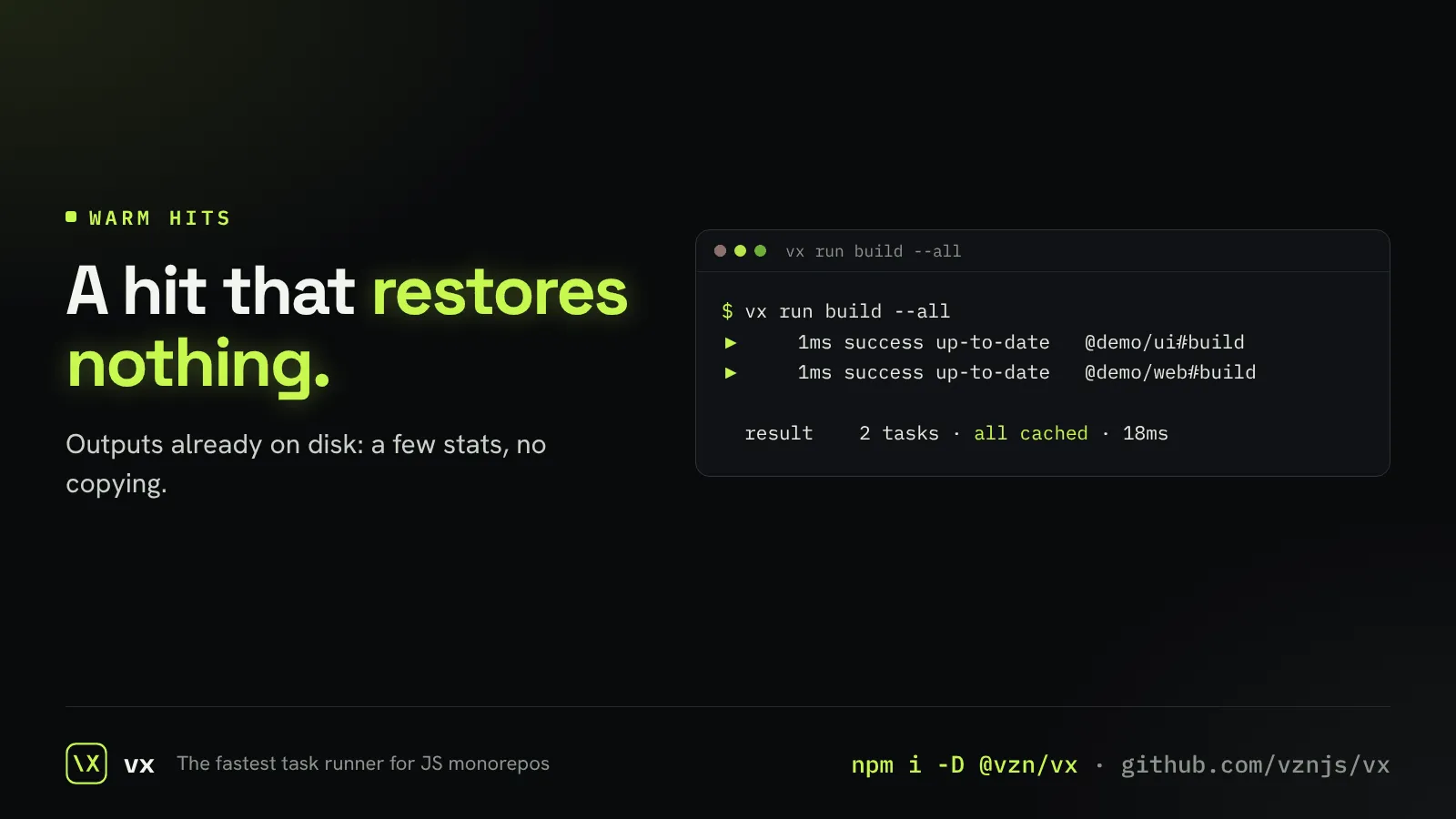
Hits that touch nothing
When the outputs on disk already match, a hit costs a few file stats.
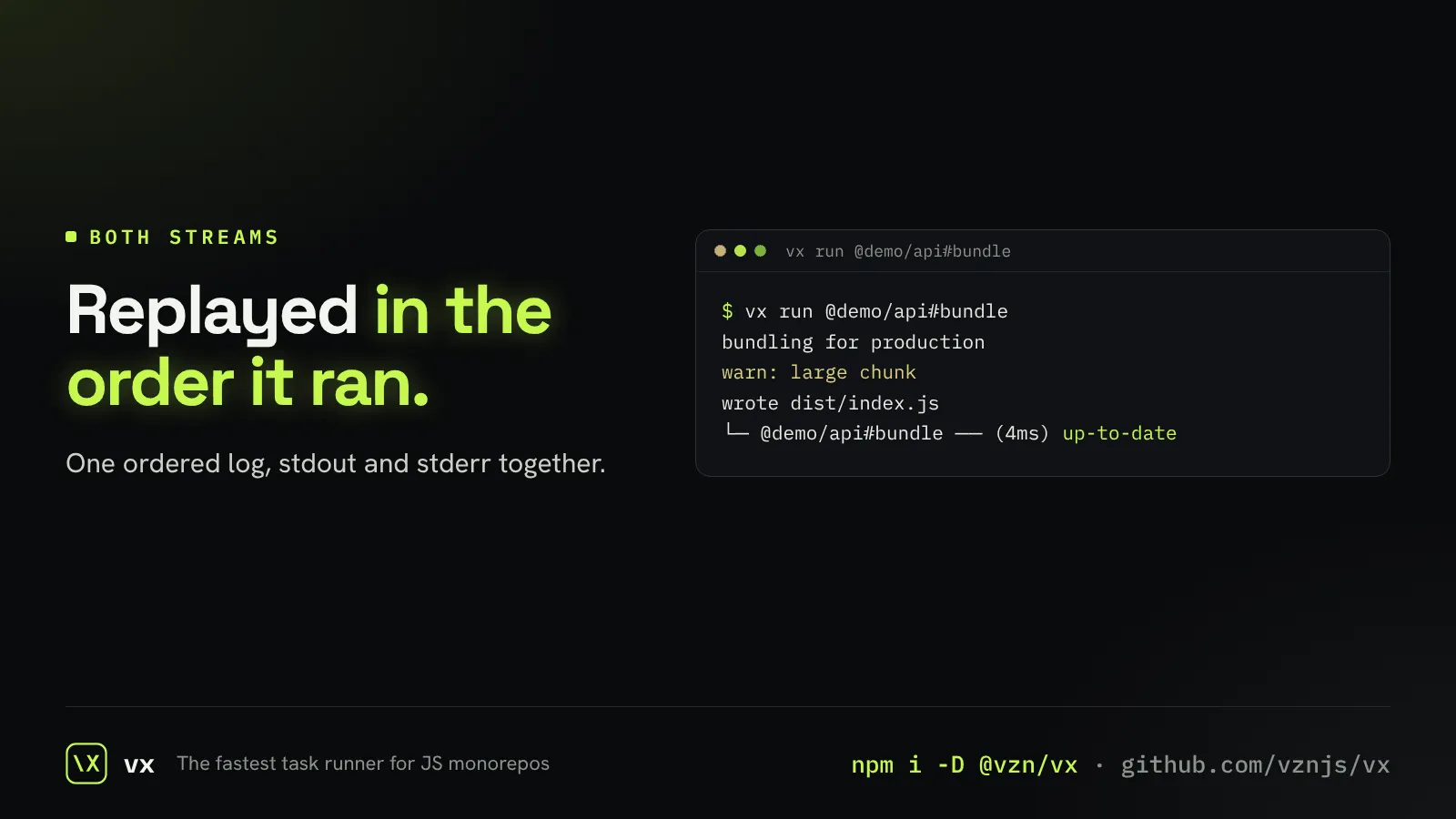
Hits replay what you saw
A cache hit prints stdout and stderr in the order the task printed them.
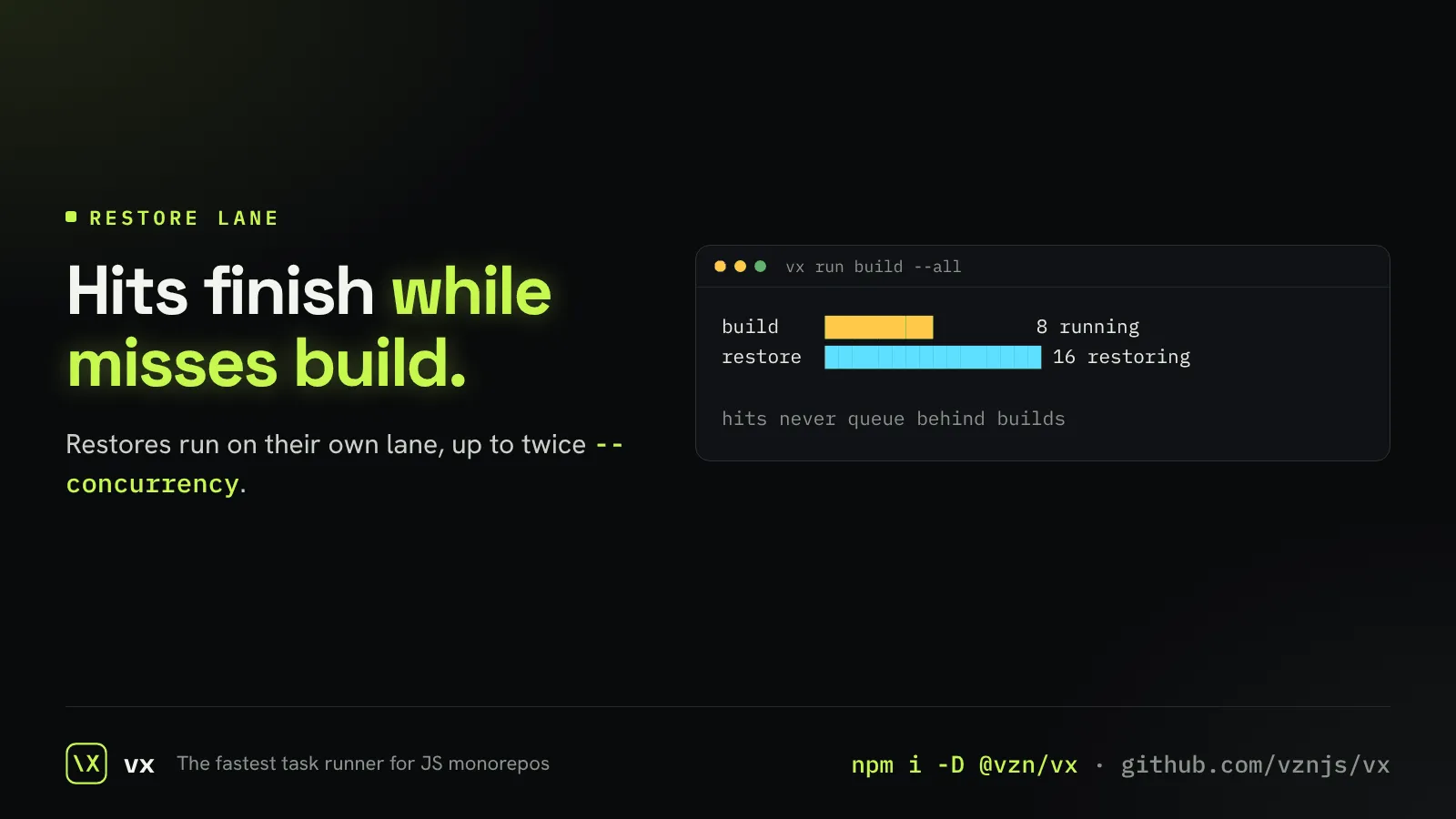
Restores never wait for builds
Cache restores run in their own lane, so hits finish while misses build.
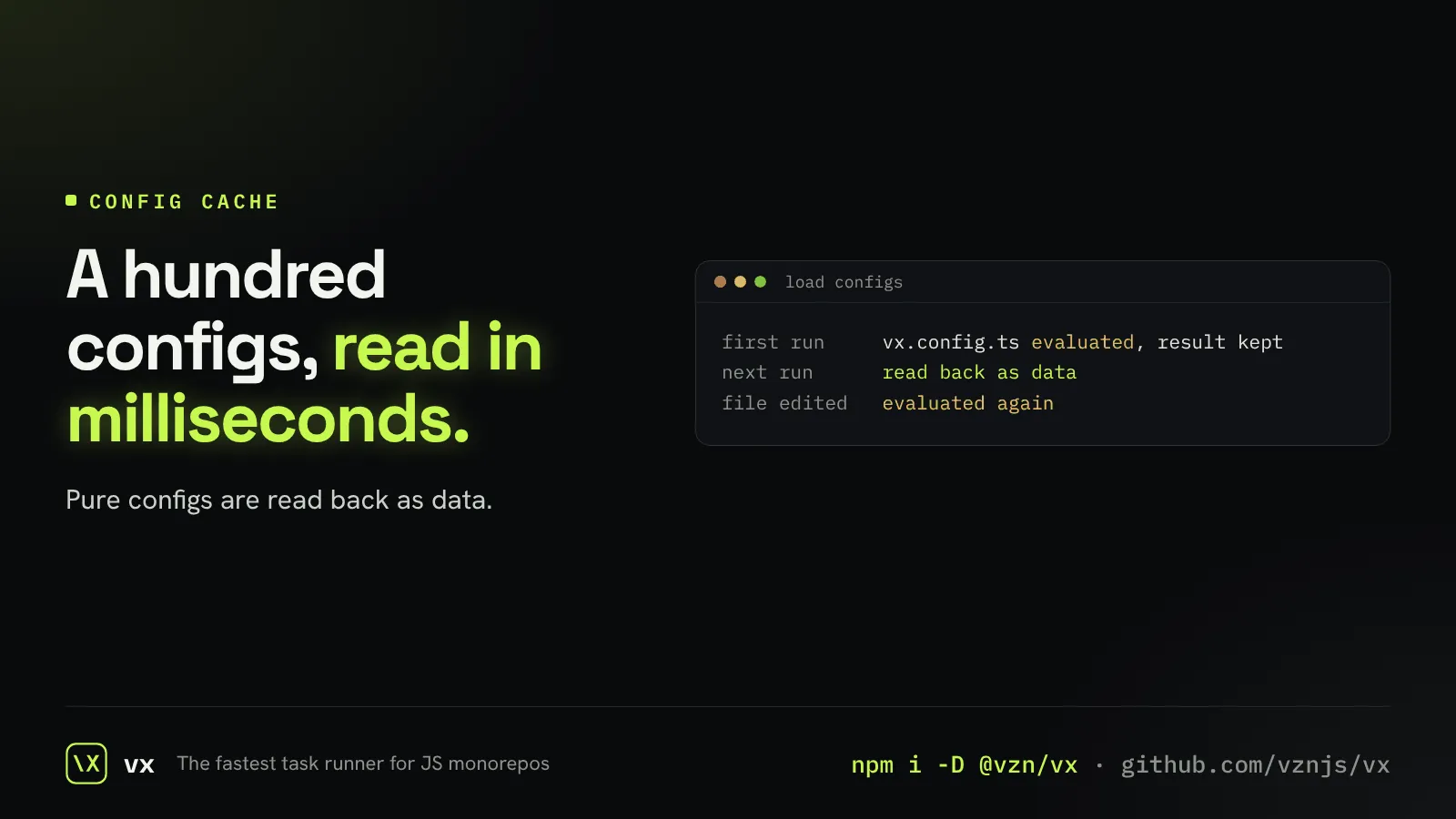
Configs read, not re-run
A config that is plain data is read back from cache, not evaluated again.
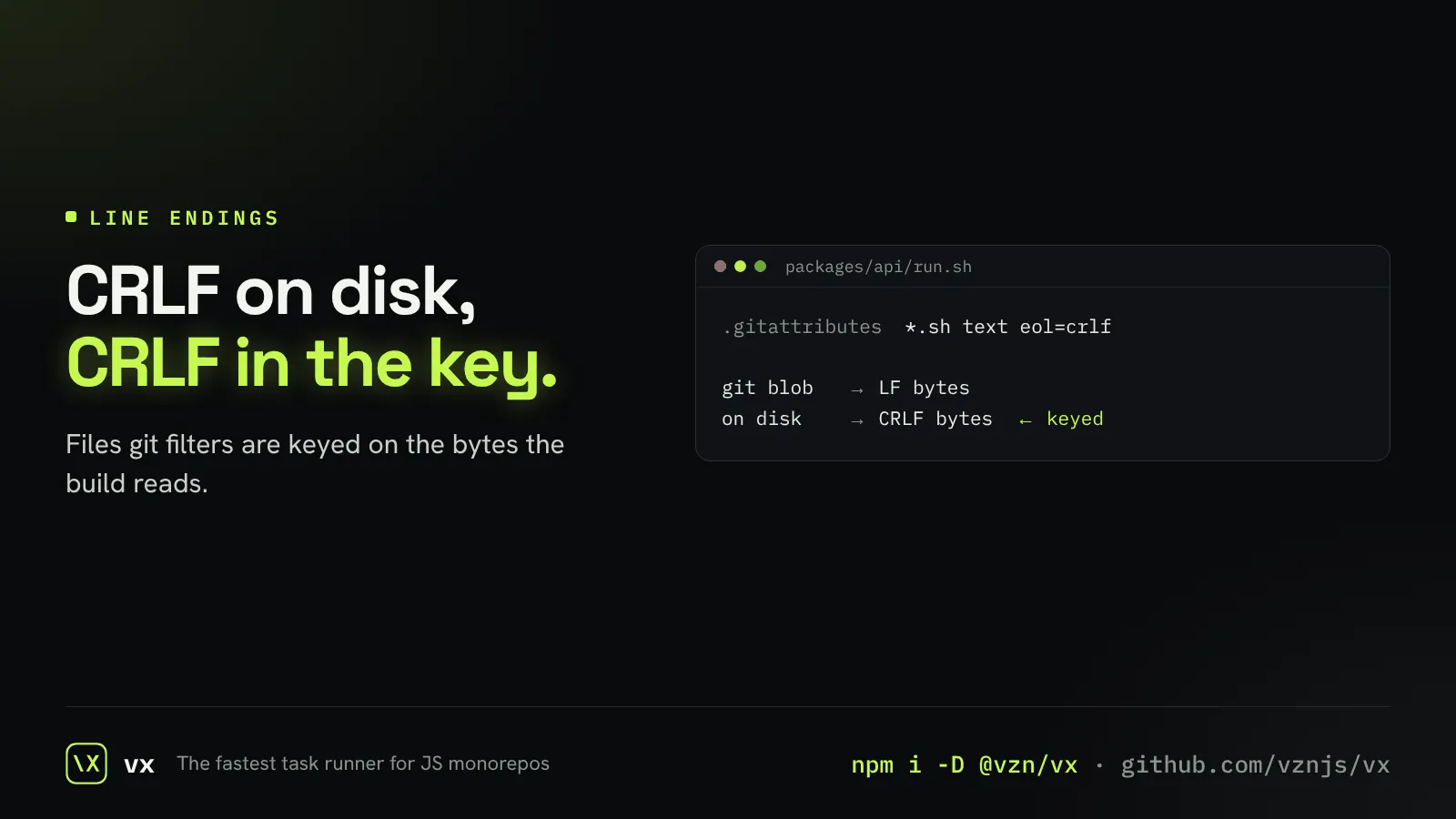
Keys that see what the build sees
Files git rewrites on checkout are keyed on the bytes on disk.
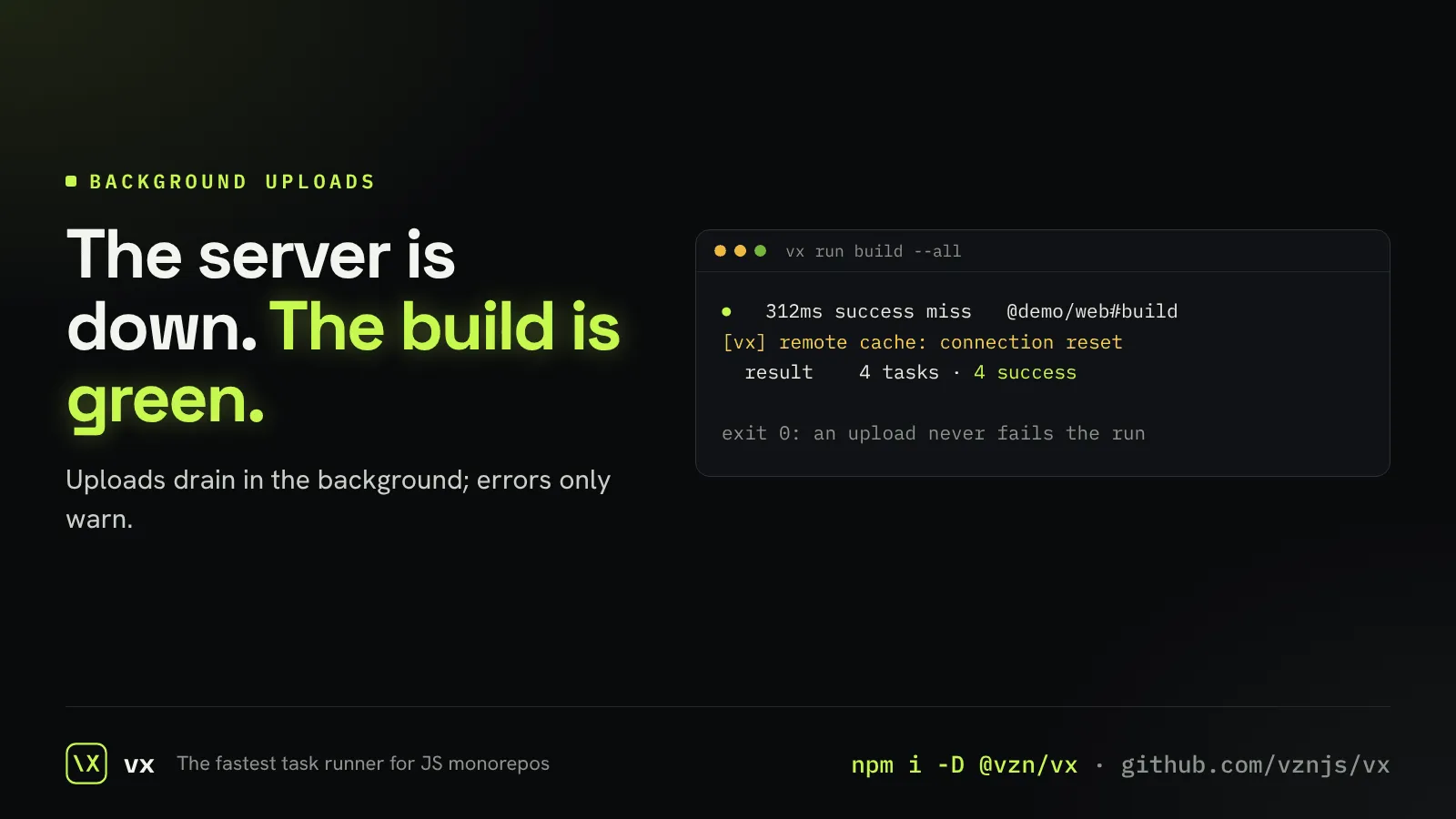
Uploads never fail the build
Remote cache writes drain at the end of the run and never turn a green build red.
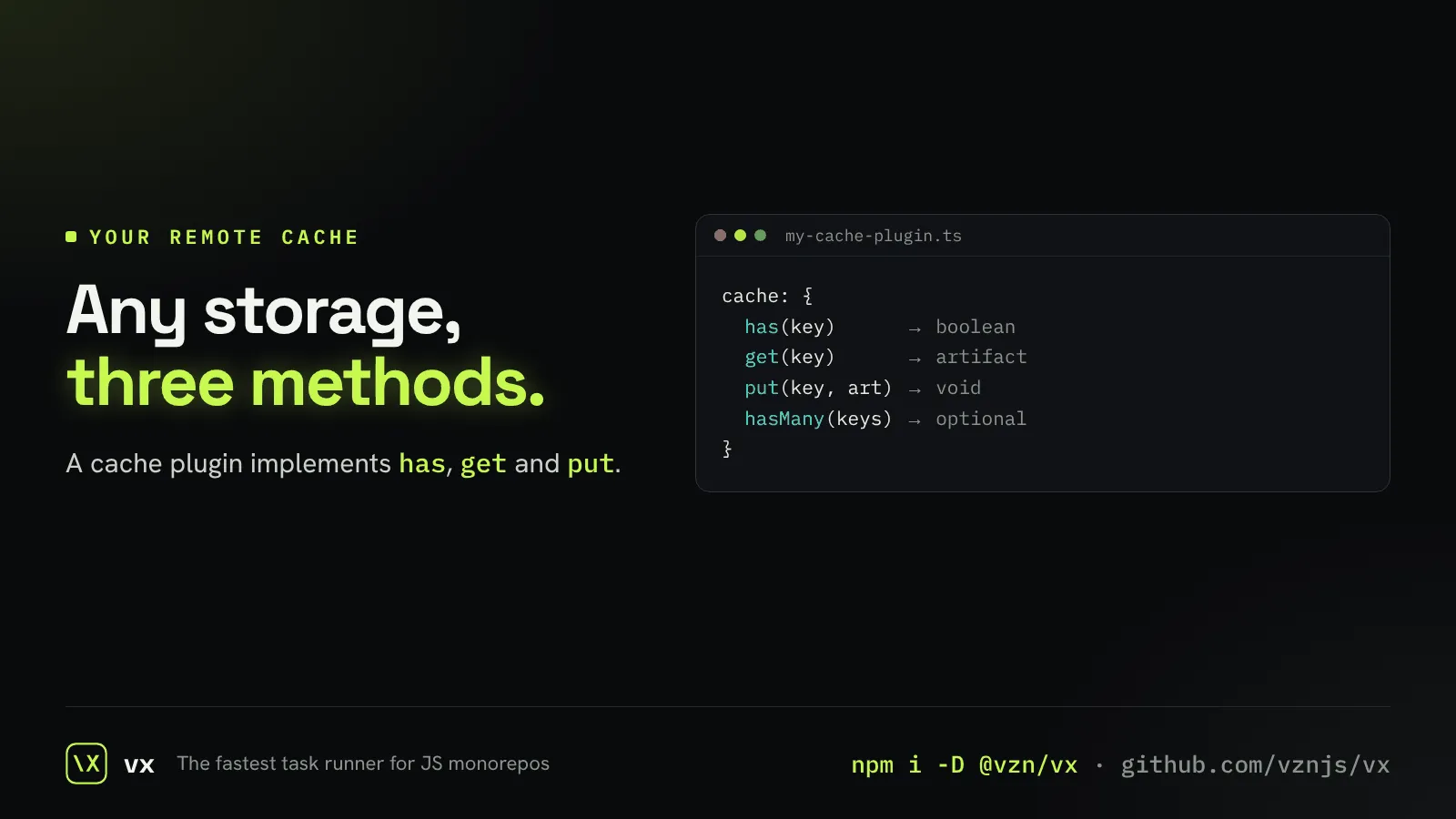
Bring your own cache server
Plug any storage in as a remote cache through one small interface.