
Nx executors, one process each
Any Nx executor runs as one vx task with its Nx environment set.
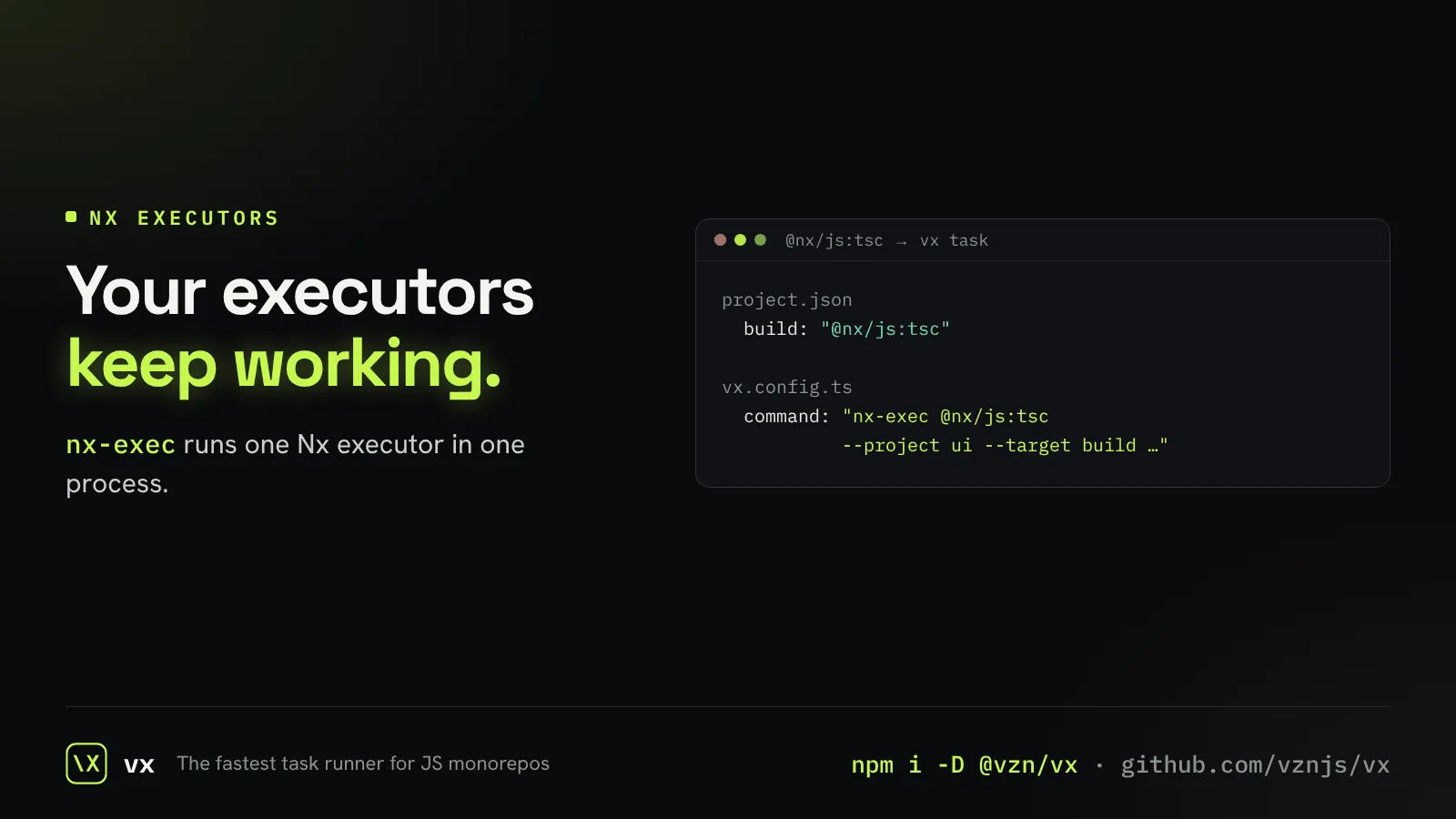
Some Nx targets use executors with no plain command behind them. You can keep them while you migrate.
The generated task calls nx-exec, which runs the executor through Nx’s public API in one process, so it works as it did under Nx.
// what it prints
project.json   build: { executor: "@nx/js:tsc", options: { … } }
vx.config.ts build: { exec: { command: "nx-exec @nx/js:tsc --project ui --target build …" } }More in Adoption
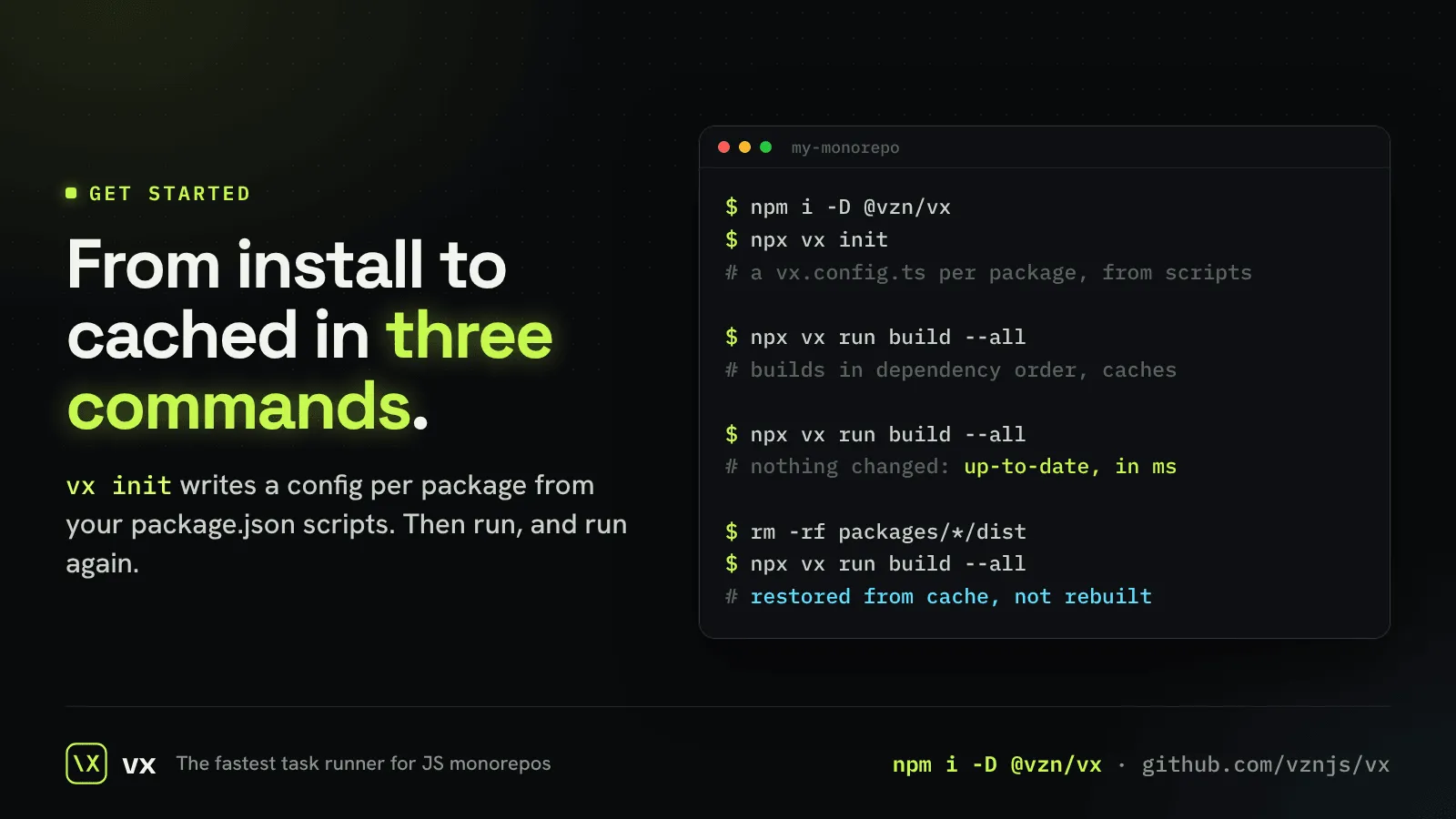
Start in a minute
Install, init, run.
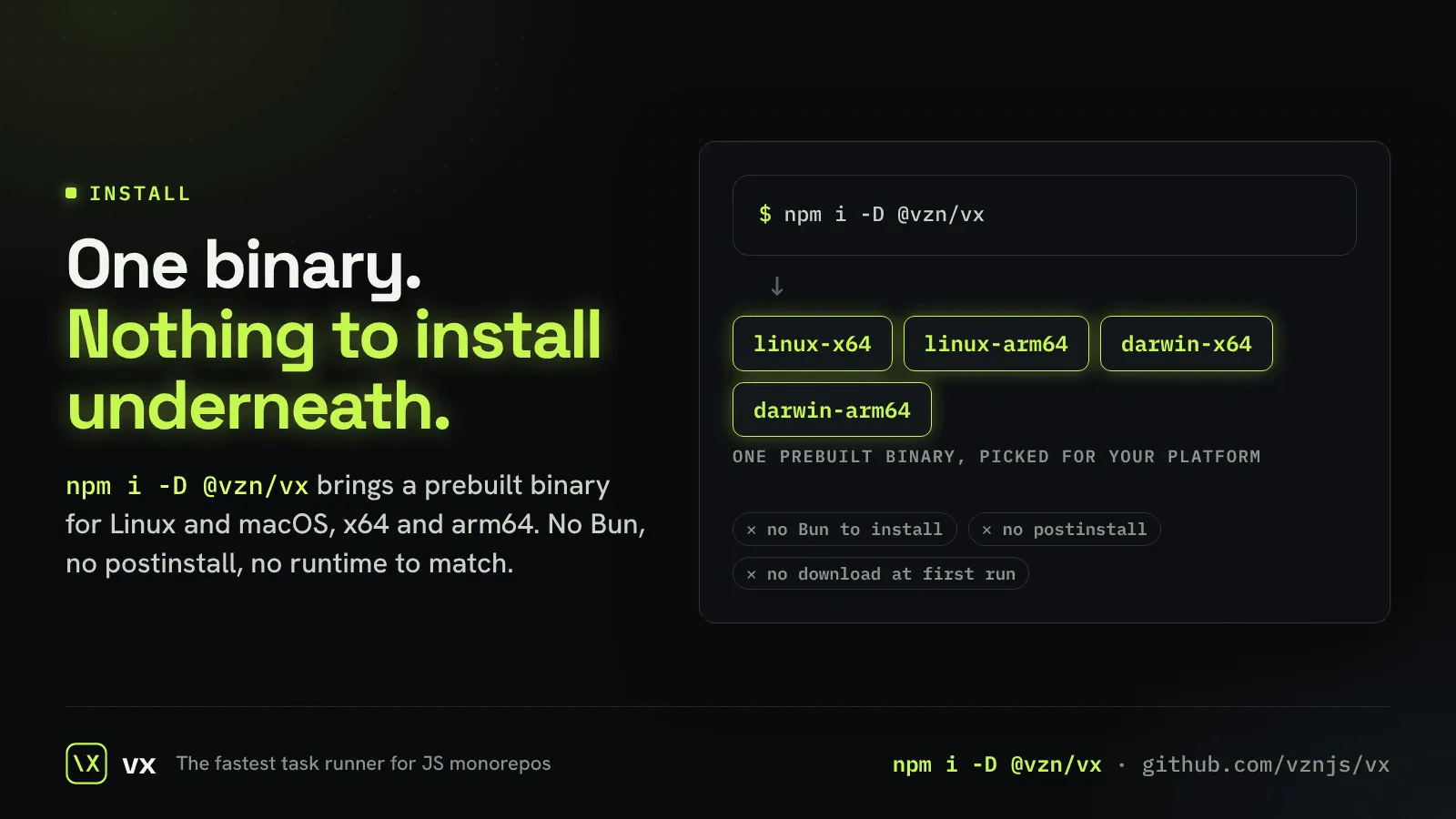
One binary
Built on Bun, and you never install Bun.
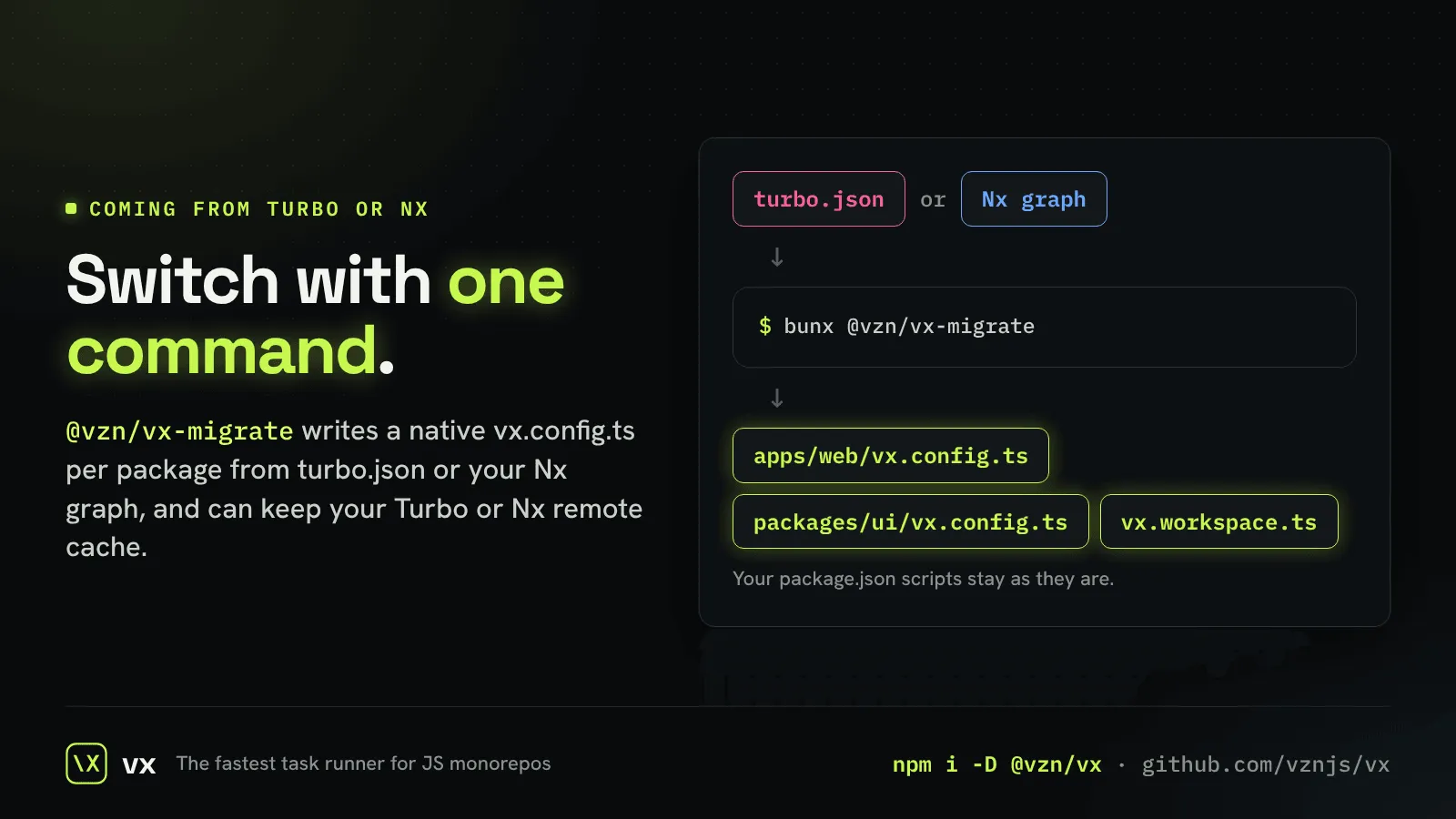
Migrate from Turborepo or Nx
One command writes native vx config from turbo.json or the Nx graph.
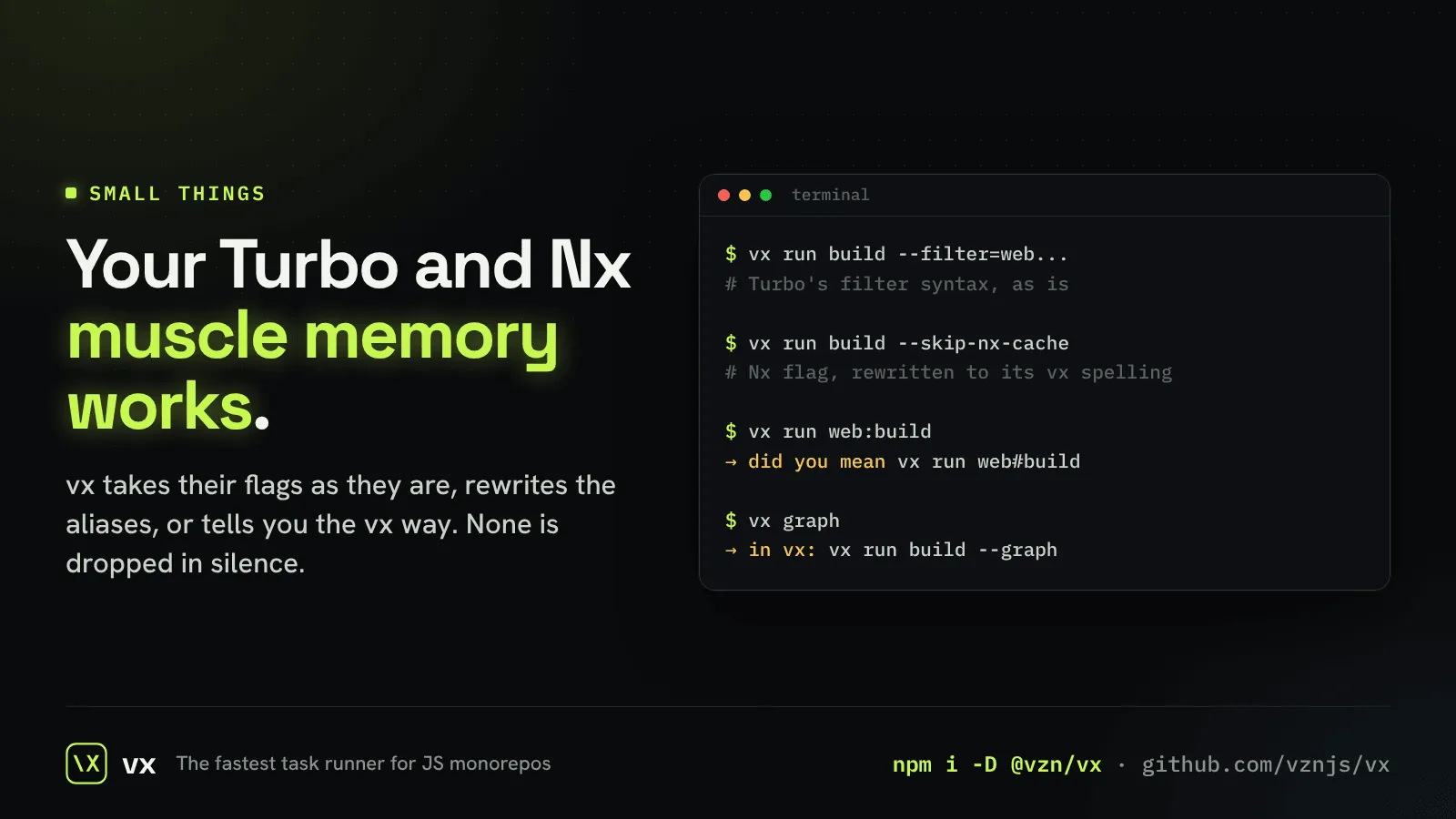
Flags you already know
Type what Turborepo, Nx or Vite Task taught you.
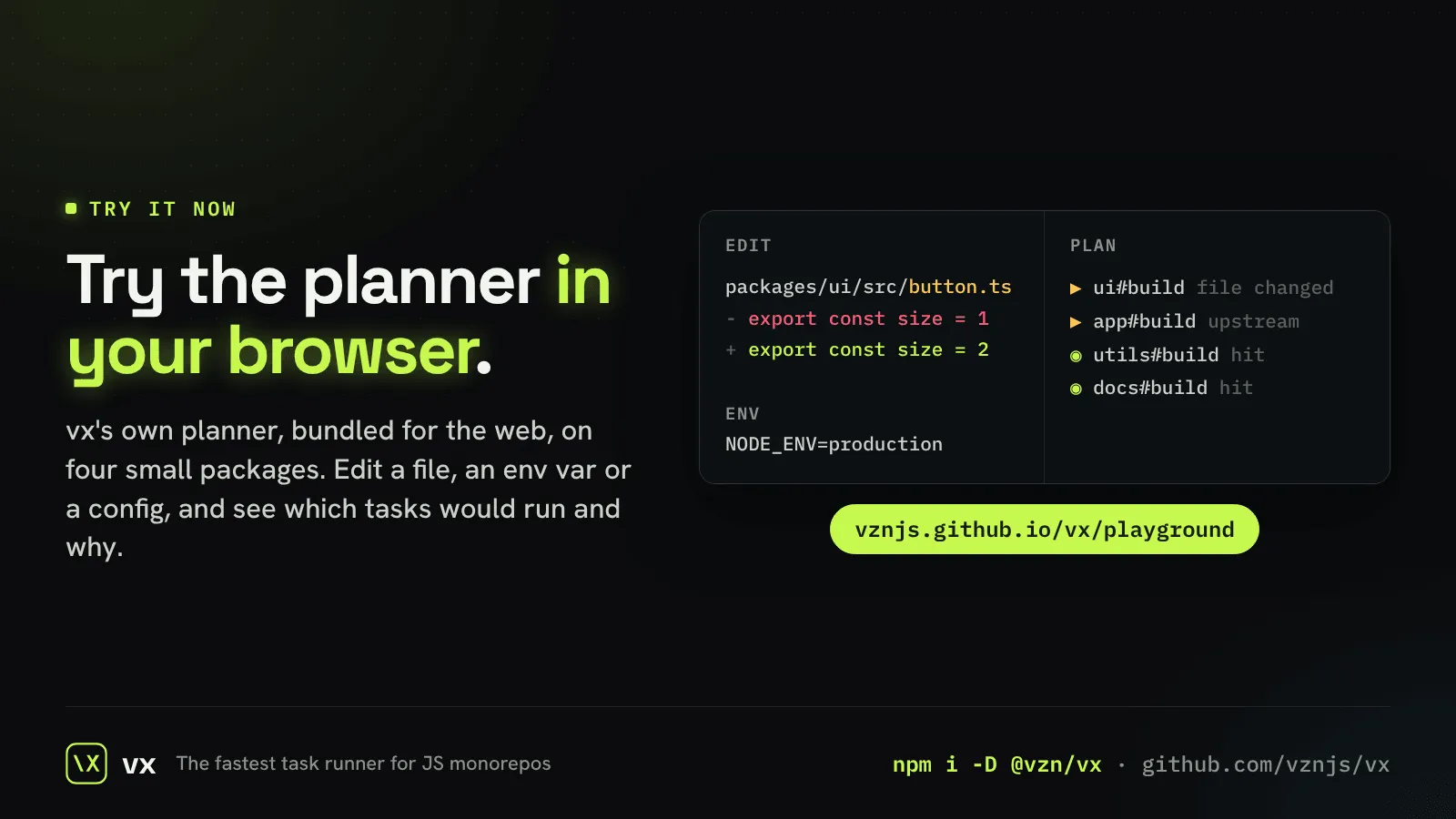
The playground
Try vx’s planner in your browser, with nothing to install.
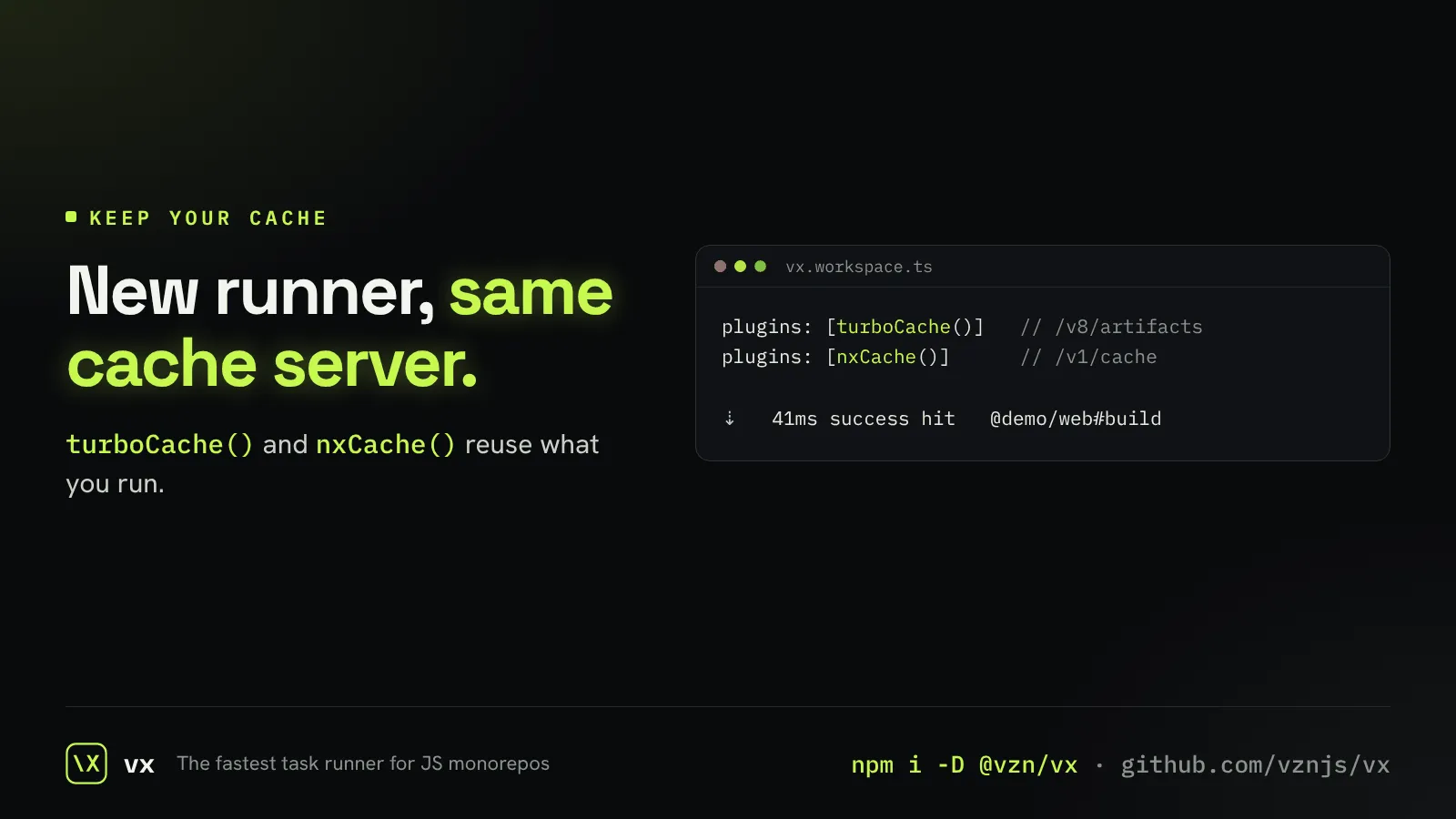
Keep your Turbo or Nx remote cache
Point vx at the remote cache server you already run.
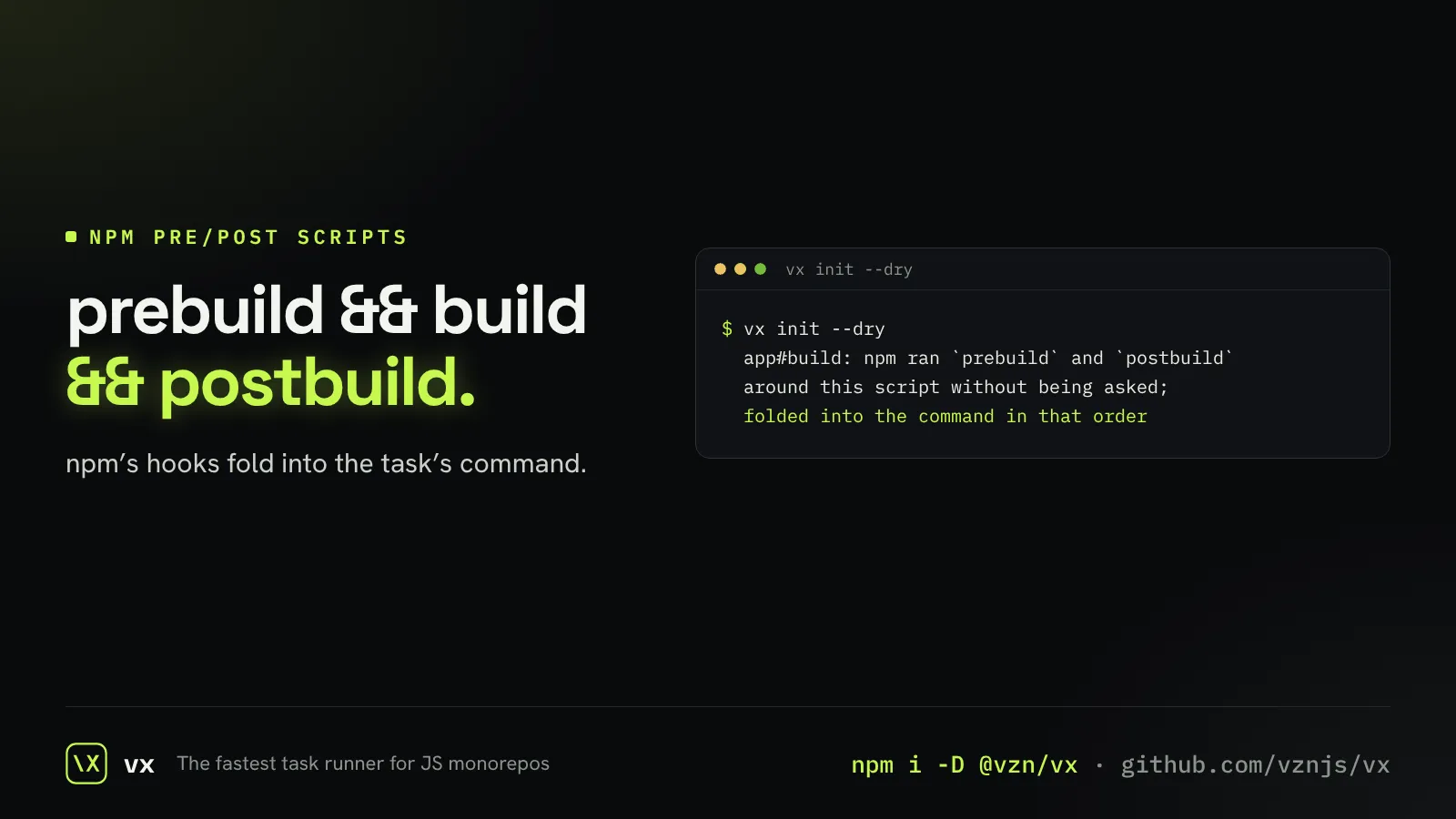
pre and post scripts kept
prebuild and postbuild fold into build when vx init maps your scripts.
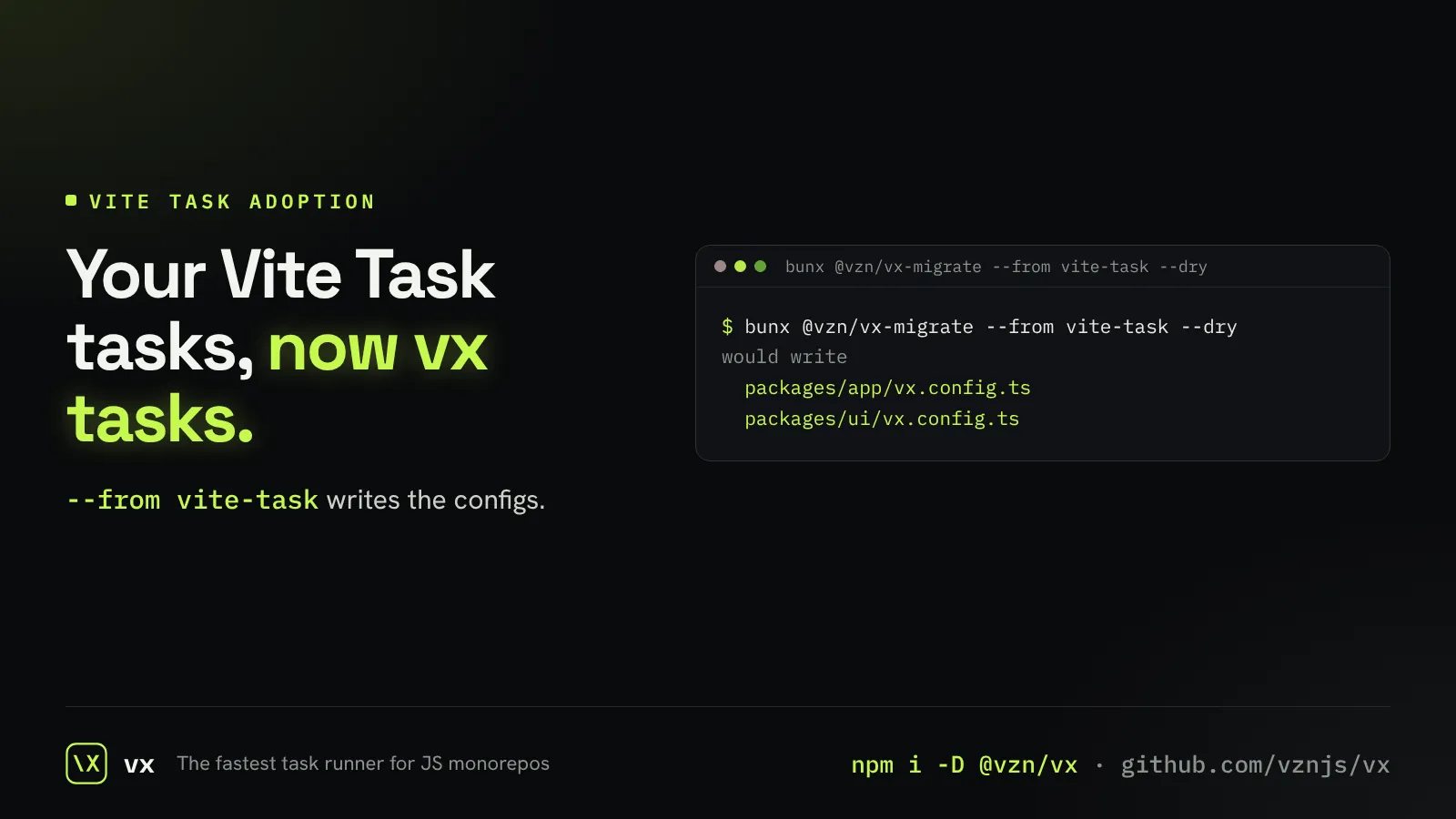
Coming from Vite Task
vx-migrate writes configs from vite-plus run.tasks, as it does from Turbo and Nx.
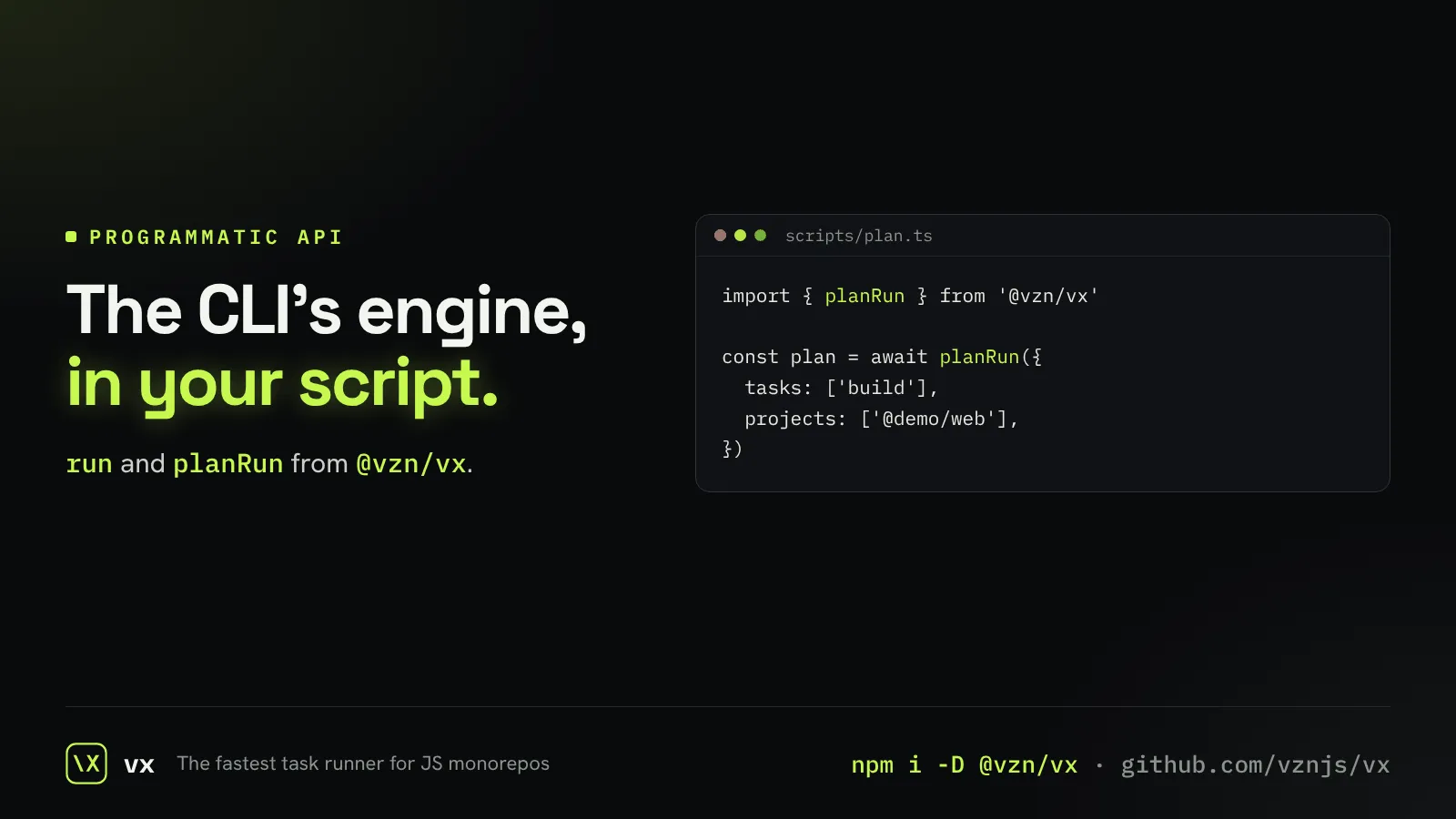
vx from your own scripts
Plan or run tasks from TypeScript with run and planRun.