
 DX
DXErrors that say the fix
Errors that say the fix
A refusal under --format json now links the fix for its code, and vx docs <code> prints the same fix offline.
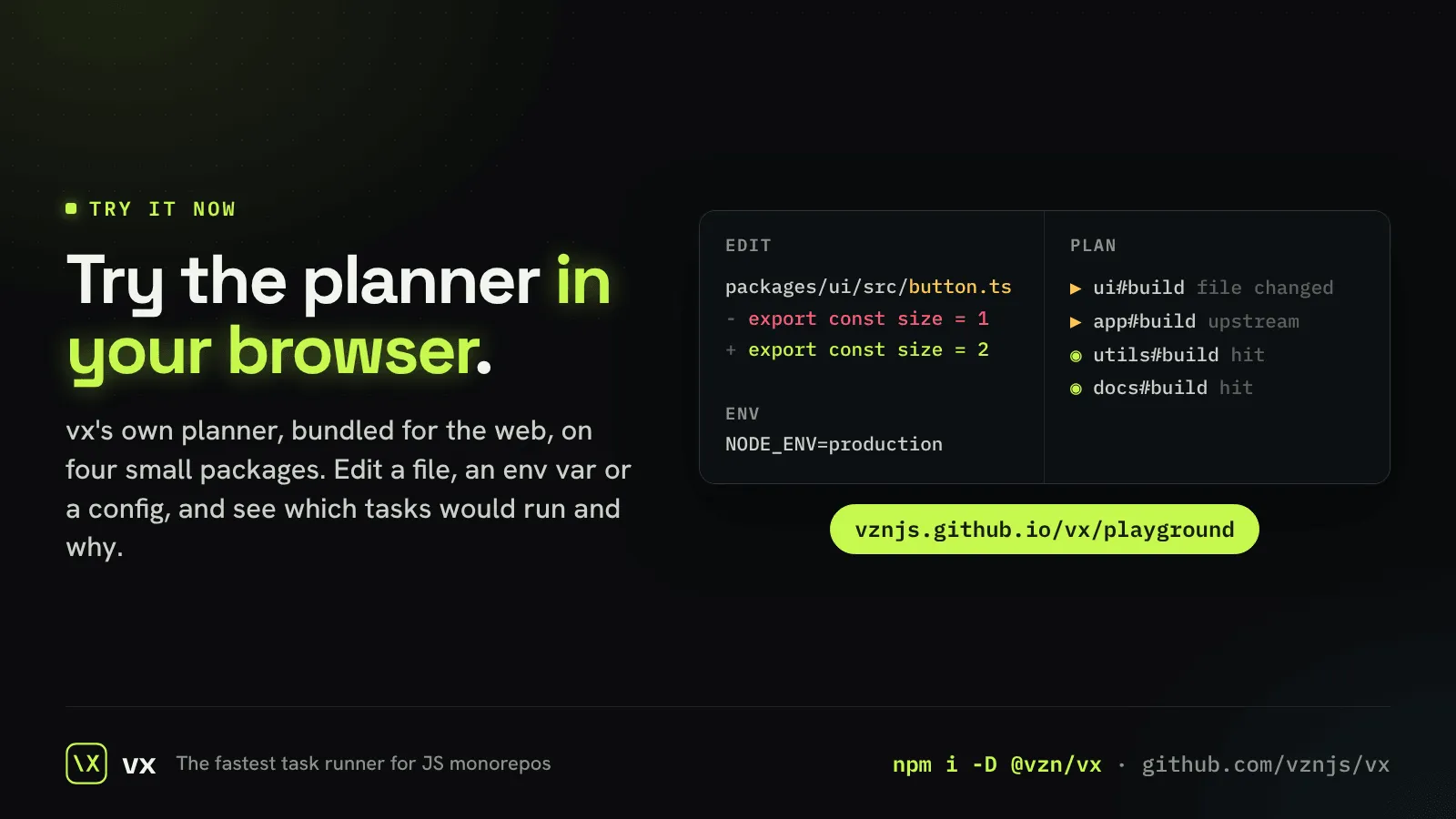
The playground runs vx’s own planner in the page, on four small packages. Edit a file, an env var or a config, press Run, and see which tasks would run and why.
DXThe fastest way to learn how a cache decides is to poke it. The playground is vx’s real planner, the same code the CLI runs, bundled for the browser. Nothing to install.
flowchart LR
  EDIT["edit a file, env or config"] --> PLAN["vx's planner (in the page)"]
  PLAN --> OUT["which tasks run, and why"]
  style PLAN stroke:#c6f84e,stroke-width:2px
The planner plans: it runs no command and writes no file. A test holds
the page’s planner to the CLI’s, so what you see there is what
vx would say.
On your own repository the page’s answer is one command:
vx run build test --all --dryand --dry=json gives the plan as data.
Learn more: The playground.
DXErrors that say the fix
A refusal under --format json now links the fix for its code, and vx docs <code> prints the same fix offline.
DXThe reference, offline
vx docs <query> searches the CLI, config and cache reference that ships inside vx. No network, no site: the sections that match print whole, with their URL.
MigrationFrom npm scripts or Vite Task
vx init turns package.json scripts into tasks, with npm pre and post hooks folded in the order npm runs them. A vite-plus repo converts the same way from its run.tasks.