
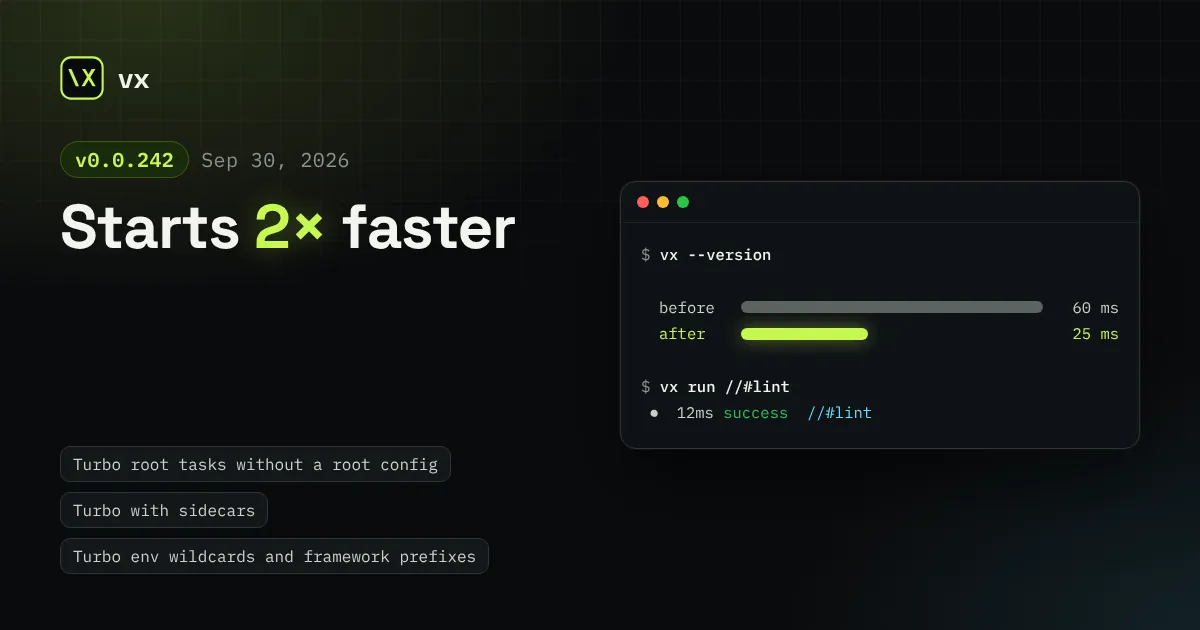
Starts 2× faster
turbo() now runs root tasks, single-package repos and with sidecars as Turbo does, nx() finds every project in an integrated repo, and the CLI starts 2× faster.
vx init now sets up a Turbo or Nx repo with one plugin line, the workspace root can hold tasks, and vx last jumps straight to the run that failed.
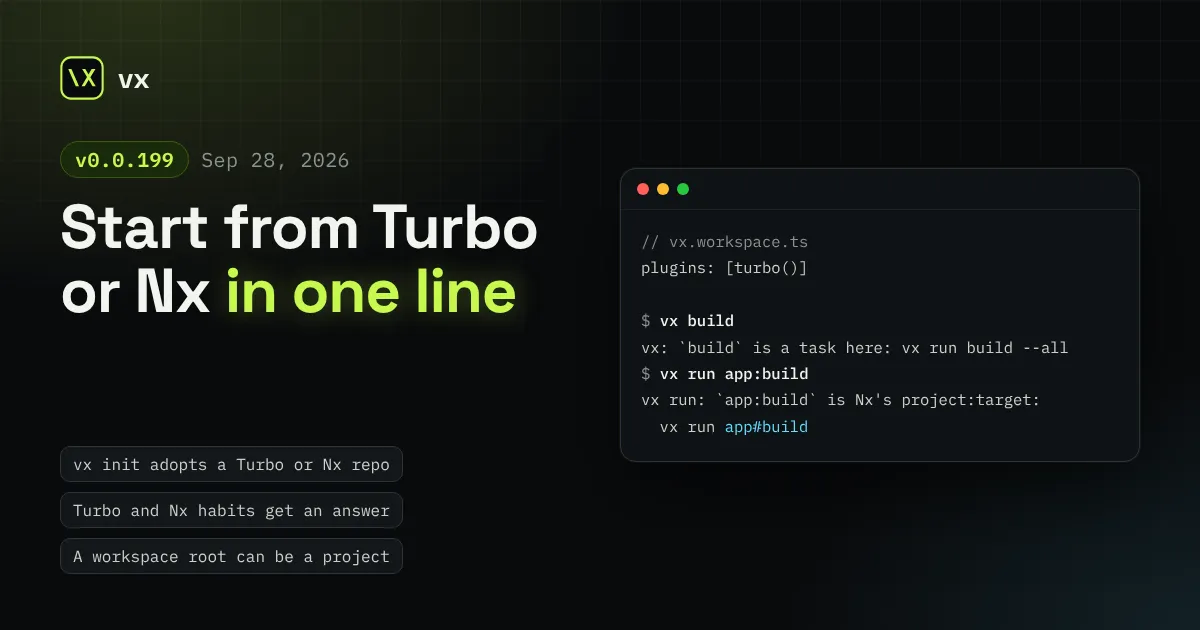
vx 0.0.76 through 0.0.199 shipped on 2026-09-27 and 2026-09-28. The theme
is adoption: a Turbo or Nx user gets a working setup from vx init, their
habits get an answer instead of an error, and the root package can hold
tasks. The run footer, vx last and secret masking also got better. Two
changes are breaking; they are listed at the end.
In this release
In a repo with turbo.json or nx.json, vx init used to copy scripts
into one config per package and drop every edge the repo declared. It now
writes only vx.workspace.ts with turbo() or nx(), which read the repo
as it is. When it sees a remote cache (TURBO_TOKEN in CI, or a
remoteCache in turbo.json), it adds turboCache() or nxCache() too, so
the first vx run on CI hits the cache Turbo already filled. The next:
line installs what is missing with your package manager.
// vx.workspace.ts, as vx init writes it beside turbo.jsonimport type { WorkspaceConfig } from '@vzn/vx/config'import { turbo, turboCache } from '@vzn/vx-migrate'
export default { plugins: [turbo(), turboCache()] } satisfies WorkspaceConfig
flowchart LR T["turbo.json or Nx graph"] --> I["vx init"] --> P["one plugin line in vx.workspace.ts"] --> R["vx run build --all"]
PRs #1706, #1801. Docs: Migrate from Turborepo.
Hands trained on Turbo or Nx type turbo build, nx run web:build,
--dry-run, -p or --parallel. vx refused each as unknown. Now every
Turbo and Nx run flag has one outcome: it works as is, it is an alias, or
the error names the vx spelling. A task typed as a verb, and Nx’s
project:target, name the vx run to type instead.
$ vx buildvx: `build` is a task here, not a command: vx run build --all$ vx run app:buildvx run: `app:build` is Nx's project:target: vx run app#buildA root task, like codegen or a root tsc -b every package waits on, had
no home. A vx.config.ts at the root is now a project: its globs stop at
every member, and other tasks can depend on it. --filter // selects it,
as in Turbo. turbo() maps Turbo’s //#task keys onto it, and
bunx @vzn/vx-migrate writes the root config for them. Five of eleven
real Turbo repos had root tasks that were dropped before.
// vx.config.ts at the workspace rootimport { defineProject } from '@vzn/vx/config'
export default defineProject({ tasks: { codegen: { exec: { command: 'bun scripts/codegen.ts' } }, },})vx run codegen --filter //PRs #1646, #1724, #1685, #1827.
A selector followed by a git range, like @scope/*[HEAD] or
{./apps/*}[main], was read as one name glob and matched nothing. vx now
reads it as Turbo and pnpm do: the selected projects that changed since
that ref.
vx run build --filter '{./packages/*}[main]'PR #1703. Docs: Run and filter.
cache.outputs now takes ! entries. A path matched by one is not
cleaned, saved, restored or taken from a remote, and vx watch still
sees it. A scratch dir inside dist no longer forces a task to run
uncached. Turbo and Nx negated outputs map to it.
import { defineProject } from '@vzn/vx/config'
export default defineProject({  tasks: {    build: {      exec: { command: 'bun run build' },      cache: {        inputs: { files: ['src/**'] },        outputs: { files: ['dist/**', '!dist/tmp/**'] },      },    },  },})
PRs #1649, #1679. Docs: Caching.
The footer spread tasks, cache hits and time over three meters. It now
ends with one result line: task count, how many were cached, time saved
and wall time. It says all cached when every task hit, and puts
failures first.
info 4 workers · local cache time 27ms result 2 tasks · all cached · 22ms saved · 27msPR #1760.
After a green re-run, finding the failure took --list and a copied
UUID. vx last --failed replays the latest failed run, and with --list
lists only failures. --list prints short run ids, and vx last and
vx why take any unique prefix. A failed replay ends with the command
that re-runs what failed.
$ vx last --failed  $ vx run test --all  3 tasks · 2 hits (2 up-to-date, 0 restored) · 1 failed
  failed (exit 1)   app#test        5ms  a210b23e08eded55  no-cache  0.3× cpu  up-to-date        lib#build       0ms  18679153744c589a  up-to-date        app#build       2ms  15f0218ef9e7a02c
  re-run what failed: vx run app#test
PRs #1499, #1385, #1436, #1493. Deep dive: Why did this re-run?
vx masks values of env vars whose names hold TOKEN, SECRET, KEY,
PASSWORD, PASSWD or CREDENTIAL, wherever it prints, stores or
exports a task’s output or command. That missed names like GH_PAT: a
task that echoed it stored the token in its cached log. The new
exec.env.secret list masks any name you give it.
import { defineProject } from '@vzn/vx/config'
export default defineProject({  tasks: {    publish: {      exec: {        command: 'bun scripts/publish.ts',        env: { passThrough: ['GH_PAT'], secret: ['GH_PAT'] },      },    },  },})
PRs #1406, #1532. Docs: Environment variables.
vx init --plugin <seam> writes plugins/<seam>.ts, a runnable plugin,
and a test that drives it through a real run. It covers all nine seams:
executor, cache, telemetry, schedule, admit, commands, project, graph and
key. The templates are the same examples the repo’s gate runs.
$ vx init --plugin telemetrywrote plugins/telemetry.ts and plugins/telemetry.test.tsDeclare it in vx.workspace.ts: import { jsonlTelemetry } from './plugins/telemetry.ts', then plugins: [jsonlTelemetry(…)]Test it: bun test plugins/telemetry.test.ts (needs @vzn/vx installed)PRs #1415, #1347. Docs: Write one.
CI scripts and agents parse vx show, vx info, vx why, vx last,
vx cache prune --format json, vx run --dry=json and --summarize.
Their shapes are now JSON Schemas shipped in
node_modules/@vzn/vx/schemas/, and tests hold each output to its schema.
vx cache prune gained --format json in the same batch.
vx run build --all --dry=json > plan.json # schemas/plan.jsonPRs #1608, #1675, #1681, #1644.
vx stats is removed; run vx info, which prints the same report.
PR #1392.defineProject and defineWorkspace reject undeclared keys at
type-check time; vx already refused them at load.
PRs #1792,
#1793.See Upgrading.
npm install -D @vzn/vx@latestA standalone binary updates itself with vx upgrade.
turbo() now runs root tasks, single-package repos and with sidecars as Turbo does, nx() finds every project in an integrated repo, and the CLI starts 2× faster.
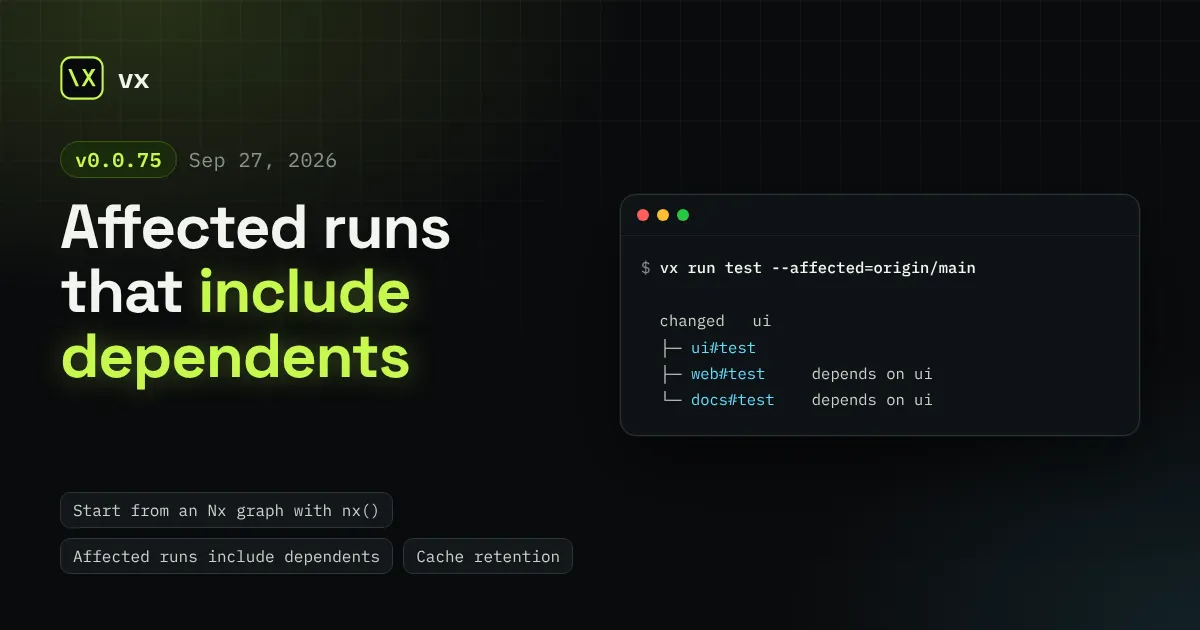
nx() maps an Nx project graph to vx tasks with nothing written, --affected selects dependents too, and remote caches stream artifacts instead of holding them in memory.
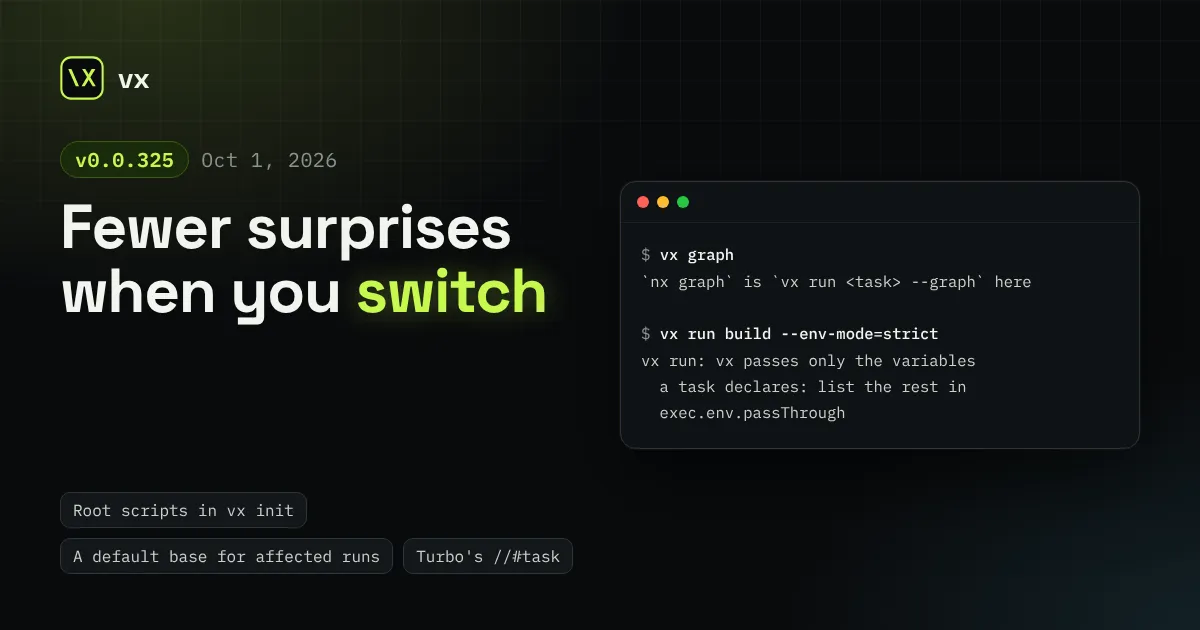
vx init maps a root package.json's repo-wide scripts, a bare --affected takes its base from affectedBase, and Turbo and Nx commands, flags and cache switches now land where you expect.